Why Choosing the Right ERP is Harder Than You Think
Most contractors know they need better systems. Margins are razor-thin, and managing multiple teams across sites with Excel sheets is a ticking time bomb. But buying an ERP isn't like picking a project management app. It's a long-term commitment. The wrong choice can set you back years.
So, how do you avoid costly mistakes? Start by focusing on the features that actually solve your biggest pain points.
1. Real-Time Project Profitability Tracking
Contractors live and die by their margins. Yet, many don’t know if a project is profitable until it’s too late. Why? Because they track costs manually or rely on outdated tools that don’t integrate with their BOQs.
Good ERP software eliminates this guesswork. It lets you monitor project profitability in real time by automatically linking material costs, labor, and subcontractor payments to your estimates. Take JobNext, for example. Their platform ties every expense back to your BOQ, so you know exactly where you stand at any point in the project.
Pro Tip: Look for an ERP that flags cost overruns automatically. If it doesn’t include alerts, you’ll end up doing the math manually — defeating the point of having an ERP.
2. Unified Platform (No More Disconnected Tools)
If your procurement team uses spreadsheets, your accounting team uses Tally, and your project managers rely on WhatsApp, you’ve got a fragmentation problem. And it’s costing you more than you think.
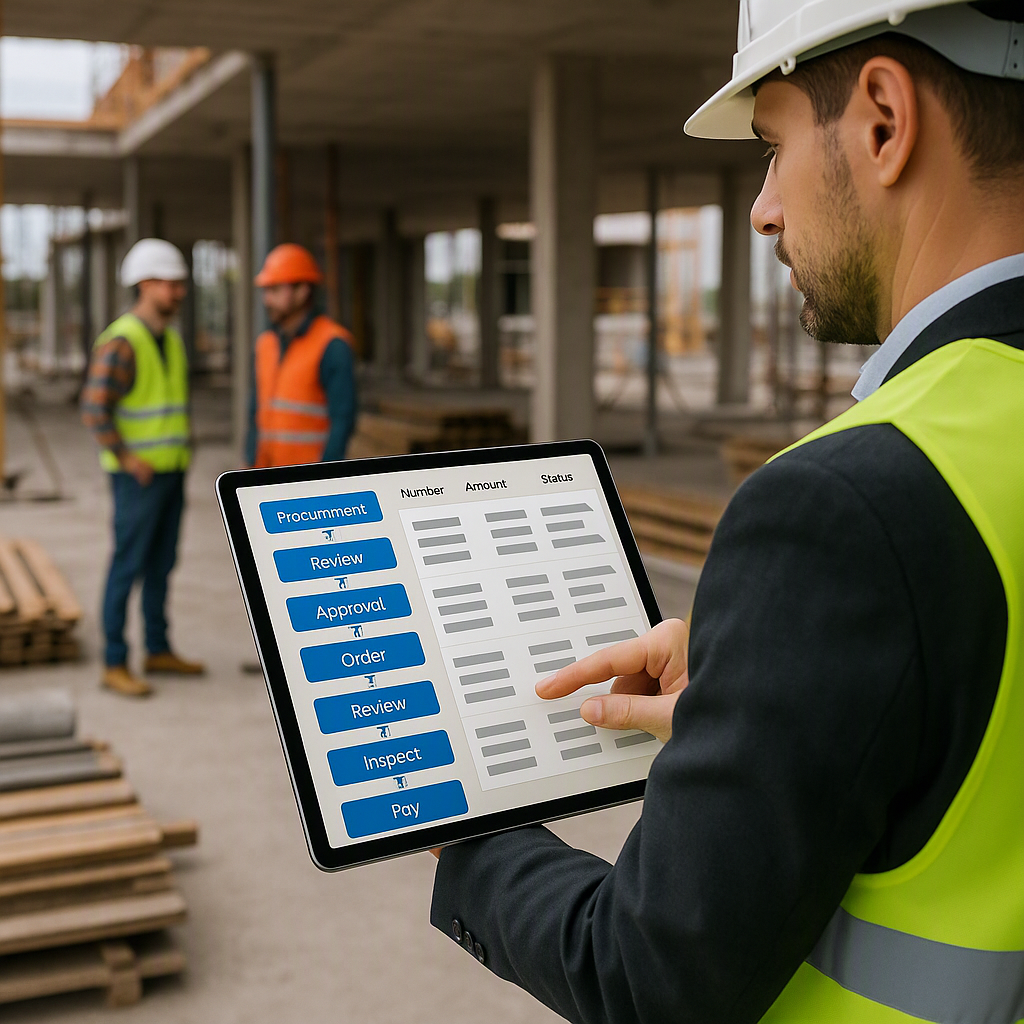
Contractors who switch to unified platforms report fewer delays, fewer mistakes, and happier teams. Why? Because everyone works from the same system. No more copy-pasting data or chasing updates.
The hidden cost of disconnected tools is so significant that JobsNext.ai calls it a "measurable drag on profitability." Unified platforms like JobNext bring everything — procurement, payroll, billing, and HR — under one roof.
Watch Out: Not every "unified" ERP is truly unified. Some just stitch together separate modules with weak integrations. Ask your vendor for a demo to confirm.
3. Flexible Billing Methods
Billing isn’t one-size-fits-all in construction. Whether you’re doing RA bills, stage-wise invoicing, or monthly fixed payments, your ERP should adapt to your needs — not the other way around.
For example, JobNext supports six billing methods, ensuring contractors don’t lose revenue due to mismatched or forgotten invoices. This flexibility is a lifesaver for contractors juggling multiple projects with different client requirements.
Quick Tip: Before choosing an ERP, list your current billing methods. Then, check if the software supports all of them. Missing even one can create headaches down the line.
4. Compliance and Statutory Support
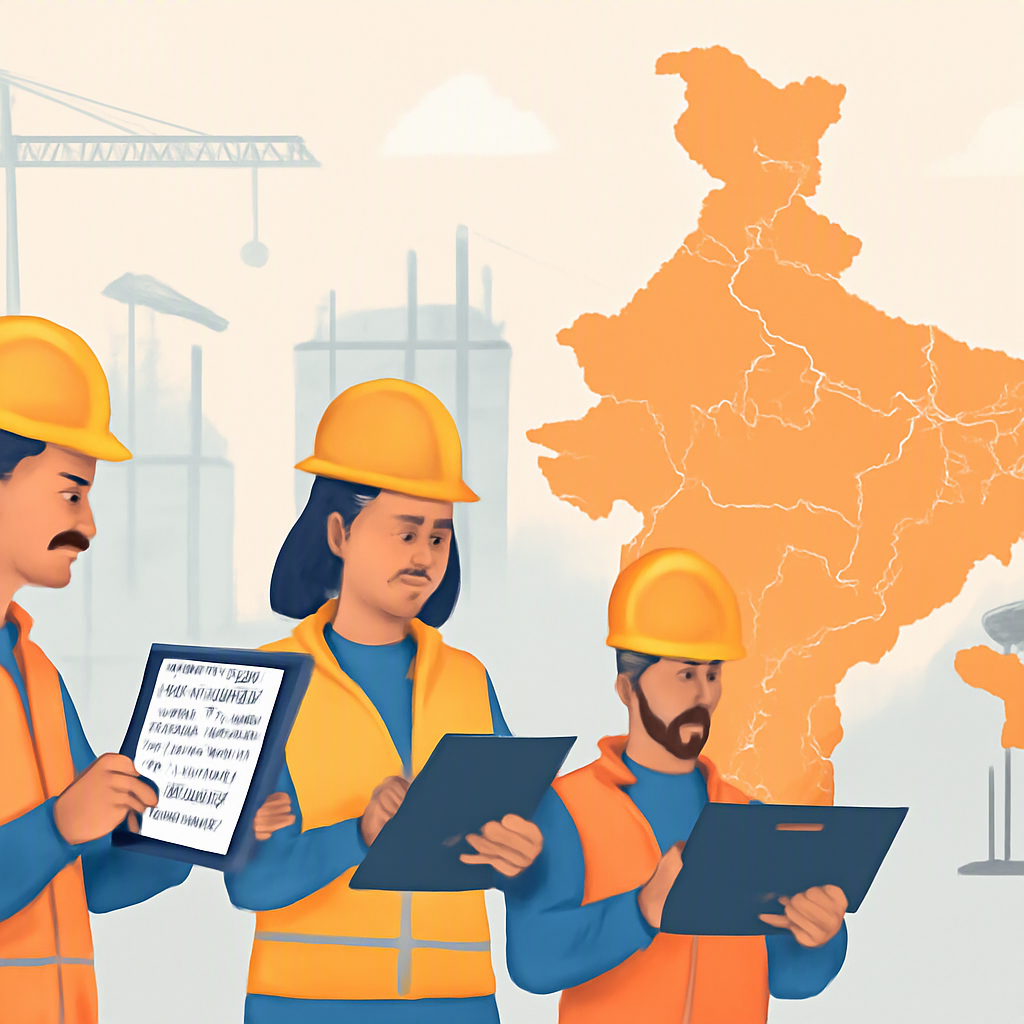
Here’s a nightmare scenario: You’ve completed a project, but your client withholds payment because your invoices don’t align with GST or TDS rules. It happens more often than you’d think, especially in India and GCC countries.
A solid ERP takes care of compliance for you. Tools like JobNext offer built-in GST and TDS compliance, Tally integration, and automated statutory deductions (PF, ESI). This isn’t just about ticking boxes — it’s about getting paid on time.
Real Talk: If your contractor’s ERP doesn’t handle compliance automatically, you’ll waste hours fixing errors manually. And those hours cost money.
5. Mobile Access for Multi-Site Teams
Construction sites aren’t offices. Your teams are scattered, and conditions change hourly. If your ERP doesn’t have a mobile app, you’re flying blind.
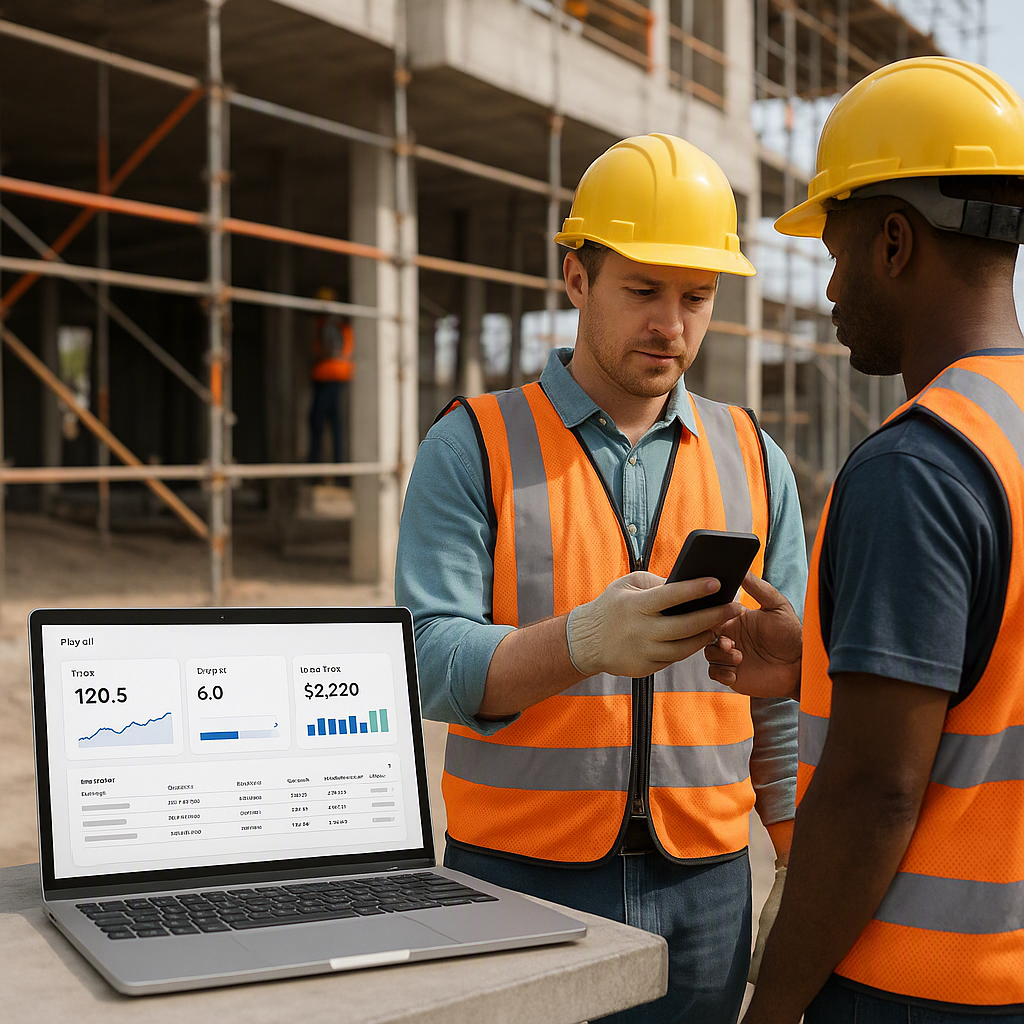
Mobile ERPs let project managers update progress, track attendance, and approve purchase requests in real time. This eliminates blind spots and speeds up decision-making. According to JobsNext.ai, real-time connectivity between field and office is "the difference between control and chaos."
Pro Tip: Don’t just ask if the ERP has a mobile app. Test it. A clunky interface can frustrate your team and lead to low adoption.
The Biggest Mistake to Avoid: Ignoring Change Management
Even the best ERP won’t work if your team doesn’t use it. This is the elephant in the room. ERP implementation fails when companies underestimate the effort needed to train teams and migrate data.
The solution? A phased approach. Start with one module (like HR or procurement), get it working smoothly, and then roll out the rest. JobsNext.ai’s phased implementation guide shows how to do this without overwhelming your team.
Final Thoughts
Choosing the best construction ERP isn’t about bells and whistles. It’s about solving real problems: tracking costs, managing compliance, and keeping your teams connected. Focus on the features that impact your bottom line, and don’t rush the implementation process.
If you’re evaluating options, start by listing your biggest pain points. Then, check how each ERP handles them. And if you’re looking for a proven solution, JobNext is worth a closer look.
Ready to see JobNext in action?
Multi-tenant SaaS ERP for construction, facilities management, and contracting — covering preconstruction, project execution, procurement, HR & payroll, equipment, finance, and 150+ analytics reports.
Get Started Free →Learn more at JobNext.ai