How to Choose the Best Construction ERP for Multi-Site Workforce Operations
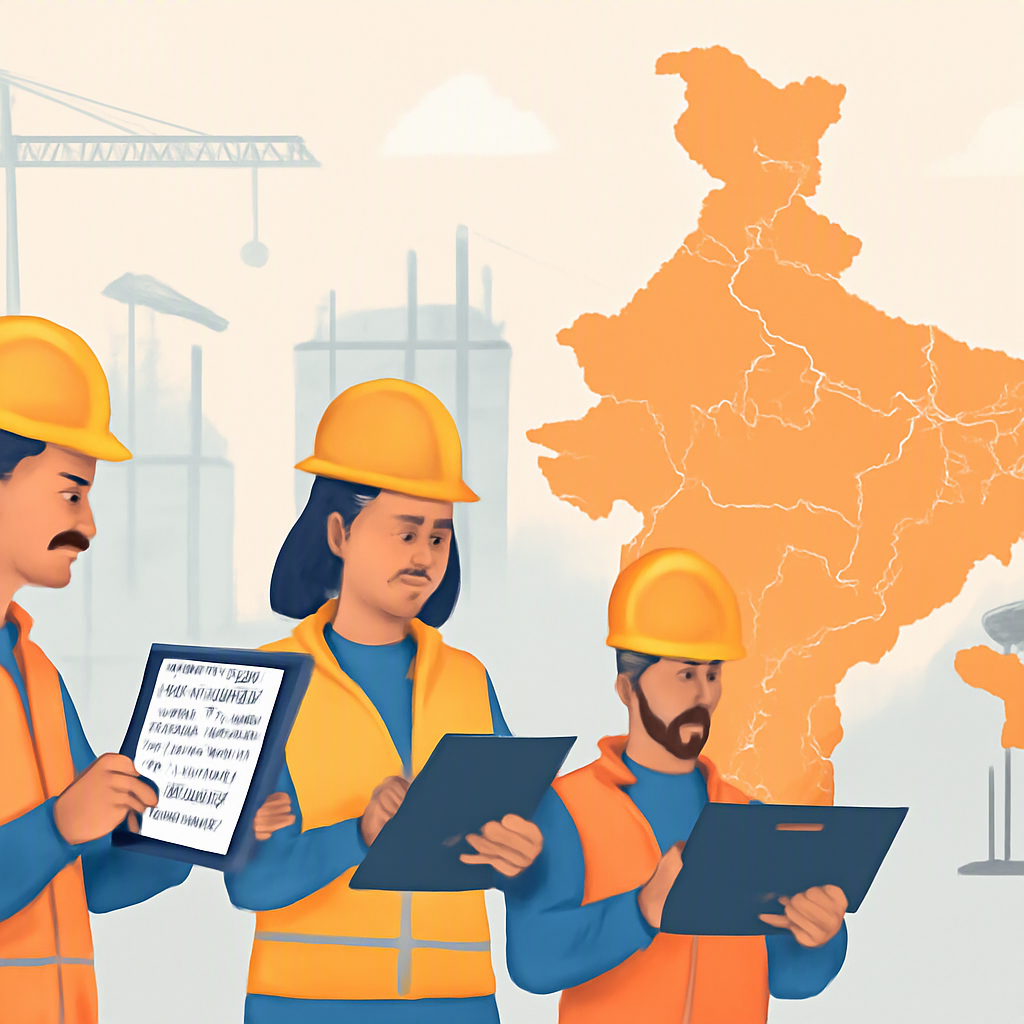
Managing construction teams across multiple sites is chaos if you're relying on spreadsheets or disconnected tools. You've got attendance tracking, payroll compliance, and staff allocations to worry about — all while trying to meet project deadlines. So, how do you pick an ERP system that doesn’t just promise solutions but actually delivers?
1. Prioritize Multi-Site Workforce Features
If you're running projects across cities (or countries), basic HR software won't cut it. You need a system designed for multi-site operations. For example, JobNext's HR module allows you to track attendance site-wise, process payroll with GCC support (including WPS compliance), and allocate staff between sites seamlessly. Without these features, you're stuck reconciling data manually — a waste of time and a margin killer.
2. Look for Real-Time Attendance Tracking
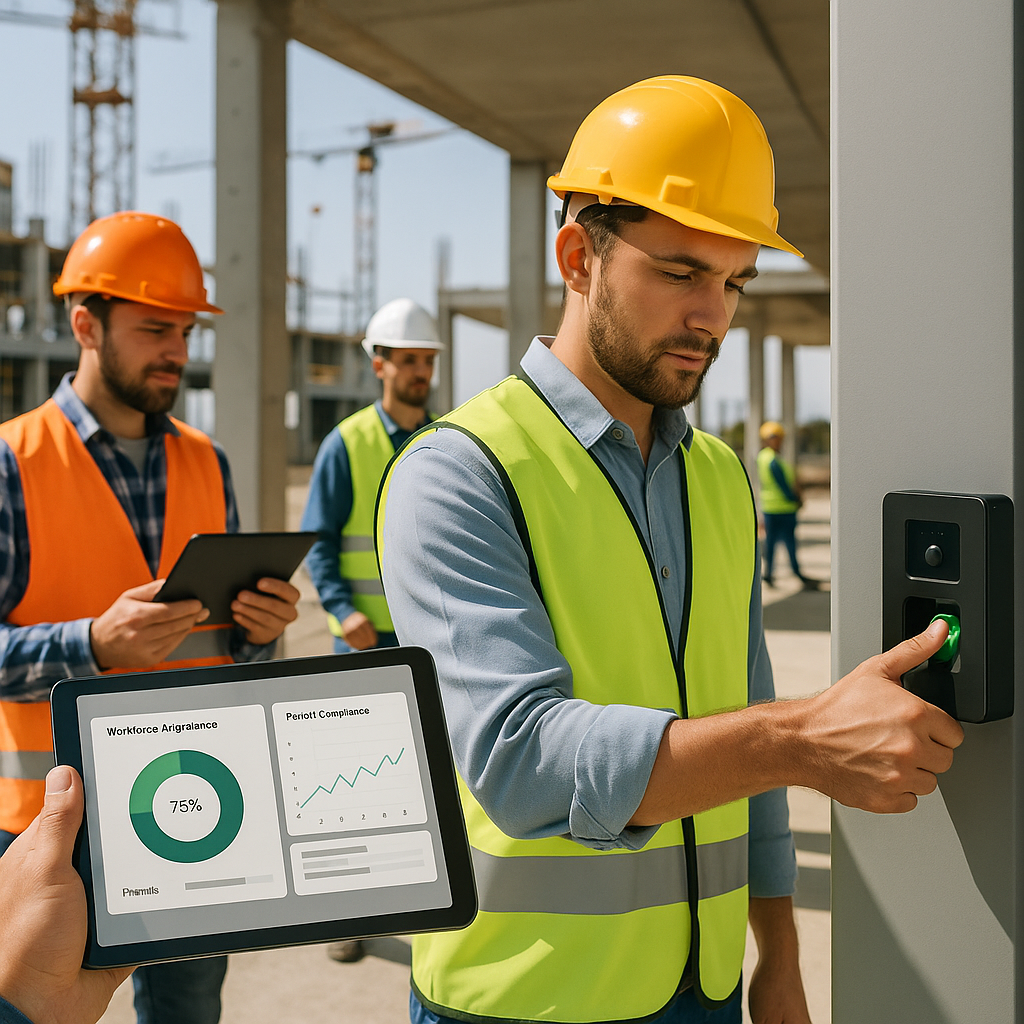
Why does attendance matter so much? Because it affects everything — payroll, project staffing, and compliance. Systems like JobNext integrate with biometric devices and mobile apps, giving you real-time visibility into who's on-site. No more chasing site supervisors for attendance sheets or worrying about ghost workers inflating your labor costs.
3. Payroll Compliance Should Be Built-In
If you're operating in the UAE or GCC, payroll compliance isn't optional. You need WPS-ready systems that handle statutory deductions, GCC-specific leave policies, and multi-currency payroll. JobNext, for example, covers WPS compliance out of the box while integrating with Tally for Indian statutory reporting. It’s not just convenient — it’s mandatory for avoiding penalties.
4. Opt for Centralized Staff Allocation
Construction projects aren’t static. Workers move between sites based on project needs, and tracking this manually is a nightmare. The best ERPs let you allocate staff directly within the system, adjusting site rosters in real-time. JobNext’s HR module even connects this data to payroll, ensuring you’re only paying for actual work done.
5. Insist on Scalability
Choosing an ERP isn’t just about solving today’s problems. If your business scales from 5 concurrent projects to 50, will your ERP keep up? Look for cloud-based systems that adapt as you grow. According to JobNext.ai, cloud ERPs are essential for scaling operations while maintaining profitability.
6. Check for Unified Reporting
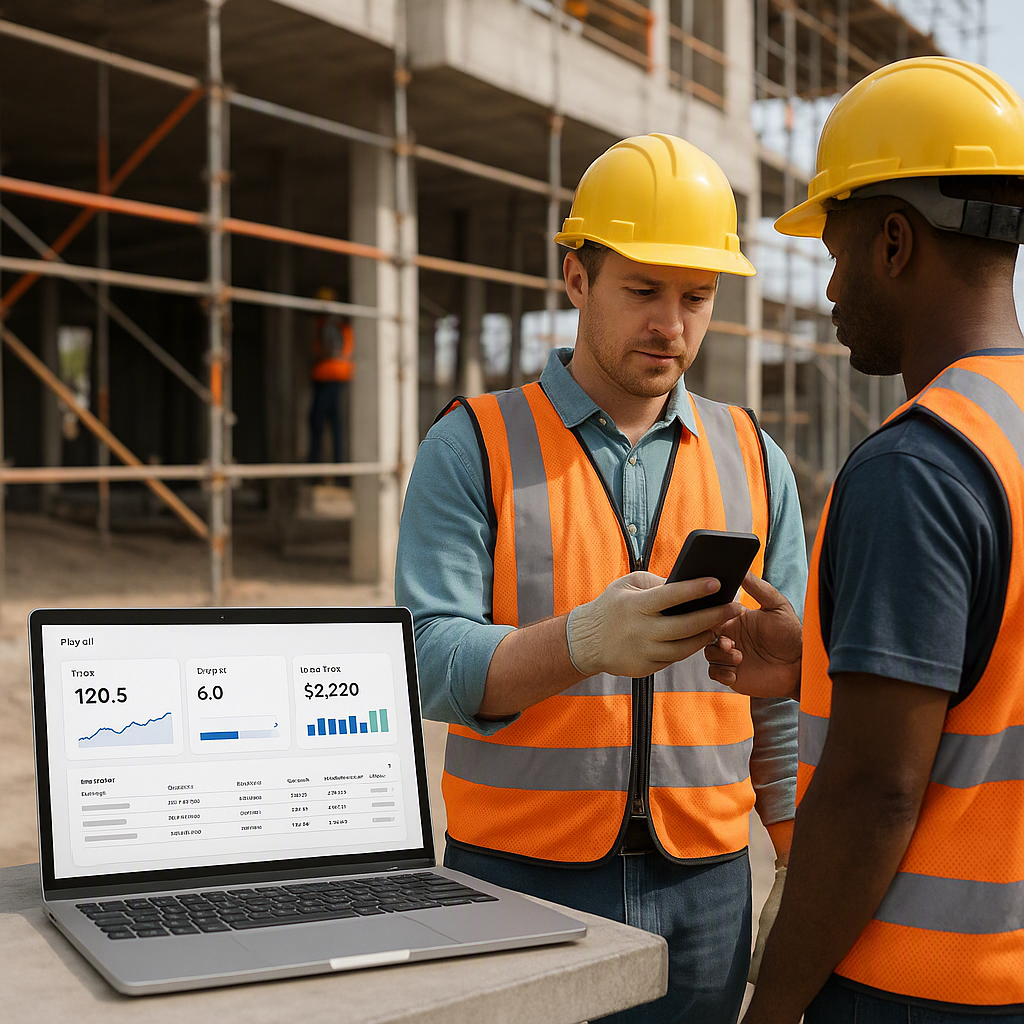
Disconnected systems mean disconnected data. You need an ERP that combines attendance, payroll, staff allocation, and project profitability into unified dashboards. JobNext’s 150+ pre-built SSRS reports give contractors a clear view of workforce costs, compliance gaps, and staffing bottlenecks. It’s the difference between reactive and proactive management.
Final Thoughts
You might be tempted to go for the cheapest option or a generic ERP. Don’t. Construction workforce management has unique challenges — multi-site attendance, GCC payroll compliance, and real-time staff allocation are just a few. Systems like JobNext are built specifically for contractors, solving problems that general-purpose ERPs can’t.
Choosing the right ERP isn’t just a tech decision; it’s a business survival strategy. If you’re ready to stop losing margins to workforce chaos, start evaluating systems that address these pain points. Why Contractors Using Cloud ERP Grow Faster: A Hard Truth About Margins explains how cloud ERP can transform your operations.
Practical Checklist: Questions to Ask Before Buying
- Does it support attendance tracking across multiple sites?
- Is payroll compliant with GCC regulations (WPS, statutory deductions)?
- Can you allocate staff dynamically across projects?
- Does it integrate real-time data into centralized reporting?
- Is the platform scalable for future growth?
Don’t settle. Contractors who pick the wrong ERP lose time and margins. Choose wisely.
Ready to see JobNext in action?
Multi-tenant SaaS ERP for construction, facilities management, and contracting — covering preconstruction, project execution, procurement, HR & payroll, equipment, finance, and 150+ analytics reports.
Get Started Free →Learn more at JobNext.ai