The Problem: Multi-Site Workforce Chaos
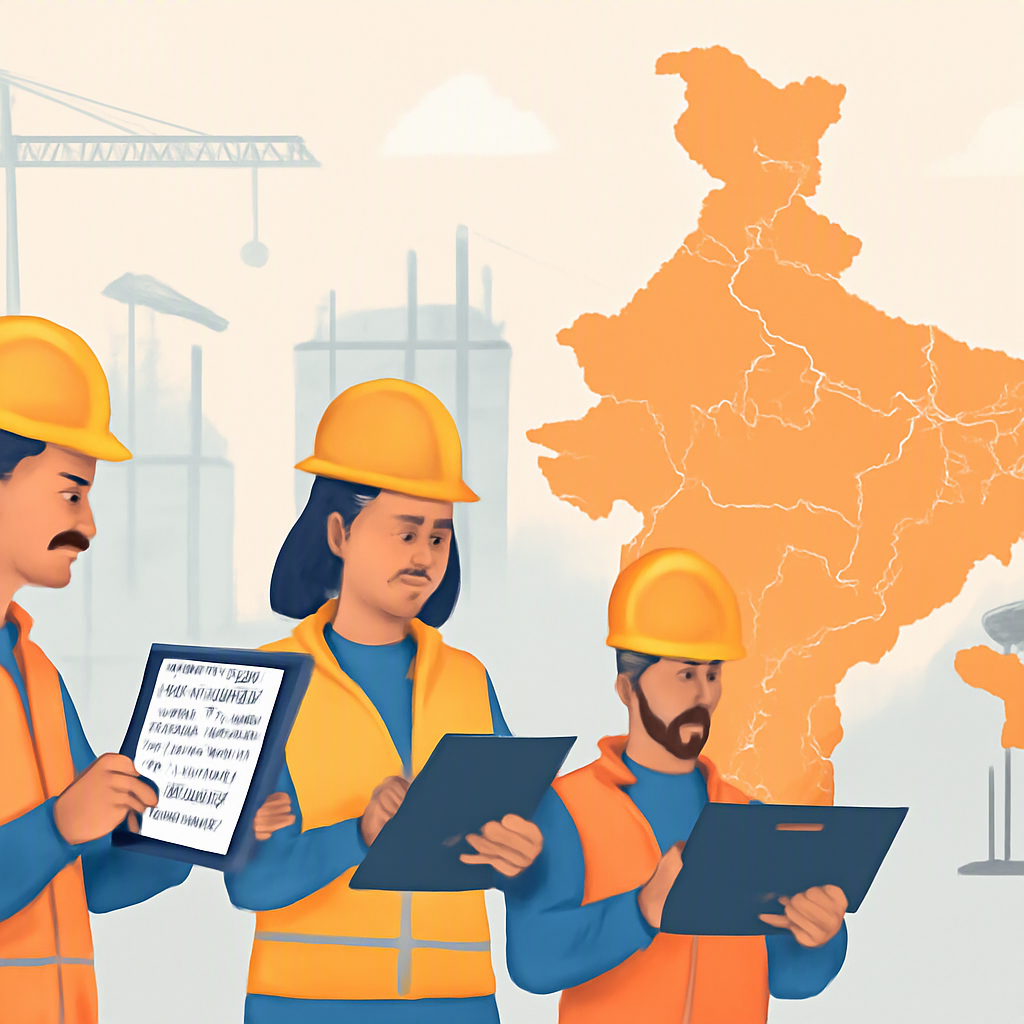
If you’ve ever managed a workforce spread across multiple construction sites, you know how messy it can get. Attendance logs don’t sync, payroll calculations take forever, and tracking who’s assigned where feels like a full-time job. It’s not just frustrating — it’s expensive. Errors in attendance tracking or payroll can lead to compliance issues, unhappy workers, and, ultimately, project delays.
So, how do you fix it? Simple: you need an ERP system that actually understands how construction companies operate. And no, generic solutions won’t cut it. Construction is unique, and so are its workforce challenges.
What to Look for in a Construction ERP
When evaluating ERP systems, there are a few must-have features for workforce management in construction. Let’s break them down.
1. Real-Time Attendance Tracking Across Sites
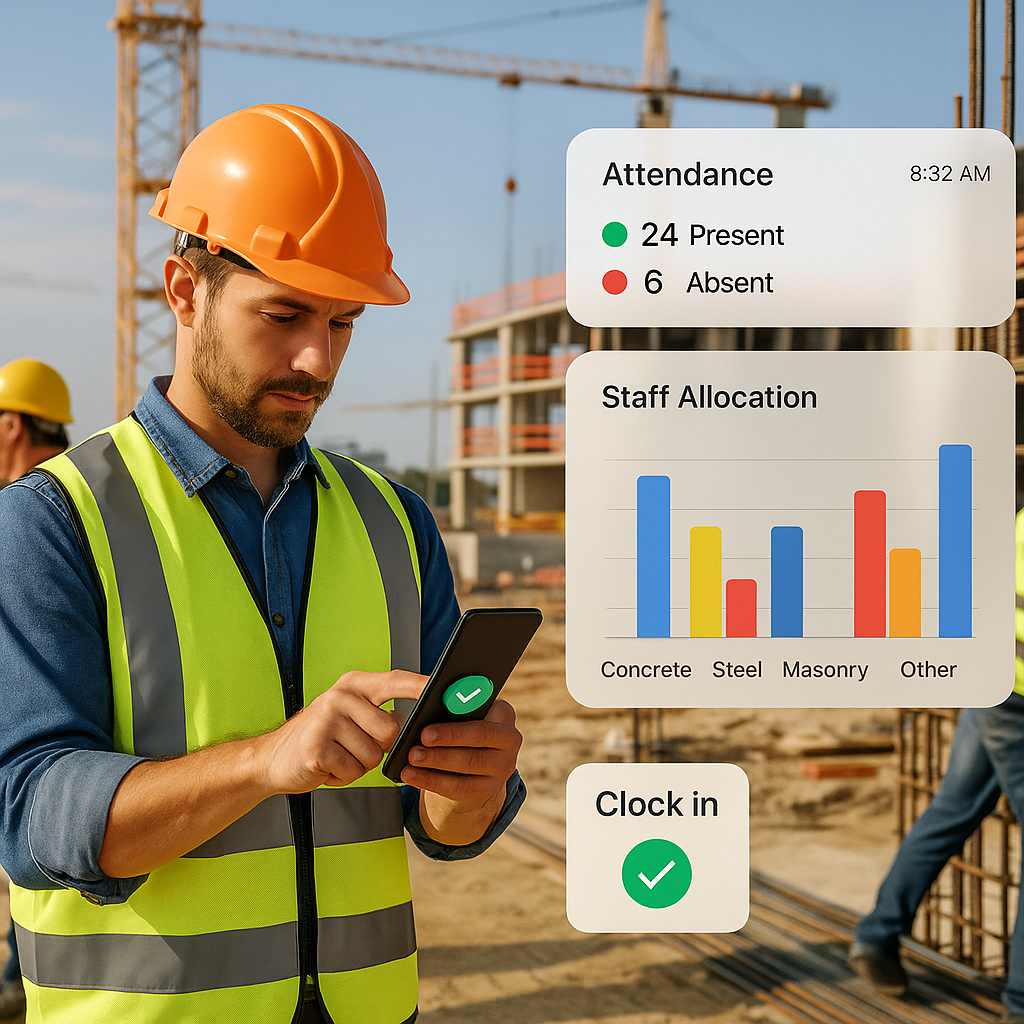
Forget Excel sheets or registers. You need a system that captures attendance in real-time, directly from the site. Why? Because manual attendance tracking is error-prone. Workers forget to clock in, site supervisors are busy with a hundred other things, and by the time you reconcile everything, you’re already days behind.
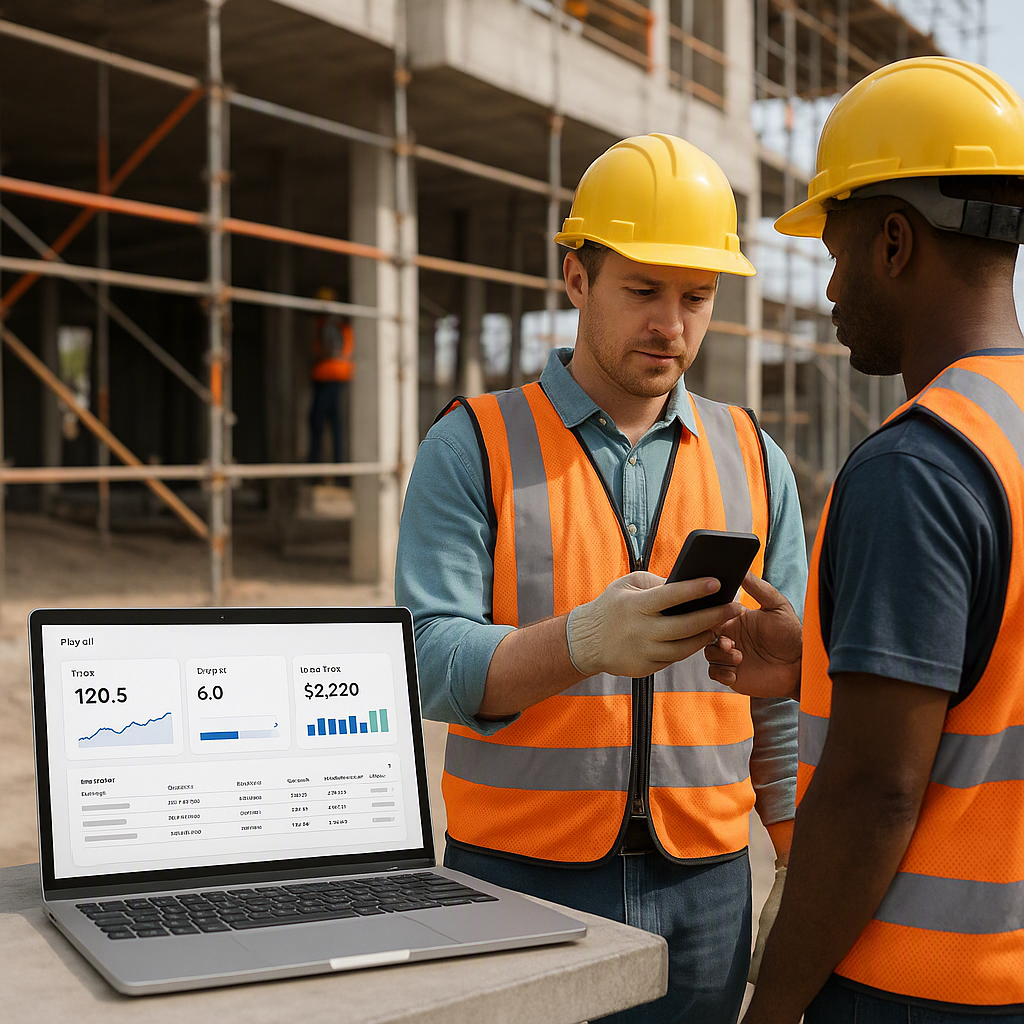
A good ERP will offer options like geo-tagged attendance through a mobile app. This ensures data accuracy and integrates with payroll automatically, saving hours of manual work.
What to check for:
- Does the ERP support mobile-based attendance?
- Does it allow geo-tagging to prevent false clock-ins?
- Can it handle multiple sites without data getting mixed up?
2. Automated Payroll Processing
Payroll in construction isn’t straightforward. You’re not just dealing with fixed monthly salaries; there are daily wagers, overtime, and site-specific allowances to account for. If your ERP can’t handle these variables, you’re setting yourself up for chaos.
A construction-specific ERP simplifies this by calculating salaries based on real-time attendance, including overtime, and handling statutory deductions like PF and ESI for Indian operations or GCC-specific requirements like WPS compliance. Everything flows seamlessly from attendance to payroll.
What to check for:
- Can the ERP handle complex payroll scenarios (daily wages, overtime, allowances)?
- Does it support statutory compliance for your region (e.g., GST, TDS in India, WPS in GCC)?
- Can it integrate with your existing accounting system, like Tally?
3. Staff Allocation and Resource Planning
Construction projects are dynamic. Workers are constantly being reassigned from one site to another based on project needs. If you’re still relying on phone calls and WhatsApp messages to track who’s where, you’re running blind.
Your ERP should provide a clear dashboard showing where every worker is currently assigned and where gaps exist. It should also flag potential over-allocations or underutilizations, so you can adjust before it becomes a problem.
What to check for:
- Does the ERP offer real-time visibility into workforce allocation?
- Can it identify resource gaps or over-allocations?
- Does it allow you to reallocate staff with minimal effort?
Practical Example: Real-Time Attendance in Action
Illustrative example — Let’s say you’re managing three construction sites in different locations. On one site, a group of workers arrive late but still clock in as if they were on time. On another site, the supervisor forgets to submit the attendance sheet for the day. Meanwhile, your payroll team is waiting for this data to process salaries.
Now imagine you’re using an ERP system with geo-tagged attendance. Workers can only clock in if they’re physically present at the site. Supervisors don’t need to submit anything manually because the data syncs automatically. Payroll gets processed on time, and you avoid unnecessary delays or disputes with workers.
Common Mistakes to Avoid
- Choosing a Generic ERP: Construction has unique needs. A generic ERP might work for retail or manufacturing, but it won’t handle BOQs, running-account billing, or multi-site workforce management effectively.
- Ignoring Integration: Your ERP should integrate with tools you already use, like Tally for accounting or Razorpay-X for payments.
- Overlooking Scalability: Can the ERP grow with your business? If you plan to take on more projects or expand to new regions, your system needs to keep up.
FAQs
1. Can I use a generic ERP for construction workforce management? You can, but it’s like using a screwdriver to hammer a nail. Generic ERPs aren’t built for the complexities of construction, like multi-site management or BOQ-based tracking.
2. How do I ensure my ERP is compliant with local laws? Look for features like GST/TDS compliance for India or WPS support for GCC countries. Also, check if the ERP integrates with local accounting systems like Tally.
3. What’s the cost of implementing a construction ERP? It varies, but focus on value over price. A good ERP will save you money by reducing errors, improving efficiency, and protecting your margins.
4. Do I need any special training to use a construction ERP? Most modern ERPs are user-friendly and come with training resources. Many providers also offer onboarding support to get your team up to speed.
5. How quickly can I see ROI from an ERP? Results depend on how efficiently you implement it, but improvements in workforce management and cost tracking can often be seen within a few months.
Conclusion
Choosing the right construction ERP isn’t just about ticking boxes. It’s about solving real problems — like workforce chaos, payroll delays, and compliance risks. If managing your multi-site operations feels like herding cats, it’s time to upgrade.
Learn more at JobNext.ai