Why Margins Are Disappearing Faster Than You Think
Margins in construction aren’t lost overnight. They bleed slowly—one unchecked purchase order, one misreported measurement, or one delayed approval at a time. If you’ve ever wondered why your project looked profitable on paper but ended up deep in the red, you’re not alone. Most contractors face this because they lack visibility into real-time project costs.
What’s the Problem?
Let’s take a common scenario: You’re running multiple active projects. Each has its BOQ (Bill of Quantities), scopes, and budgets tightly planned at the start. But the moment the actual work begins, chaos creeps in:
- Site teams order materials without cross-checking budgets.
- Subcontractor bills don’t align with progress reports.
- Equipment hire costs run wild because no one tracks utilization.
- Approved budgets exist, but no one enforces them during execution.
By the time finance flags the issue, it’s too late. The money’s spent, and your margins are gone.
The Fix: Real-Time BOQ-Based Cost Tracking
Here’s where real-time project cost tracking comes in. It’s not a luxury—it’s table stakes for contractors managing multiple sites. A BOQ-based tracking system ties every expense to its respective scope, letting you see cost overruns early.
How JobNext Solves This
JobNext ERP tackles this exact pain point. The system enforces budget discipline by validating every expense—material procurement, subcontractor payments, equipment hire—against the approved BOQ. If something doesn’t match, it gets flagged before approval.
-
Example: A site engineer raises a material requisition for 100 bags of cement. JobNext automatically checks this against the BOQ. If the quantity exceeds the approved budget, the request is paused for manager review.
-
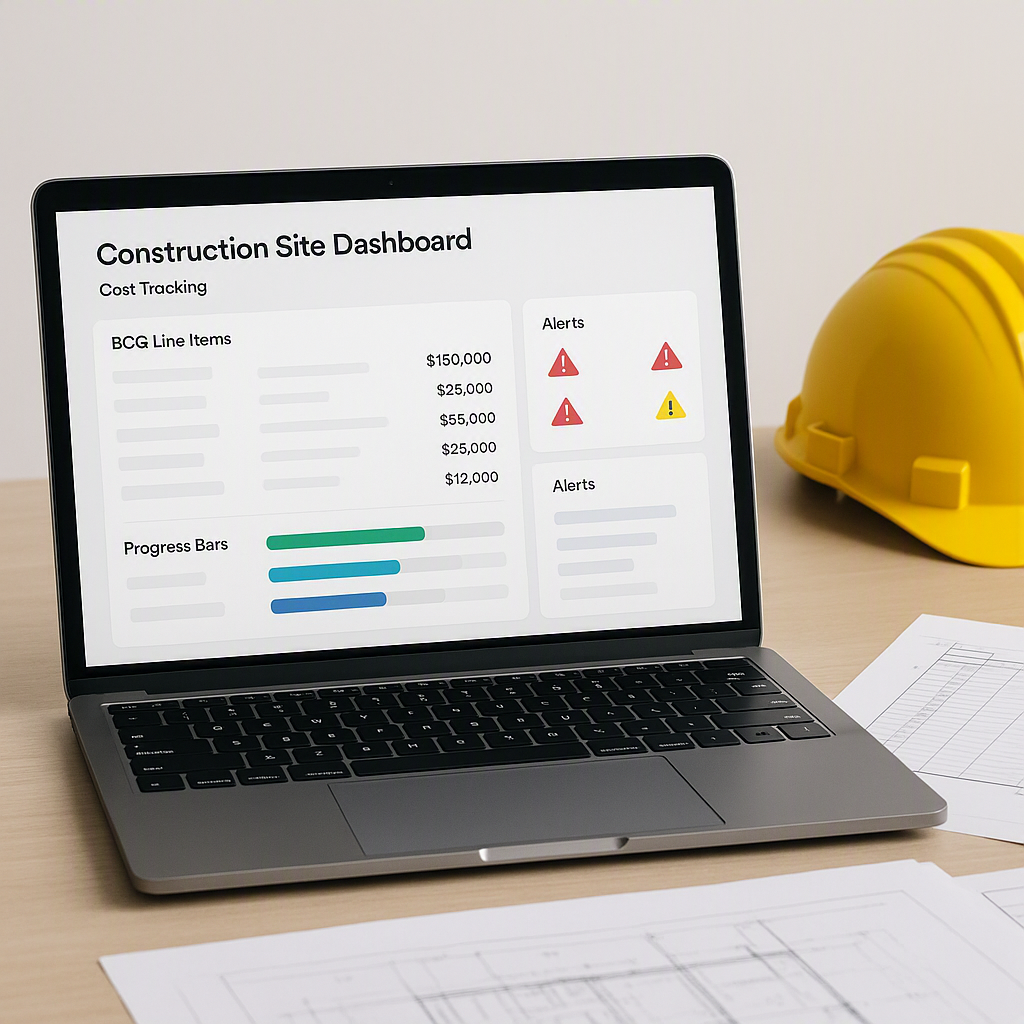
Dashboards That Matter: Real-time dashboards show you cost vs. budget for every BOQ item. No more waiting for month-end reports to find out you’ve blown through your margins.
Why This Matters
Many contractors underestimate how small discrepancies—an extra cost here, an untracked expense there—add up. A good construction ERP stops this by putting controls in place where they matter—in procurement, subcontractor management, and site-level approvals.
Practical Steps to Get Started
If you’re evaluating construction ERPs, look for these key features:
- BOQ Integration: Can the system tie every expense to a BOQ or scope?
- Approval Workflows: Does it enforce multi-level approvals for high-value purchases?
- Real-Time Dashboards: Can you monitor cost vs. budget in real-time?
- Subcontractor Tracking: Does it link progress measurements to payments?
Example Workflow
Illustrative example — Here’s how it looks in practice with JobNext:
- Material Requisition: Site team raises a requisition.
- BOQ Validation: JobNext checks the request against the approved BOQ.
- Approval: If within budget, it moves to the next approval stage. If not, it’s flagged for review.
- Purchase Order: Once approved, the system generates a PO.
- Cost Tracking: The expense immediately reflects in cost vs. budget dashboards.
Common Mistakes to Avoid
- Skipping BOQ Validation: If your ERP doesn’t enforce this, you’re flying blind.
- Relying on Monthly Reports: By the time you see the numbers, it’s too late.
- Ignoring Subcontractor Costs: Always tie payments to verified progress measurements.
- Overcomplicating Systems: Choose an ERP with intuitive workflows.
FAQ
Q: My projects are small. Do I still need this?
A: Yes. Even small projects can benefit from better cost tracking and budget discipline. Scale doesn’t matter—discipline does.
Q: What if my team resists adopting a new ERP?
A: Start small. Implement it on one project. Show them how much time and effort it saves.
Q: Can I integrate this with my existing accounting software?
A: JobNext integrates with Tally for Indian statutory reporting, so you don’t have to overhaul everything.
Final Thoughts
Real-time BOQ-based cost tracking isn’t a “nice-to-have.” It’s the difference between running a profitable business and bleeding margins dry. If you’re serious about protecting your bottom line, start by enforcing budget discipline with the right ERP.
Get started with JobNext today →
Learn more at JobNext.ai