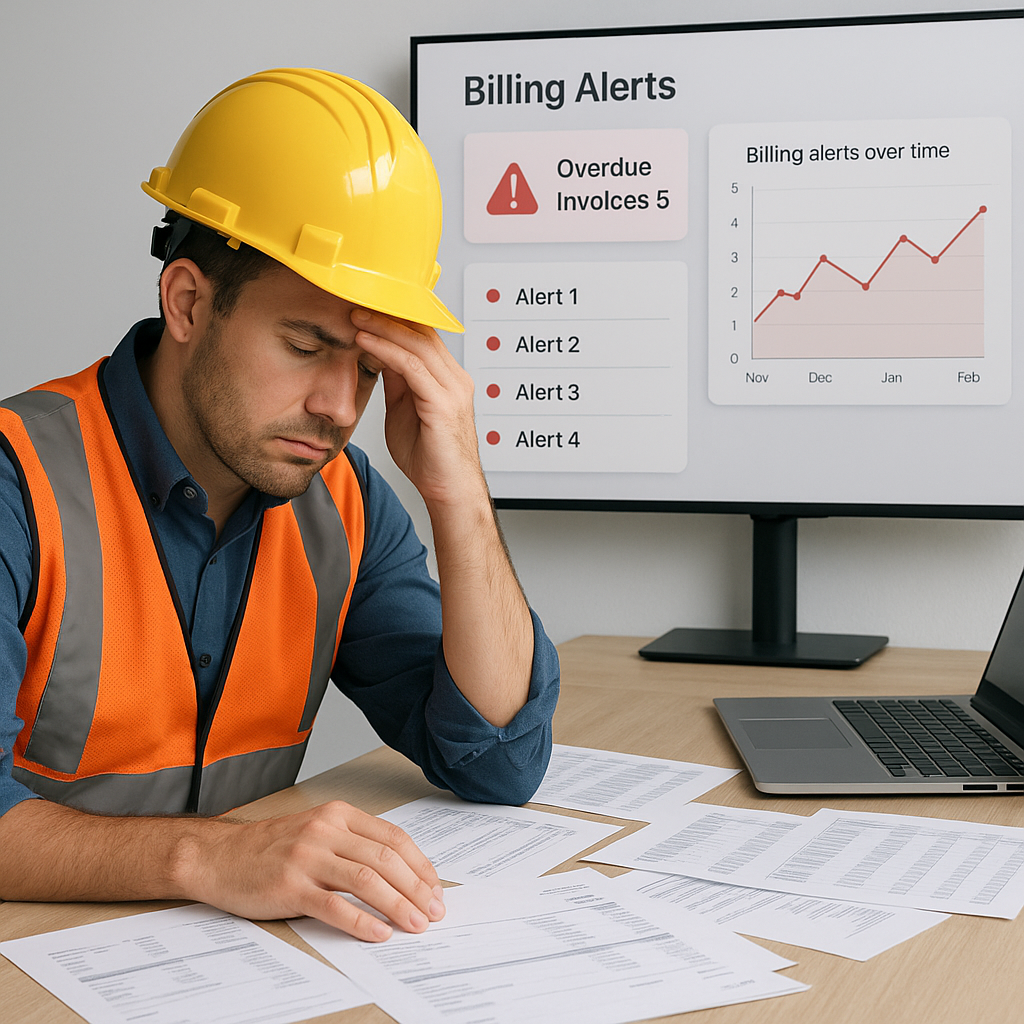
The Silent Killer: Billing Mistakes
Contractors lose millions annually due to billing errors. Why? Because most contractors still rely on manual workflows that leave room for mistakes. Ever heard of a missed RA Bill? Or a supply BOQ invoice that never got issued? It happens more often than you'd think.
Here's the brutal truth: billing chaos isn't just about losing money. It's about losing trust. Clients don't want to chase down invoices or argue over mismatched quantities. They want smooth, accurate billing. And that's where ERP systems come in.
The Real Cost of Billing Chaos
A missed invoice can cost lakhs. Imagine a project worth ₹10 crore. If even 5% of billable work goes unrecorded, that's ₹50 lakh gone. Multiply that across multiple sites and concurrent projects, and you're looking at serious margin erosion.
But it’s not just about missed invoices. Incorrect billing methods—like using stage-wise billing when supply BOQ is required—can lead to disputes and payment delays. In construction, cash flow is king. Billing errors choke it.
Examples of Billing Errors
- Missed RA Bills: A construction company managing a ₹20 crore project failed to track RA Bills for completed milestones. This led to ₹1.5 crore in unbilled work, causing major cash flow disruptions.
- Incorrect BOQ Match: A contractor supplied materials worth ₹50 lakh but billed for ₹40 lakh due to errors in manual BOQ tracking. The mismatch resulted in disputes and delayed payments.
- Unapproved Invoices: An infrastructure firm billed ₹75 lakh without proper client approvals. This led to rejected invoices and strained client relationships.
Key Data Points
- Industry Stats: According to JobNext.ai, contractors lose lakhs annually due to unstructured billing workflows. On average, billing errors cost 5-10% of project value.
- Cash Flow Impact: Research by PwC estimates that 60% of construction delays are tied to cash flow problems, many of which stem from billing issues.
Why Real-Time ERP Tracking Matters
The best construction ERP software doesn’t just automate billing. It enforces discipline. Take JobNext, for example. It supports six different billing methods—RA Bills, stage-wise, monthly, supply BOQ, combined, and one-time. This ensures contractors can pick the right method for the job.
Benefits of ERP Systems for Billing
- Structured Billing Workflows: Every invoice is tied to approved work progress, material usage, or predefined billing milestones. This eliminates disputes over unapproved bills.
- Real-Time Alerts: Managers get notified when billing milestones are missed or when invoices exceed approved budgets. No more surprises.
- Integration with Finance: Invoices flow seamlessly into accounts receivable, ensuring GST/TDS compliance and reducing manual reconciliation errors.
- Error Reduction: Automated systems minimize human errors, such as incorrect quantities or mismatched rates.
Without these features, billing becomes a guessing game. And guesswork doesn’t pay.
Actionable Steps to Implement ERP
- Audit Your Existing Billing Workflows: Identify gaps, such as missed invoices or manual errors.
- Define Billing Methods: Choose methods like RA Bills or supply BOQ based on project requirements.
- Train Your Team: Ensure that site managers and finance teams fully understand ERP workflows.
- Integrate ERP with Accounting Software: For Indian contractors, Tally integration simplifies GST and TDS compliance.
- Use Real-Time Alerts: Set up notifications for missed milestones or budget overruns.
Case Study: How One Contractor Fixed ₹50 Lakh in Errors
A mid-size EPC contractor in Pune had been losing money for years due to billing gaps. Their team relied on spreadsheets to track RA Bills across 12 sites. The result? Missed invoices, delayed payments, and frustrated clients.
Key Problems Identified
- Manual Tracking: Spreadsheets lacked centralized control and were prone to errors.
- Delayed Approvals: Multi-site projects caused bottlenecks in invoice approvals.
- Unstructured Workflows: No standardized billing process led to missed milestones.
Results After ERP Implementation
After switching to JobNext, they saw immediate improvements:
- Zero Missed Invoices: Automated workflows ensured every milestone was billed.
- Faster Approvals: Multi-level approval chains reduced delays by 70%.
- Improved Cash Flow: On-time invoices meant predictable payments.
In their first year, they recovered ₹50 lakh worth of missed billing opportunities. Now, they track every rupee in real-time.
Lessons Learned
- Automation Matters: Manual systems are prone to errors and inefficiencies.
- Standardized Processes: Structured workflows eliminate disputes.
- Real-Time Tracking: Billing transparency restores client trust.
How to Choose the Right ERP for Your Business
Not all ERP systems are built for contractors. Generic tools often lack features like RA Billing, BOQ-level tracking, or multi-site management. When evaluating ERP options, ask these questions:
Decision Framework for ERP Selection
| Feature | Why It Matters | Questions to Ask |
|---|---|---|
| Multiple Billing Methods | Flexibility to match project workflows | Does it support RA Bills, BOQ, and combined methods? |
| Multi-Site Operations | Granularity for large contractors managing multiple projects | Can it track billing and approvals site-wise? |
| Compliance Automation | Reduces GST/TDS errors | Is GST/TDS integration built-in or manual? |
| Accounting Integration | Seamless flow from billing to finance | Does it integrate with Tally or other accounting tools? |
| Real-Time Alerts | Prevents missed milestones or budget overruns | Does it notify managers of discrepancies or delays? |
Actionable Steps for ERP Selection
- List Your Requirements: Define your billing methods, compliance needs, and project scale.
- Demo Multiple Options: Test industry-specific ERPs like JobNext to see if they fit your workflows.
- Assess Integration Needs: Ensure compatibility with your existing finance tools.
- Consult Peers: Ask other contractors for recommendations.
- Plan Implementation: Factor in training and transition periods.
FAQ
Q: What’s the biggest mistake contractors make when choosing ERP software? A: Picking generic systems that don’t support construction workflows like RA Billing or BOQ tracking. Always go for industry-specific solutions.
Q: Can ERP systems really prevent billing errors? A: Yes, if they enforce structured workflows and provide real-time alerts for missed milestones or discrepancies.
Q: How long does it take to see ROI on an ERP investment? A: Most contractors recover costs within 12-18 months through savings in billing, procurement, and compliance.
Q: How do I convince my team to adopt ERP? A: Highlight the financial benefits, demonstrate time savings, and provide thorough training to ease the transition.
Q: Is ERP suitable for smaller contractors? A: Yes, industry-specific ERPs like JobNext offer scalable solutions that work for contractors of all sizes.
If you're tired of losing money to billing chaos, JobNext can help. Get started free →
Learn more at JobNext.ai