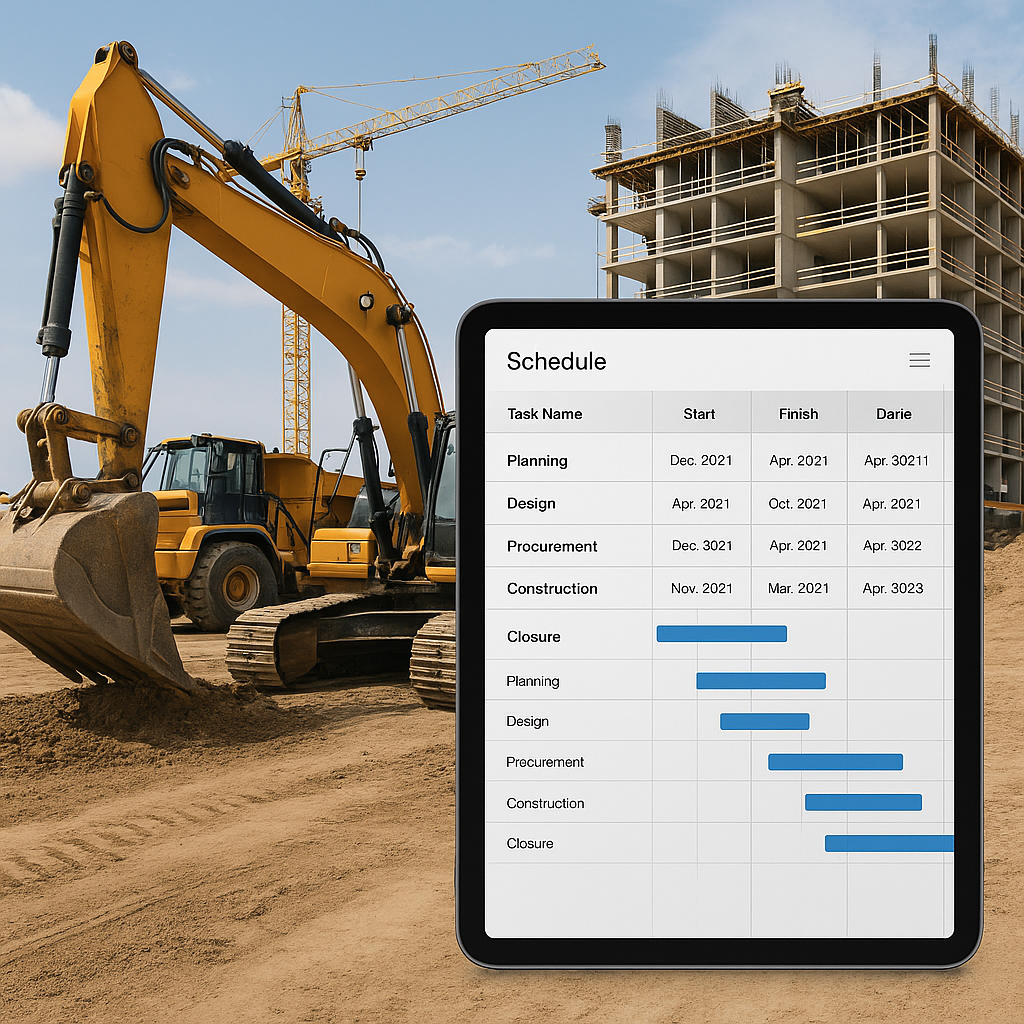
Why Your PPM Schedule Template is Failing
Preventive Maintenance Plans (PPM) are supposed to save money, not drain it. But in my experience, most multi-site contractors treat maintenance scheduling like an afterthought. You copy-paste an Excel sheet, update a few dates, and hope it holds up. It doesn’t.
Here’s the brutal truth: if your PPM schedule template isn’t designed for multi-site operations, you’re setting yourself up for failure. Equipment downtime, compliance fines, and emergency repairs aren’t just bad luck—they’re symptoms of a broken system.
The Real Problem: Siloed Data
In most cases, the issue starts with disconnected systems. Your project managers are using one tool, the maintenance team another, and HR doesn’t even get involved until payroll time. This chaos leads to missed schedules, untracked repairs, and inconsistent reporting.
Take the example of a regional contractor managing operations across 15 sites. Their project managers used a standalone scheduling app, while the maintenance team relied on spreadsheets for repairs. In one instance, a piece of critical equipment failed because the maintenance team wasn’t notified of its overdue inspection. The result? A two-week delay in the project timeline and ₹10 Lakhs lost in penalties.
JobNext's multi-tenant ERP system solves this by centralizing everything—attendance, asset management, material procurement, and even preventive maintenance. One of its standout features is the Machine Requirement Calendar, which maps equipment availability and maintenance schedules in real-time. With this, you can actually plan maintenance around project timelines instead of disrupting them.
How to Build a PPM Schedule That Works
If you’re still relying on Excel, here’s a better framework:
1. Start With a Work Breakdown Structure (WBS)
Don’t just list equipment. Use a structured WBS to categorize by asset type, location, and maintenance frequency. For example:
| Category | Subcategory | Frequency |
|---|---|---|
| Heavy Equipment | Excavators | Every 500 hours |
| Electrical Systems | Generators | Monthly |
| HVAC Systems | Air Conditioners | Quarterly |
JobNext’s WBS Templates make this easy by providing pre-defined structures for common construction activities. A contractor in Dubai reduced scheduling errors by 70% after switching from manual WBS creation to JobNext templates.
2. Define Preventive Maintenance Triggers
Every equipment type has its own maintenance cycle—hourly usage, mileage, or calendar-based. Incorporate these into your scheduling logic. For example, excavators might need oil changes every 500 hours of operation, while generators require inspections every 30 days.
Tools like the Machine Requirement Calendar in JobNext automate this step by pulling usage data directly from project logs. This eliminates guesswork and ensures maintenance is tied to actual operational data.
3. Integrate Compliance Checks
In the GCC, failure to meet QHSE requirements can lead to hefty fines. Make compliance part of your PPM by including statutory checks (e.g., fire safety, electrical testing) in your schedule. For example:
| Compliance Requirement | Frequency | Penalty for Non-Compliance |
|---|---|---|
| Fire Extinguisher Testing | Annually | ₹50,000 |
| Electrical Cable Inspections | Quarterly | ₹1,00,000 |
JobNext’s compliance tracking ensures nothing slips through and provides automated reminders for statutory requirements.
4. Automate Notifications
No one reads a giant Excel sheet. Use software that sends automated alerts to site managers and technicians ahead of due dates. For example, an HVAC technician can receive a notification two days before a scheduled air conditioner inspection, ensuring no task gets overlooked.
JobNext’s notification system ties directly into its scheduling engine, so you’re never caught off-guard. Contractors using this feature report a 25% increase in on-time maintenance.
5. Track Costs in Real-Time
Maintenance isn’t just about uptime. It’s a budget line item that needs monitoring. For example, tracking fuel consumption for generators can reveal inefficiencies that drive up costs.
JobNext’s Budget Burn Reports let you see how maintenance costs compare to your overall project budget. This feature helped one contractor cut their annual maintenance costs by ₹12 Lakhs after identifying overspending on spare parts.
What’s the Cost of Getting It Wrong?
A poorly managed maintenance schedule can cost you:
- ₹10-20 Lakhs Annually in Downtime: Idle equipment means delayed projects and penalty clauses.
- ₹5-10 Lakhs in Emergency Repairs: Fixing a breakdown always costs more than preventive care.
- Compliance Penalties: Non-compliance with local laws can add another ₹2-5 Lakhs to your bill.
For example, a contractor in Saudi Arabia faced a ₹7 Lakhs fine after failing to conduct mandatory electrical inspections. The oversight occurred because their Excel-based schedule lacked compliance integration.
Case Study: How One Contractor Saved ₹25 Lakhs
A mid-size EPC contractor in Oman was bleeding margins due to equipment breakdowns. Their Excel-based system couldn’t keep up with the maintenance needs of 12 sites. After switching to JobNext, they used the Machine Requirement Calendar to centralize scheduling and improved uptime by 18%. The result? ₹25 Lakhs saved in just one year.
Another example comes from a construction firm in Kuwait that reduced emergency repairs by 40% after automating PPM triggers with JobNext’s real-time data synchronization.
For more on how technology can drive these savings, check out Preventive Maintenance: The Hidden Profit Lever for Hard Facilities Contractors.
FAQ
1. Can I use Excel for PPM scheduling?
Technically, yes. But Excel isn’t built for multi-site complexity. It lacks automation, real-time data integration, and compliance tracking. Software solutions like JobNext provide these features and make scaling your operations far easier.
2. What’s the best way to track maintenance costs?
Use tools like JobNext’s Budget Burn Reports to monitor costs in real-time. This allows you to compare maintenance expenses against your project budget and identify inefficiencies.
3. How do I ensure compliance with local laws?
Integrate statutory checks into your PPM schedule. Solutions like JobNext provide automated reminders for compliance tasks like fire safety inspections and electrical testing.
4. How often should preventive maintenance be scheduled?
This depends on the equipment type. For example, heavy machinery may require maintenance every 500 operating hours, while HVAC systems may need quarterly inspections. Use operational data to define precise triggers.
5. What’s the ROI of switching to a software-based PPM system?
Contractors using JobNext report savings of up to ₹25 Lakhs annually due to improved uptime, reduced emergency repairs, and better compliance tracking.
Final Thoughts
Building a reliable PPM schedule template isn’t rocket science, but it does require a system that’s designed for multi-site complexity. Tools like JobNext automate schedules, track budgets, and ensure compliance, making your operations smoother and more cost-efficient.
If you’re tired of firefighting maintenance issues, isn’t it time for a change?
Get started with JobNext today →
Learn more at JobNext.ai