5 Questions to Ask Before Choosing the Best Construction ERP for Your Business
Choosing an ERP isn’t like picking accounting software. Get it wrong, and you’re stuck with a six-figure mistake for years. For contractors juggling multiple projects, margins are already razor-thin. An ERP should simplify operations, not become another headache.
Here’s how to avoid buyer’s remorse — by asking the right questions upfront.
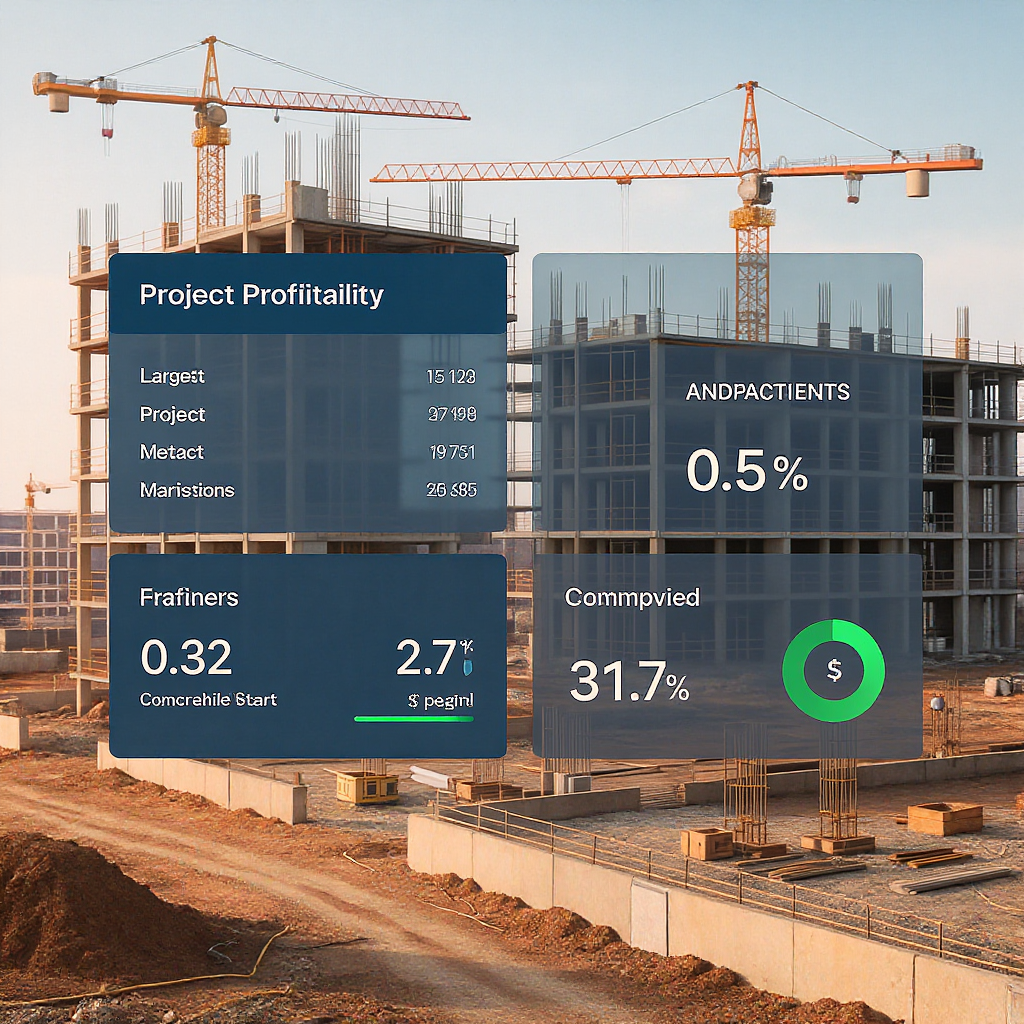
1. Does It Handle Real-Time Project Profitability?
The biggest mistake contractors make? Assuming their ERP will magically show where they’re losing money. It won’t unless it’s designed for detailed cost tracking across BOQs, scopes, and estimates.
Here’s the problem. Most generic ERPs lump costs into broad categories. But construction projects need granular visibility. Are you overrunning on steel for Block A? Is labor for subcontractor X exceeding estimates? Without line-item tracking, you’ll only see the damage after the project ends.
Example: JobNext’s real-time profitability tracking stands out here. It maps costs directly to BOQs and scopes, updating estimates vs. actuals live. You can see, mid-project, that concrete costs are 12% over budget on Tower 2 — and fix it before it eats your margin.
If your ERP can’t do this, it’s not built for contractors.
2. Can It Replace Disconnected Tools?
Most contractors we talk to are juggling 5-7 systems: Excel for tendering, WhatsApp for approvals, Tally for finance. The result? Fragmented data, manual double-entry, and mistakes everywhere. Disconnected tools don’t just waste time — they drain profits.
Look for an ERP that unifies critical workflows. Tendering, procurement, billing, HR, finance — all in one place. And no, “integration” isn’t enough. Add-ons and APIs sound great on paper but rarely deliver seamless workflows in practice.
What to Watch For: The JobNext.ai blog explains why fragmented tools cost contractors billions annually. If your ERP doesn’t replace at least three major tools you’re using today, keep looking.
3. How Does It Handle Procurement Workflows?
Procurement isn’t just about issuing POs. For contractors, it’s a chain: Material Request → RFQ → Vendor Offers → PO → Delivery. If your ERP simplifies this into a single “procurement module,” it’s missing the point.
Why It Matters: Manual procurement chaos leads to missed approvals, delayed materials, and overbilling. A structured workflow with approval chains is non-negotiable.
Example: In JobNext, procurement starts with Material Requests (MRs) from site teams. These flow into RFQs, where vendors submit bids directly into the system. From there, you generate POs with automated budget checks. No emails. No missed steps.
Ask your vendor: “Can your procurement workflow handle RFQs and approval hierarchies out of the box?” If they hesitate, move on.
4. Is It GCC-Ready?
If you’re operating in the UAE, Saudi Arabia, or Oman, compliance is a nightmare. VAT reporting, WPS payroll, TDS deductions — each country piles on its own rules. Your ERP needs to handle it.
Case in Point: One contractor in Dubai lost AED 250,000 in fines because their ERP couldn’t generate VAT-compliant invoices. Another spent weeks reconciling salaries manually for WPS submissions because payroll wasn’t integrated with local compliance standards.
Look For: Multi-currency support, GCC payroll compliance (WPS, GOSI, etc.), and VAT-ready invoicing. This article covers ERP strategies for contractors working across regulatory environments.
5. Does It Offer Real Reporting — or Just Data Dumps?
Dashboards are great, but they’re useless if they only show aggregated numbers. What you need is actionable insights. Can the ERP show equipment utilization by site? Subcontractor performance by project? Cash flow by month?
Pro Tip: Ask your vendor for sample reports. If it’s just generic charts, be wary. You want pre-built reports tailored for construction — think RA bill aging, vendor performance analysis, or BOQ variance tracking.
Example: JobNext offers 150+ SSRS reports, including real-time dashboards for projects, HR, and finance. A finance controller at a mid-size contractor in Oman told us they saved 3 hours per week just reconciling GST submissions using JobNext’s tax reports.
Final Thought
Choosing the best construction ERP isn’t about features. It’s about fit. The wrong ERP wastes money and frustrates your team. The right one? It simplifies workflows, protects margins, and grows with you.
Want to see how JobNext tackles these challenges? Check out The Contractor's First ERP: What Nobody Tells You About Going Digital for practical advice before you buy.
Ready to see JobNext in action?
Multi-tenant SaaS ERP for construction, facilities management, and contracting — covering preconstruction, project execution, procurement, HR & payroll, equipment, finance, and 150+ analytics reports.
Get Started Free →Learn more at JobNext.ai