Why Choosing the Right ERP is Critical for Contractors
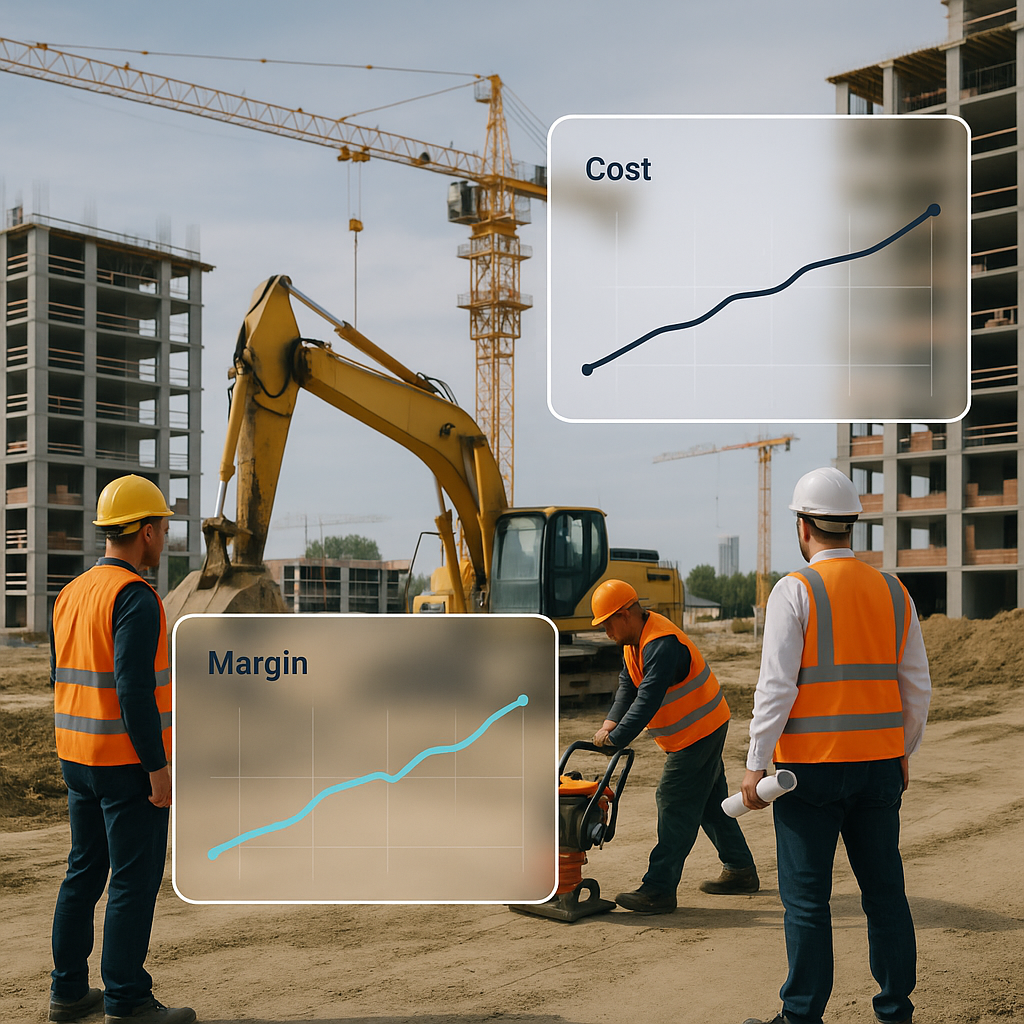
Margins in construction are razor-thin. A 3-5% hit on profitability can turn a winning project into a disaster. Yet, most contractors lose money not because of bad execution, but because of bad systems. Poor cost tracking, missed billing opportunities, and manual procurement chaos are silent killers. If you’re still juggling spreadsheets and disconnected workflows, you’re already at a disadvantage.
The solution? A construction-specific ERP. But not just any ERP. Picking the wrong one can be worse than not having one at all. Let’s break down the 7 questions you should ask before making a decision.
1. Does This ERP Support Real-Time Cost Tracking?
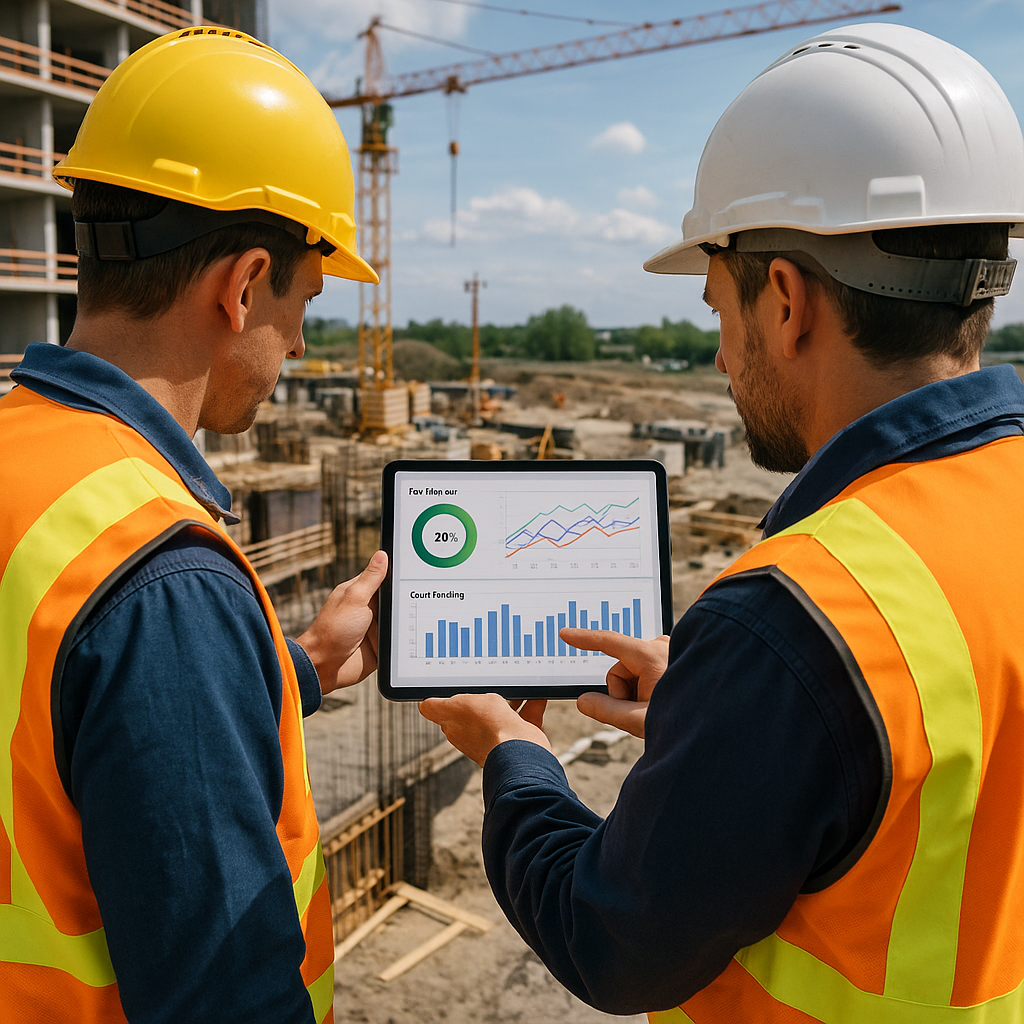
Most contractors don’t realize they’re bleeding money until it’s too late. By the time you close your books, the damage is done. A good ERP should give you real-time visibility into project profitability. Look for features like cost tracking by BOQ, WBS, or scope. For example, JobNext provides dashboards that show cost vs. revenue in real-time. This isn’t a luxury — it’s a necessity if you want to stop margin erosion.
Red flag: If an ERP requires complex manual entries to track costs, it’s just adding to your workload, not solving your problem.
2. Can It Handle Multi-Site Attendance and Payroll?
Construction isn’t like running an office. Your workforce is scattered across multiple sites, often in different cities. Tracking attendance, managing shifts, and calculating payroll gets messy fast. If your ERP doesn’t have built-in tools for multi-site HR operations, you’ll end up relying on separate systems — and the whole point of an ERP is unification.
For instance, JobNext simplifies this with integrated attendance, leave, and payroll systems tailored for construction. It even supports GCC payroll compliance, which is a headache on its own.
Pro tip: Ask for a demo of the HR module. Pay attention to how attendance and payroll data flow into project cost reports.
3. Does It Support All Your Billing Methods?
Billing is where most contractors lose revenue. Why? Because their systems can’t handle the complexity. RA bills, stage-wise billing, supply BOQ, one-time invoices — if your ERP doesn’t support these, you’re leaving money on the table.
JobNext, for example, supports six billing methods and ensures nothing gets missed. Their structured workflows mean every billable item is properly accounted for. Here’s why automating billing is critical.
Key question: Does the ERP handle mixed billing scenarios? If not, you’ll end up doing manual reconciliations, which defeats the purpose.
4. Does It Streamline Procurement?
Procurement chaos is a common pain point. Material requisitions (MRs) get lost, RFQs are inconsistent, and purchase orders (POs) get delayed. A construction ERP should bring structure to this process — from MR to RFQ to vendor offers to PO approval.
JobNext’s procurement module is a good example. It organizes the entire flow with approval chains, so nothing slips through the cracks. Plus, it integrates with project budgets, so you can see the financial impact of every purchase in real time.
Checklist: Does the ERP include vendor management, purchase order tracking, and budget integration? If not, it’s not built for construction.
5. How Does It Handle Subcontractor Management?
Subcontractor costs are another big reason contractors lose money. If you’re not tracking work progress and payments accurately, you’re opening the door to cost overruns.
Look for an ERP with measurement-based progress tracking. This ensures you only pay for work that’s actually done. JobNext’s subcontractor module, for instance, links work orders to actual progress, so there are no surprises.
Watch out: If you’re still relying on excel sheets or standalone apps for subcontractor payments, you’re at risk of overpaying.
6. Can It Handle Compliance and Integration?
GST, TDS, PF, ESI, bank guarantees — compliance is a full-time job in itself. A good construction ERP should take care of these automatically. Bonus points if it integrates with accounting software like Tally, which most Indian contractors rely on.
JobNext’s compliance tools cover everything from statutory deductions to GST filings. Here’s why compliance gaps are a bigger problem than you think.
Bottom line: If compliance isn’t built-in, you’re adding unnecessary risk.
7. Is the ERP Built for Construction?
This seems obvious, but it’s where most contractors go wrong. ERPs designed for manufacturing or retail won’t understand the complexity of construction workflows. From BOQs to subcontractor payments to RA bills, construction is a world of its own.
Ask the vendor for industry-specific case studies. If they can’t show examples from EPC, MEP, or general contracting, they’re not the right fit. JobNext, for instance, is built specifically for contractors managing multi-site operations.
Final test: Does the ERP solve your specific problems? Or is it just a generic tool?
Conclusion: Don’t Rush the Decision
Switching to an ERP is a big move. It’s tempting to focus on price or pick the first tool that looks good in a demo. But the wrong ERP can cost you more in the long run — not just in money, but in wasted time and lost opportunities.
Start by asking these seven questions. And if you’re looking for a construction-specific ERP that solves real problems, check out JobNext. It’s designed to help contractors stop margin erosion and take back control of their projects.
Ready to see JobNext in action?
Multi-tenant SaaS ERP for construction, facilities management, and contracting — covering preconstruction, project execution, procurement, HR & payroll, equipment, finance, and 150+ analytics reports.
Get Started Free →Learn more at JobNext.ai