Why Choosing the Right Construction ERP Is Make-or-Break
Let’s not sugarcoat it: picking the wrong ERP system can cost you big — in time, money, and sanity. We’ve seen contractors spend months (sometimes years) implementing systems that don’t solve their core problems. The result? Disconnected teams, missed billing opportunities, and margin erosion that eats into your bottom line.
The construction industry isn’t like retail or IT services. Your projects run across multiple sites, with workers, subcontractors, and machinery moving constantly. If your ERP can’t handle that complexity, it’s a waste of money.
So, how do you pick the right system? Start by asking these seven questions.
1. Does It Track Costs in Real Time?
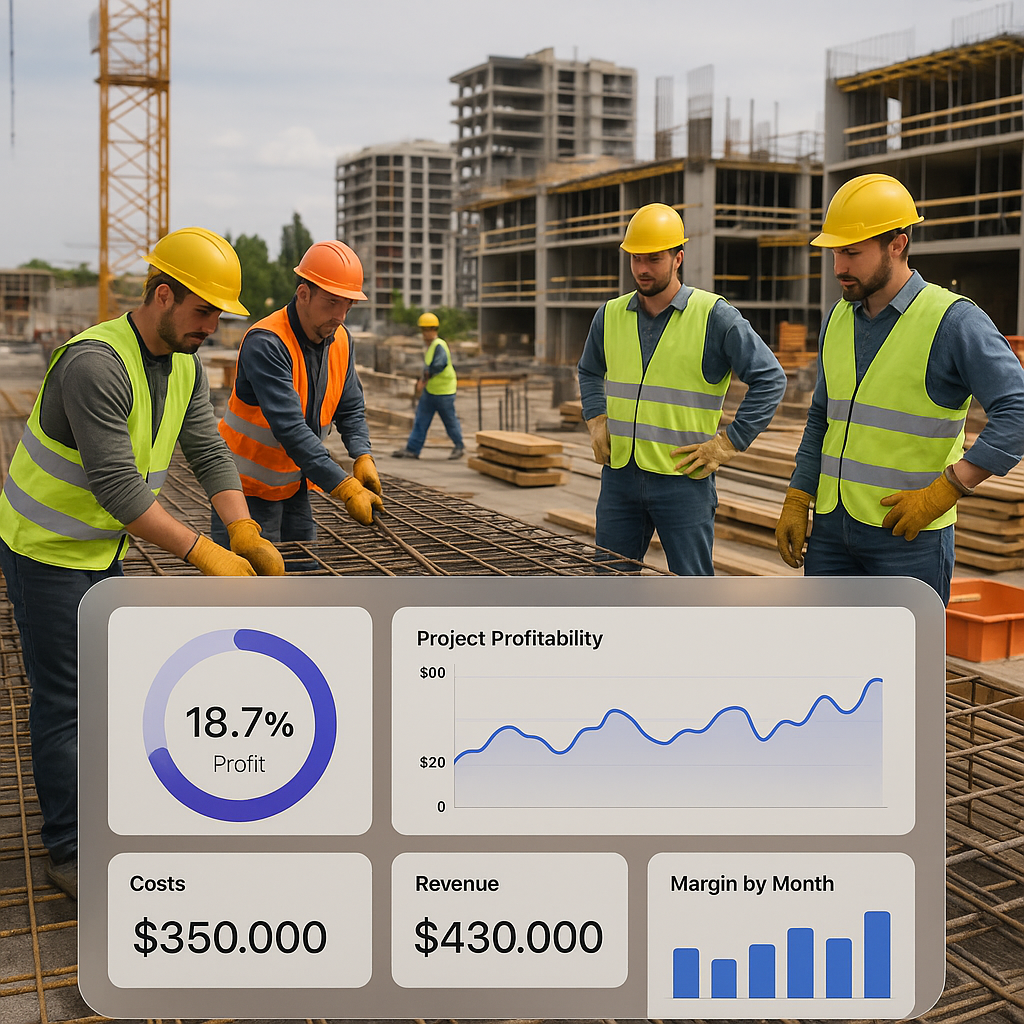
Margins in construction are razor-thin. If your system doesn’t give you real-time visibility into project costs, you’re flying blind. A good ERP should let you track expenses against estimates for materials, labor, and subcontractors — all tied to your BOQs and work breakdown structures.
Example: JobNext’s real-time cost tracking ensures you know exactly where your project stands against your budgets. It pulls data from procurement, payroll, and subcontractor measurements, so nothing slips through the cracks. Contractors using this feature have reported reducing margin erosion by 3-5% (source).
Don’t settle for systems that only give you monthly reports. By then, it’s too late.
2. Does It Replace Your Current Patchwork of Tools?
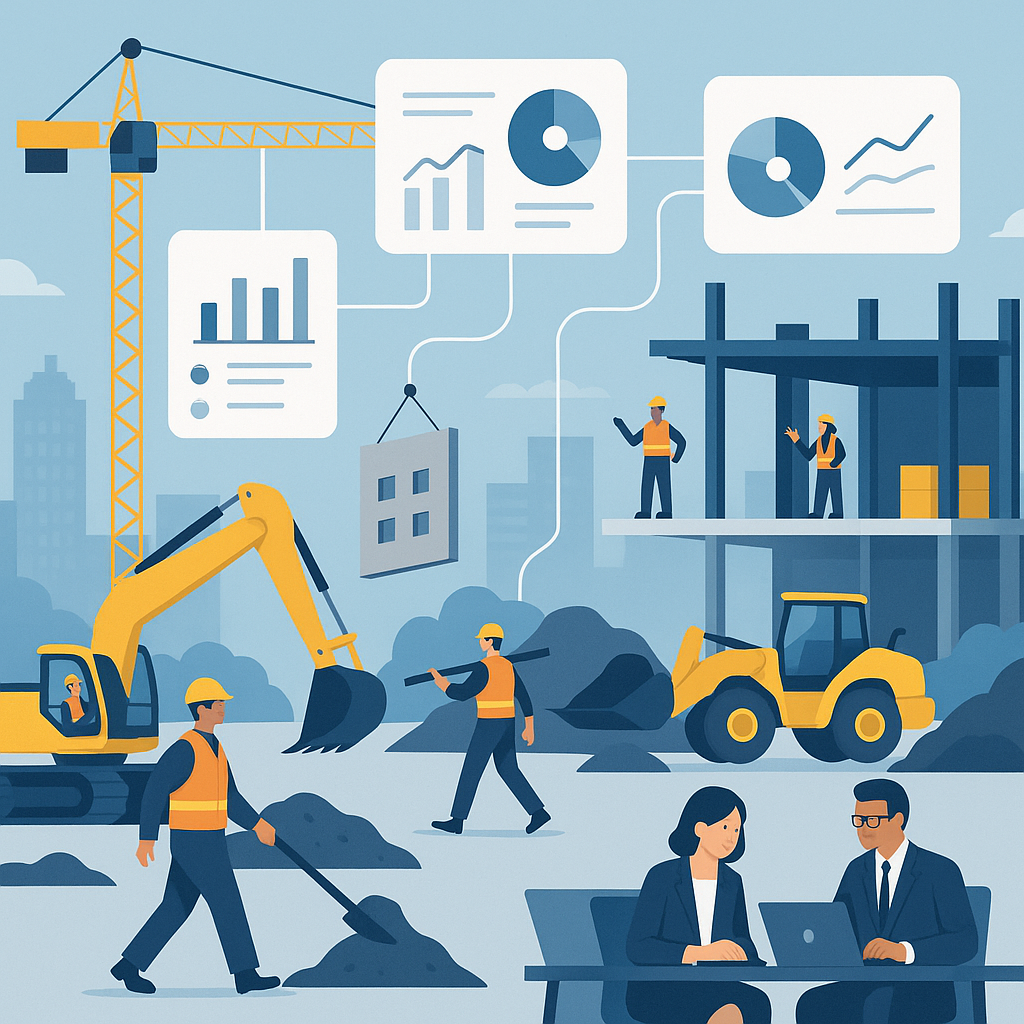
Many contractors juggle spreadsheets for estimates, WhatsApp for communication, and standalone tools for payroll or billing. These disconnected systems lead to errors and wasted time. Your ERP should unify these workflows on a single platform.
A unified ERP means you can:
- Transition seamlessly from tendering to procurement to billing.
- Share real-time updates across teams without duplicate data entry.
- Avoid compliance risks by centralizing GST, TDS, and statutory deductions.
Tools like JobNext excel here, replacing up to 6 separate systems with one integrated platform (source).
3. Does It Support Complex Billing?
Construction billing isn’t one-size-fits-all. You might need RA bills for infrastructure projects, stage-wise billing for interiors, or monthly invoicing for MEP works. If your ERP doesn’t support all these methods, you’ll waste hours manually calculating bills — and risk underbilling clients.
Look for an ERP with built-in flexibility. Systems like JobNext offer six billing methods, ensuring you never leave money on the table.
4. Can It Handle Subcontractor Management?
Subcontractors are critical to most projects, but managing them is a headache. From work orders to progress measurements to payments, there’s a lot that can go wrong.
Your ERP should:
- Track subcontractor progress based on actual measurements.
- Automate retention and payment controls.
- Ensure compliance with agreements.
Without this, subcontractor costs can spiral out of control. And once that happens, profits vanish.
5. Does It Work Across Multiple Sites?
If you’re managing projects in different cities, states, or even countries, your ERP needs to keep up. That means:
- Tracking attendance across camps and sites.
- Allowing for multi-currency transactions (especially in GCC markets).
- Centralizing data so HQ has a clear view of all projects.
Cloud-based systems like JobNext are designed for this kind of complexity. Forget outdated on-premise software that only works if you’re in the office.
6. Is It Scalable?
You might be running 5 projects today, but what about 50? Your ERP should grow with your business. Look for:
- Role-based access controls to manage larger teams.
- Multi-level approval workflows to prevent bottlenecks.
- Advanced reporting and analytics to monitor performance at scale.
If you’re stuck with a system that maxes out at 200 users, you’re setting yourself up for failure.
7. Does It Save (Not Waste) Time?
At the end of the day, your ERP should make life easier. If it’s adding work — or requiring a full-time admin to run it — it’s not the right choice. Look for features like:
- Pre-built reports (not just dashboards).
- Drag-and-drop workflows for approvals.
- Tally integration for seamless statutory reporting in India.
These might sound like small details, but they can save hundreds of hours over the course of a year.
Final Thoughts
Choosing the best construction ERP isn’t about finding the “most advanced” system. It’s about finding the one that fits your business. Start by identifying your biggest pain points. Then, look for a system that solves them without adding unnecessary complexity.
If cost tracking or margin erosion is a major issue for you, we recommend reading this in-depth guide on cloud ERPs. It’s packed with practical advice from contractors who’ve been there.
Want to see how JobNext can help? Check out JobNext.ai for details on features, pricing, and case studies.
Ready to see JobNext in action?
Multi-tenant SaaS ERP for construction, facilities management, and contracting — covering preconstruction, project execution, procurement, HR & payroll, equipment, finance, and 150+ analytics reports.
Get Started Free →Learn more at JobNext.ai