How Real-Time Cost Tracking in Construction ERP Saves Margins
Every contractor has been there: a project that looks profitable on paper but drains cash faster than expected. Maybe it was a subcontractor's inflated billing. Maybe it was material wastage that went unnoticed. Or maybe it was just bad cost tracking. Whatever the reason, the result is the same — you lose money, and you’re left wondering, where did it all go?
This is why real-time cost tracking is a non-negotiable feature for any construction ERP worth its salt. Let’s break it down.
The Real Problem: Margins Disappear Fast in Construction
Construction is a low-margin business. According to a 2023 McKinsey report, the average profit margin for construction companies globally hovers between 5% and 10%. In India and the GCC, it’s often even slimmer. Small inefficiencies — an over-budget purchase order here, a missed invoice there — can snowball into significant losses.
Why Margins Are So Tight
Margins in construction are inherently low because of the nature of the industry. Costs are often unpredictable, driven by fluctuating material prices, labor availability, and changes in project scope. Unlike other industries where production processes are standardized, construction projects are unique, making cost estimation and control significantly more complex.
The Domino Effect of Poor Cost Tracking
Here’s how small inefficiencies can compound:
-
Overlooked Purchase Orders: A single unapproved purchase order for $5,000 might seem insignificant, but multiply that across several projects, and you could be bleeding tens of thousands.
-
Material Wastage: Without proper tracking, materials can be misused or lost. For example, if cement bags aren't tracked properly, over-ordering or theft can occur.
-
Labor Cost Mismanagement: Errors in tracking labor hours or subcontractor invoices can lead to overpayment.
-
Delayed Response to Budget Overruns: Without real-time data, cost overruns are often discovered too late to mitigate their impact.
What Real-Time Cost Tracking Looks Like in a Construction ERP
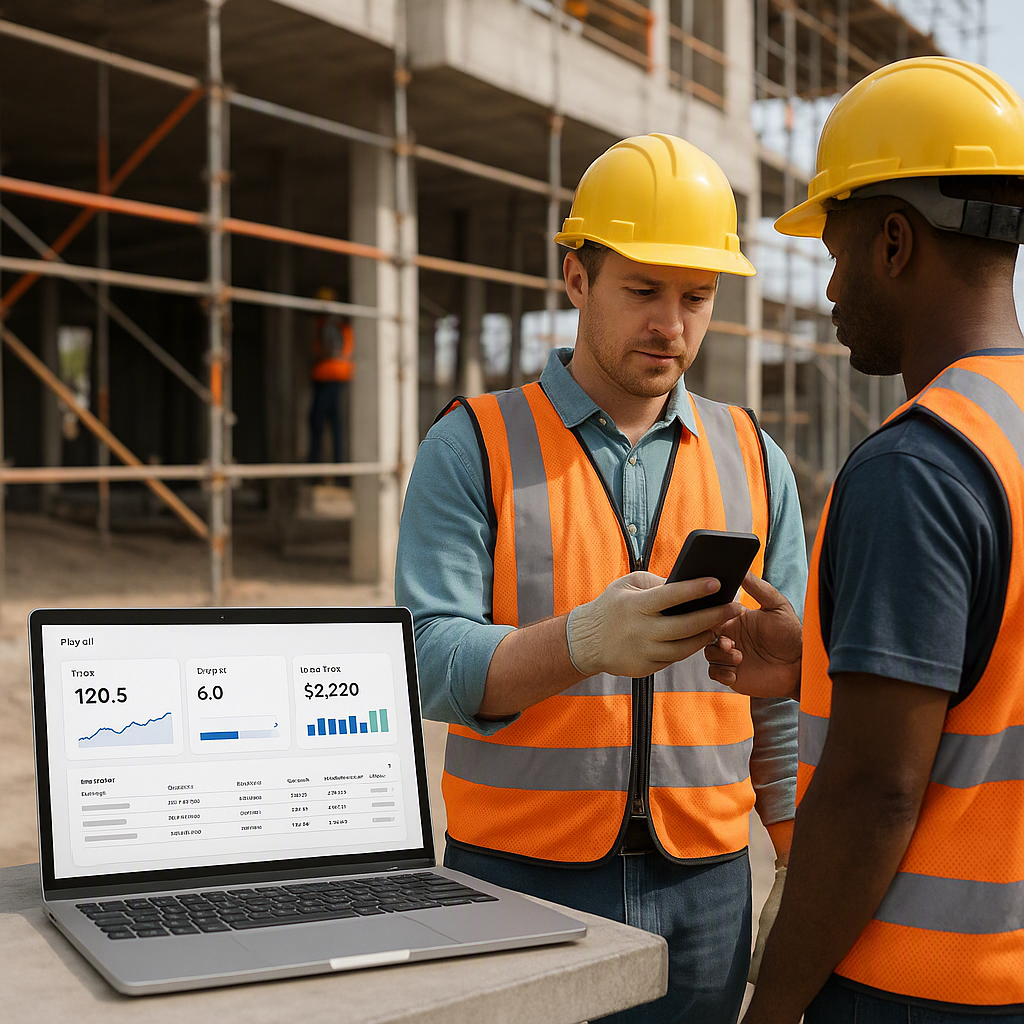
Real-time cost tracking isn’t just about plugging numbers into a system. It’s about creating a live, actionable view of your project’s financial health. Here’s what it involves:
1. Live BOQ and Scope Monitoring
Every project starts with a Bill of Quantities (BOQ) and a scope of work. These documents outline your estimated costs and deliverables, but they’re often treated as static paperwork. A modern construction ERP integrates BOQs and scope monitoring into dynamic dashboards that update as costs are incurred.
Actionable Steps:
- Set Up BOQ Benchmarks: Input your BOQ into the ERP at the start of the project. Break it down by item and category.
- Daily Updates: Ensure site managers or supervisors input daily cost data (e.g., materials used, labor hours).
- Variance Tracking: Use the ERP to flag discrepancies between actual costs and BOQ estimates.
2. Automated Material and Labor Cost Integration
Manual reconciliation of supplier invoices with material requisitions is time-consuming and error-prone. A robust ERP automates this process, linking procurement and inventory management directly to your cost tracking.
Actionable Steps:
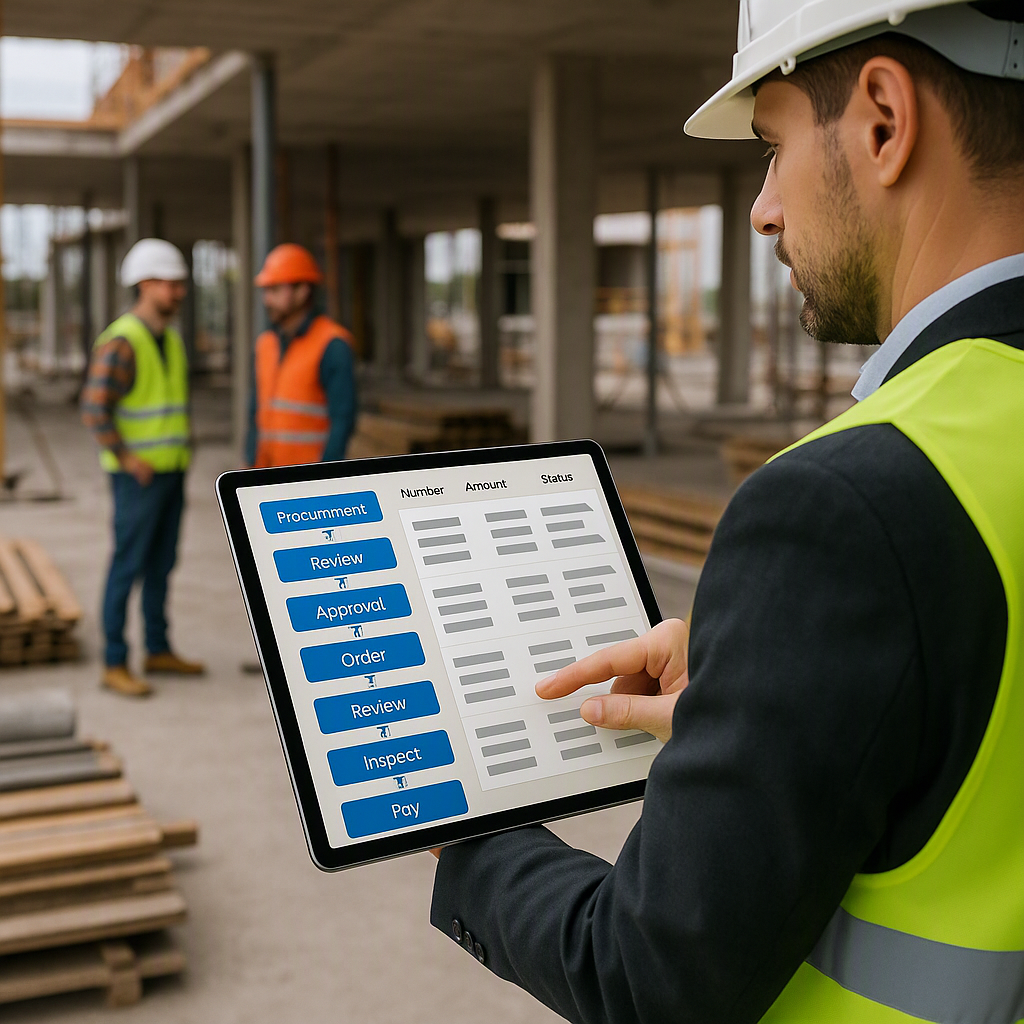
- Procurement Integration: Ensure your ERP supports workflows like Material Requisitions (MRs), Purchase Orders (POs), and Goods Received Notes (GRNs).
- Inventory Management: Match every material issued to a site with its corresponding PO.
- Labor Tracking: Use biometric or digital attendance systems integrated with your ERP to track labor hours accurately.
3. Alerts for Budget Overruns
Budget overruns shouldn’t be a surprise. The best construction ERPs come with configurable alerts that notify managers when actual costs exceed planned budgets.
Actionable Steps:
- Threshold Alerts: Set threshold limits for specific cost categories (e.g., materials, subcontractor payments).
- Escalation Rules: Ensure alerts are sent to the right stakeholders — site managers for minor discrepancies, project managers for major overruns.
- Proactive Response: Use alerts to trigger corrective actions, such as renegotiating subcontractor rates or halting non-critical purchases.
What to Look for in a Construction ERP’s Cost Tracking Feature
Not all ERPs are created equal. Some are designed for generic industries and lack construction-specific functionalities. Here’s what you should prioritize:
| Feature | Why It Matters |
|---|---|
| Real-Time Dashboards | Provides instant visibility into costs and margins, reducing delays. |
| Integration with Procurement | Ensures material costs are accurately tracked and reconciled. |
| Subcontractor Payment Controls | Prevents overbilling and links payments to progress reports. |
| Multi-Site Support | Combines data across multiple projects for a unified view. |
| Customizable Alerts | Warns of budget overruns before they escalate, enabling proactive decision-making. |
| Mobile Accessibility | Enables on-site supervisors to input data directly, ensuring real-time updates. |
Common Mistakes When Choosing an ERP for Cost Tracking
1. Ignoring Multi-Site Needs
Many contractors juggle multiple projects across different sites. If your ERP can’t consolidate data across locations, you’ll lack a unified view of your finances.
2. Assuming All ERPs Are Equal
Generic ERP solutions don’t understand the nuances of construction. They may handle manufacturing or retail workflows well but struggle with construction-specific needs like BOQ tracking or RA billing.
3. Skipping the Demo
A demo isn’t optional. You need to see how the system handles your workflows. Does it allow you to track costs at a granular BOQ level? Can it handle complex billing methods like stage-wise payments?
FAQ
1. How does real-time cost tracking actually work in an ERP?
Real-time cost tracking works by integrating data from various modules like procurement, HR, and subcontractor management into a centralized dashboard. For example, every material requisition, labor attendance, and subcontractor invoice gets automatically updated against the project’s BOQ or budget.
2. Can I use JobNext ERP for GCC VAT compliance?
Yes. JobNext supports dual GST for Indian operations and GCC VAT, making it a strong choice for contractors operating in both regions. The system ensures VAT is calculated and reported accurately, simplifying compliance.
3. What if I already use separate tools for procurement and billing?
You’re not alone. Many contractors start with disconnected systems. But the lack of integration is what causes cost tracking gaps. A unified ERP like JobNext replaces these silos with a single, connected platform.
4. How do alerts work in a construction ERP?
Alerts notify managers when specific thresholds are crossed — for example, if subcontractor payments exceed budgeted amounts or material costs spike unexpectedly. These alerts are configurable based on your needs and can be set for individual projects or company-wide.
5. Is real-time tracking only for large contractors?
Not at all. In fact, small and mid-size contractors often benefit the most because they have less margin for error. Real-time tracking helps them stay competitive by identifying inefficiencies that could otherwise go unnoticed.
Final Thoughts
Real-time cost tracking isn’t a luxury. It’s a necessity for contractors who want to protect their margins. Whether you’re running five projects or fifty, the ability to monitor costs at the BOQ, scope, and estimate level is what keeps your business profitable.
If you’re dealing with margin erosion or disconnected systems, JobNext can help. Get started free →
Learn more at JobNext.ai