Executive Summary
Most contractors don’t pick their first ERP system — they inherit it. Sound familiar? You start with spreadsheets, add a payroll tool, then a procurement app, and suddenly you’re juggling five systems that don’t talk to each other. The result? Disconnected data, margin leaks, and constant firefighting.
If you’re reading this, you’ve likely decided it’s time to fix that. But how do you choose a system that works for construction — not just generic business operations? Here’s the short answer: focus on the problems you’re trying to solve. And make sure the system you pick has features built specifically for contractors. Let’s break down five features that make or break a construction ERP.
1. Real-Time Cost Tracking
Margins in construction are razor-thin — often 2-7%. If you can’t track costs against budgets in real time, you’re running blind. Imagine this: your site manager places a last-minute order for materials, but you don’t find out until the invoice hits accounts payable. By then, you’ve overshot the budget.
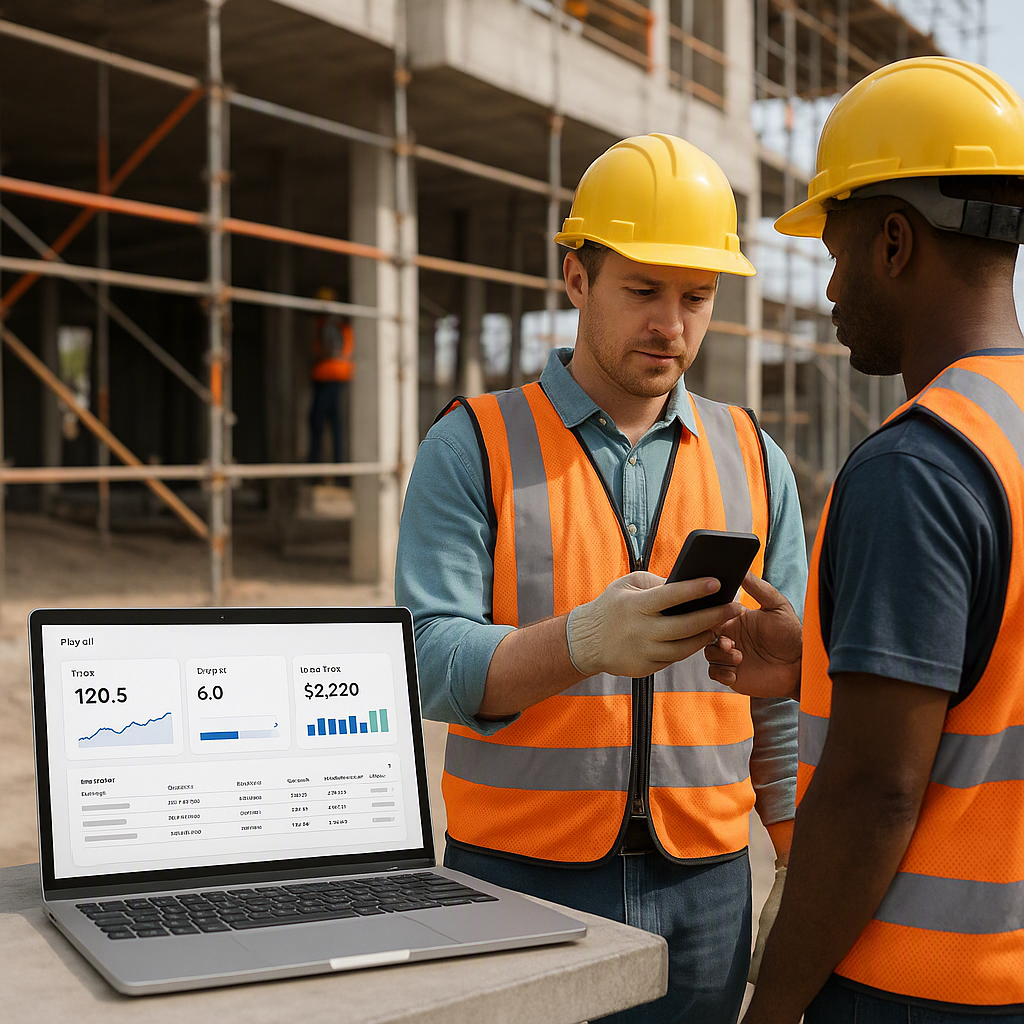
A good ERP doesn’t just track costs — it ties them back to your BOQ, scope, and WBS in real time. For example, JobNext offers real-time project profitability dashboards that show exactly where your money is going. As one contractor explained in this article, “We used to wait until project closeout to calculate profitability. Now we know where we stand every day.”
What to Look For:
- BOQ-based cost tracking
- Real-time visibility into budgets vs. actuals
- Alerts for cost overruns
2. Unified Procurement Workflow
Procurement is chaos for most contractors. Material Requests (MRs) get lost in email chains, approvals are delayed, and vendors send incomplete offers. The result? Missed deadlines and expensive last-minute purchases.
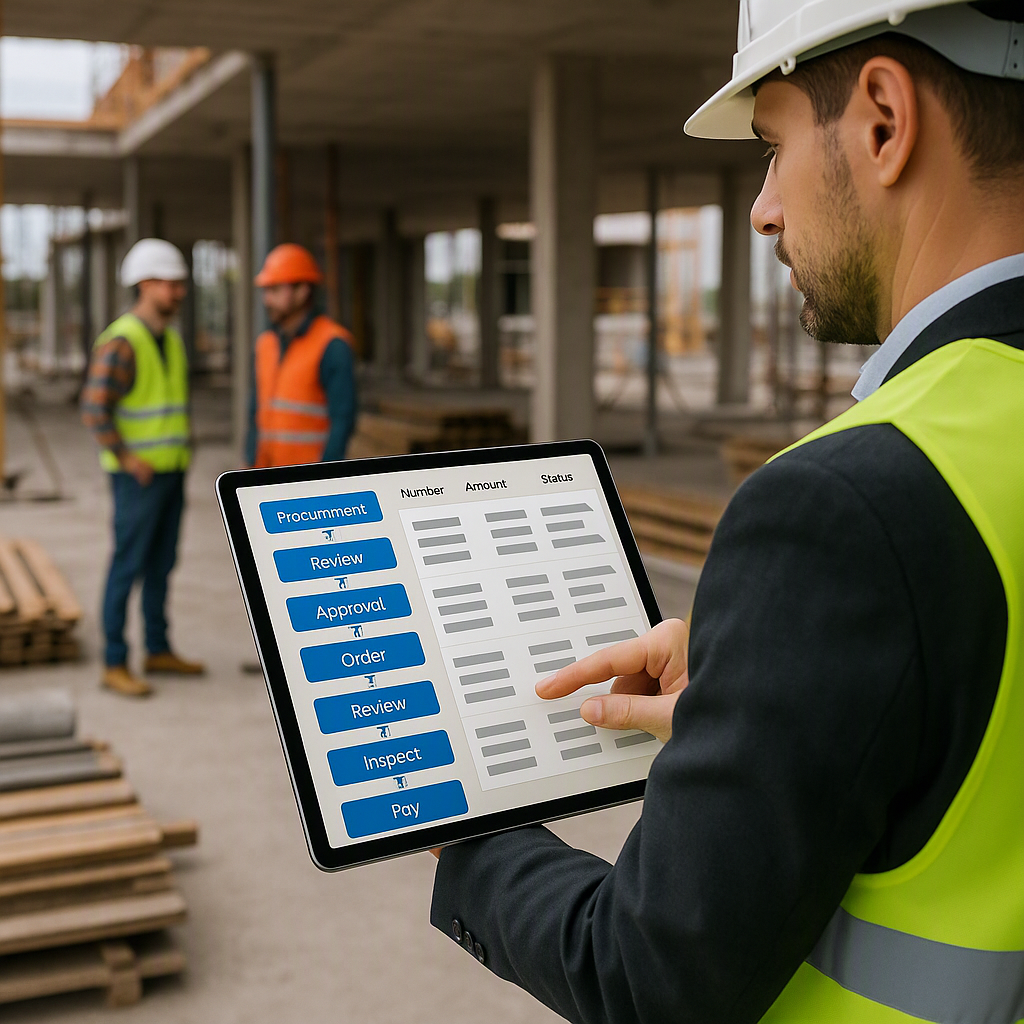
An ERP with a structured procurement workflow can save you serious headaches. Look for a system that handles the entire process: MR → RFQ → Vendor Offers → PO. Systems like JobNext even allow you to set approval chains based on material value. This prevents junior staff from approving high-value purchases without oversight.
What to Look For:
- End-to-end procurement workflows
- Approval chains for high-value POs
- Vendor comparison tools
3. Multi-Site Attendance Management
If you’re managing workers across multiple sites, you already know how messy attendance tracking can get. Manual registers? Forget it. Biometric systems? Great — until the data sits in disconnected silos.
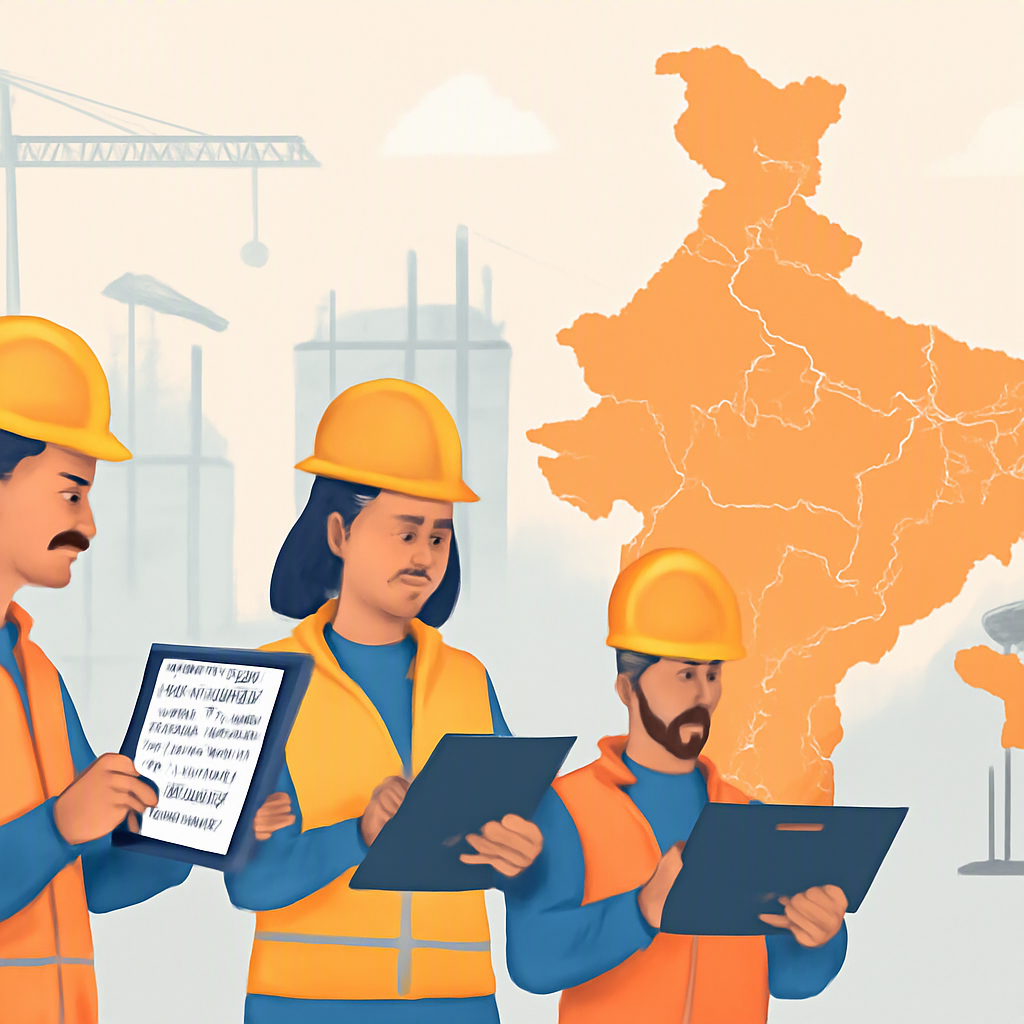
A construction ERP built for multi-site operations will centralize attendance, payroll, and leave management. For example, JobNext’s HR module syncs biometric data across sites, automatically calculates overtime, and processes payroll for both Indian and GCC compliance. It’s the difference between spending hours reconciling data and having it ready at the click of a button.
What to Look For:
- Multi-site biometric integration
- Automated payroll calculations
- GCC compliance for contractors in UAE, Oman, and Saudi Arabia
4. Flexible Billing Methods
Revenue leakage often happens during billing. Some contractors only chase RA Bills and forget about stage-wise or BOQ-based billing. Others lose track of what’s been invoiced. Either way, money falls through the cracks.
Your ERP should offer multiple billing methods. JobNext supports six: RA Bills, stage-wise, monthly, supply BOQ, combined, and one-time. This ensures you’re not leaving money on the table. As highlighted in this article, proper billing controls can prevent revenue leakage and improve cash flow.
What to Look For:
- Support for multiple billing methods
- Automated invoicing
- Real-time billing vs. progress tracking
5. Statutory Compliance and Integration
Let’s face it: compliance is a headache. GST, TDS, PF, ESI — the list is endless. And if you’re operating across countries, multiply that headache by five.
A good ERP should automate statutory compliance and integrate directly with tools like Tally. JobNext, for example, handles GST and TDS deductions automatically while syncing with your accounting software. This isn’t just about saving time — it’s about avoiding penalties that can eat into your margins.
What to Look For:
- Automated statutory deductions (GST, PF, ESI)
- Seamless accounting integration (e.g., Tally)
- Multi-currency and multi-country compliance
Final Thought: Don’t Pick a Generic ERP
Generic ERP systems might look cheaper upfront, but they’ll cost you more in the long run. Why? Because they’re not built for construction. As we’ve covered, contractors have unique challenges — real-time cost tracking, site-based HR, flexible billing, and more. If the ERP you’re evaluating doesn’t tick these boxes, walk away.
For a deeper dive into how cloud ERP can transform construction operations, check out this article. It explains why unified systems outperform fragmented ones — and how to make the transition without disrupting your business.
Want to see how a purpose-built ERP works? Visit JobNext for more details.
Ready to see JobNext in action?
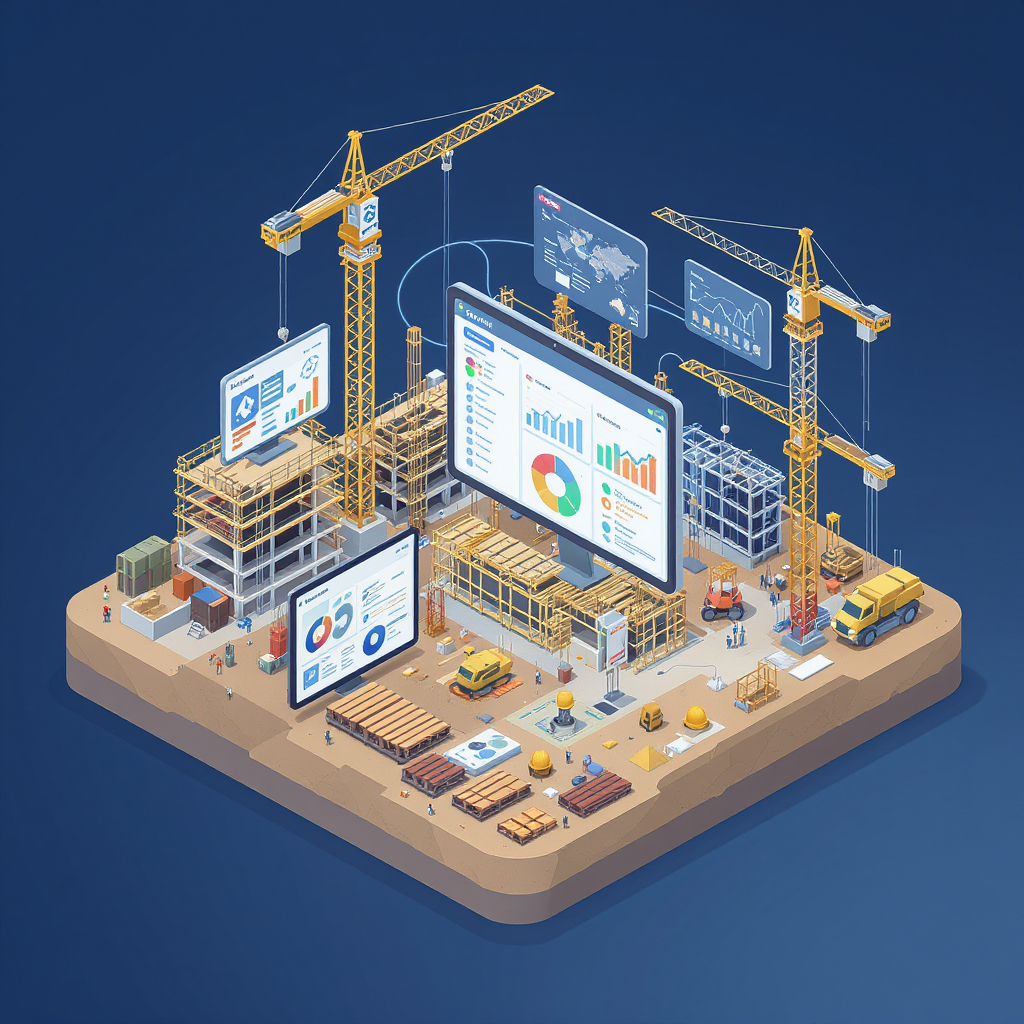
Multi-tenant SaaS ERP for construction, facilities management, and contracting — covering preconstruction, project execution, procurement, HR & payroll, equipment, finance, and 150+ analytics reports.
Get Started Free →Learn more at JobNext.ai