How to Evaluate Construction ERP Systems for Cost Tracking Efficiency
Margin erosion is the silent killer of construction businesses. You think you're making money, but by the time you tally up materials, subcontractor payments, and equipment costs, the profit you expected has vanished. Why does this happen? Poor cost tracking. The good news? The right construction ERP can stop this in its tracks. Let’s break it down.
The Problem: Hidden Margin Erosion
Every construction company deals with unexpected costs. A subcontractor bills for extra work that wasn’t agreed upon. Material deliveries go unrecorded. Equipment hires extend beyond their original schedule. Each of these issues chips away at your margins.
But here’s the real kicker: by the time you realize your project is losing money, it’s often too late to fix it. You’re already halfway through the job and scrambling to make adjustments.
Why Does Margin Erosion Happen?
Margin erosion doesn’t just result from a single mistake. It’s often the accumulation of small errors that go unnoticed:
-
Untracked Material Deliveries:
- Materials are delivered to sites but aren’t recorded properly, leading to discrepancies between expected and actual costs.
- For example, if a supplier delivers extra bags of cement and your team uses them without verifying the invoice, you’ve incurred an unplanned expense.
-
Subcontractor Scope Creep:
- Subcontractors sometimes perform work outside their agreed-upon scope and bill for it later. Without a system to validate these changes, the extra charges eat into your profits.
-
Extended Equipment Rentals:
- Equipment hire often exceeds the planned schedule, especially if the project timeline shifts. These overruns are rarely accounted for in real-time.
The Solution: Real-Time Cost Tracking
Instead of waiting until the end of the project to see the damage, a good ERP system will flag issues as they arise. The key? Tracking costs against approved budgets at the BOQ (Bill of Quantities), scope, and estimate levels.
What to Look for in an ERP for Cost Tracking
Not all ERP systems are built for construction contractors. Many generic options don’t cater to the job-based nature of construction work. Here’s what you should look for:
1. Real-Time Project Profitability Monitoring
Your ERP should track costs against your BOQs, scopes, and estimates as soon as they’re incurred. This means every material purchase, subcontractor payment, and equipment hire is validated against your approved budget.
Actionable Steps:
- Verify that the ERP system allows you to upload your project BOQ, scope documents, and estimates.
- Check if cost entries are automatically compared against these benchmarks.
- Ensure the system can send alerts for budget deviations in real-time.
Comparison:
| Feature | Essential? | Example |
|---|---|---|
| Automatic BOQ Validation | Yes | Alerts for deviations in material costs or subcontractor charges |
| Real-Time Alerts | Yes | Notifications for equipment hire overruns |
| Historical Data Analysis | Useful | Compare performance across past projects to identify trends |
2. Integration Across Modules
Disconnected systems are a recipe for disaster. If your procurement software doesn’t talk to your finance module, or your HR system doesn’t sync with payroll, you’re inviting errors and delays.
Actionable Steps:
- Test whether the ERP integrates tendering, procurement, HR, equipment tracking, and billing.
- Ask if the system supports API connections with third-party tools like Tally or QuickBooks.
- Ensure purchase orders automatically link to budgets approved during the tender stage.
Example: Platforms like JobNext provide seamless integration, ensuring that procurement entries automatically sync with finance and project modules for accurate reporting.
3. Enforced Budget Discipline
The right ERP doesn’t just track costs—it stops you from spending outside your budget. Look for systems that enforce approvals for purchases, payments, and equipment hires.
Practical Application:
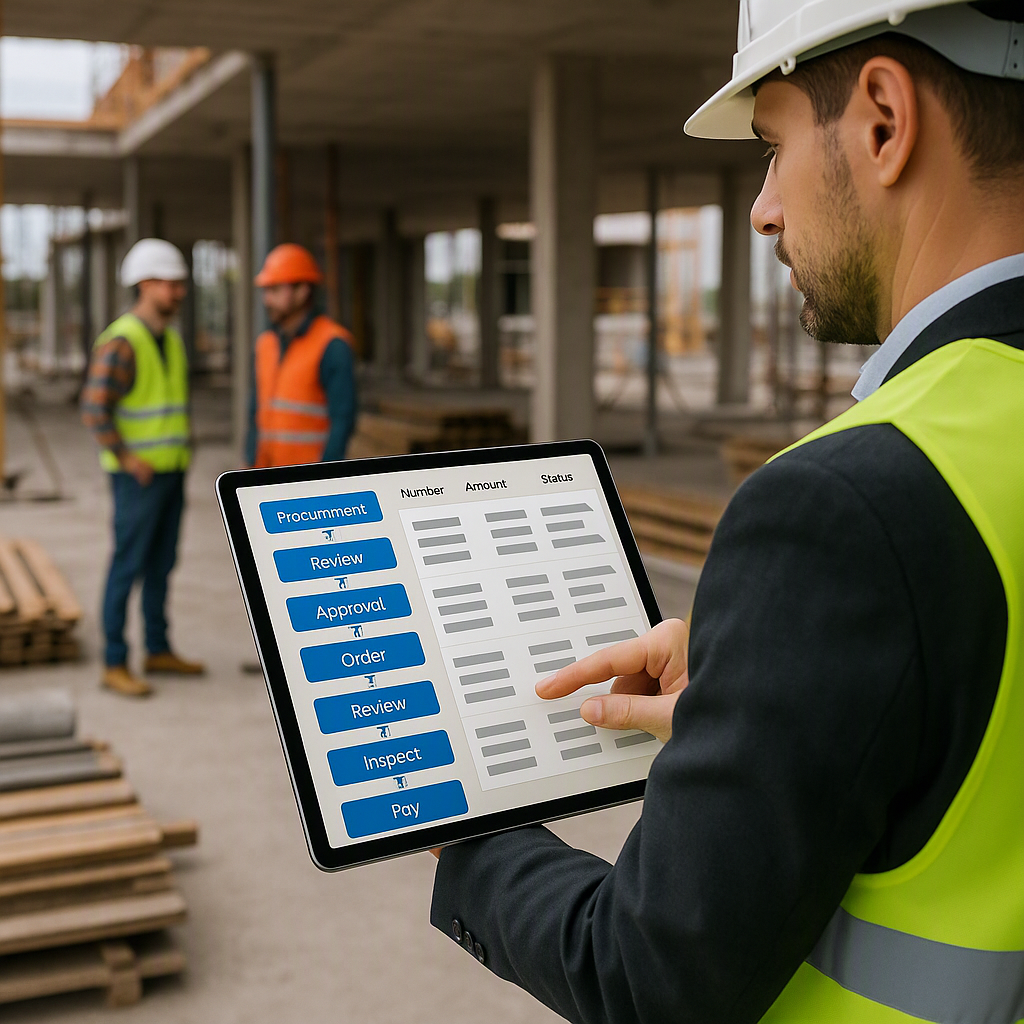
- Implement multi-level approval workflows.
- Set up user roles to ensure only authorized personnel can approve expenses.
- Enable notifications for approvals pending review.
Example: With JobNext, no payment or purchase order gets processed without the correct sign-offs. This ensures you’re not bleeding money on unapproved expenses.
4. Comprehensive Reporting
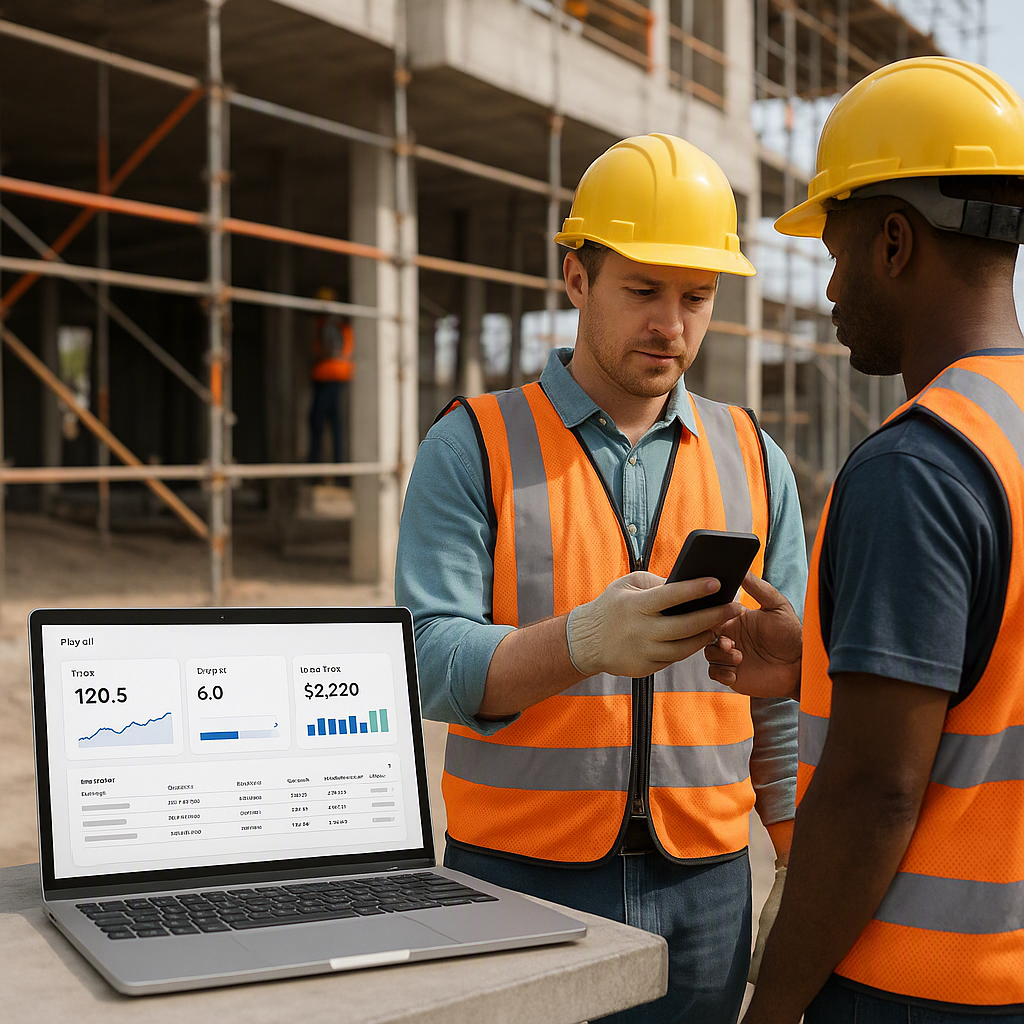
You can’t fix what you can’t measure. Your ERP should provide detailed reports on project profitability, cost deviations, and trends.
Actionable Steps:
- Check the number and type of pre-built reports available in the system.
- Ensure reports are customizable to suit your specific needs.
- Look for dashboards that display real-time data for quick decision-making.
Comparison:
| Reporting Feature | Benefit |
|---|---|
| Cost Deviation Reports | Quickly identify areas where costs exceed budget |
| Profitability Analysis | Understand which projects deliver the best margins |
| Trend Analysis | Spot recurring issues across multiple projects |
How to Test ERP Cost Tracking Before You Commit
Now that you know what to look for, how do you evaluate an ERP system before buying it? Here’s a step-by-step process:
-
Request a Demo:
- Don’t just read the product brochure. Ask for a hands-on demo where you can explore the cost tracking features yourself.
-
Test Real Scenarios:
- During the demo, input data from one of your past projects. See how the system handles BOQ-level tracking and budget validation.
-
Check Reporting:
- Ask for sample reports. Are they detailed enough? Can you customize them?
-
Evaluate Integration:
- Test how the system links procurement, finance, HR, and project management modules. Are approvals seamless?
-
Ask About Implementation:
- How long will it take to set up the system? What kind of support is provided?
Common Mistakes When Choosing Construction ERP
-
Focusing Only on Price:
- A cheaper ERP isn’t always better. If it doesn’t solve your margin erosion problem, it’ll cost you more in the long run.
-
Ignoring Integration:
- If your ERP doesn’t integrate with existing tools like Tally for GST reporting, you’ll end up juggling multiple systems.
-
Skipping the Demo:
- Never commit to an ERP without testing its features yourself. What looks good on paper may not work for your real-world processes.
FAQ
1. How long does it take to implement a construction ERP?
Implementation timelines vary based on your company’s complexity and size. Most systems take 3-6 months, but platforms like JobNext offer guided onboarding to speed up the process.
2. Can I use a generic ERP for construction?
You can, but it’s not ideal. Generic systems don’t understand job-based cost tracking or the complexity of BOQs and subcontractor management. A construction-specific ERP is always better.
3. What’s the cost of a construction ERP?
Costs depend on your company’s size, number of licenses, and required features. Focus on ROI rather than upfront costs to ensure long-term profitability.
4. How can an ERP help with subcontractor management?
An ERP can enforce approvals, track work progress, and tie payments to verified measurements. This prevents cost overruns and ensures accountability.
5. Do I need an ERP if I only manage one site?
If you’re managing a single site, a simpler tool might suffice. ERPs are best for multi-site operations where complexity grows exponentially.
Closing Thoughts
Choosing the best construction ERP is about more than just ticking boxes. It’s about solving real problems—like margin erosion—and making sure your projects stay profitable. If you want an ERP built specifically for contractors, JobNext can help. Its cost tracking and budget enforcement tools are designed to protect your bottom line. Learn more →
Learn more at JobNext.ai