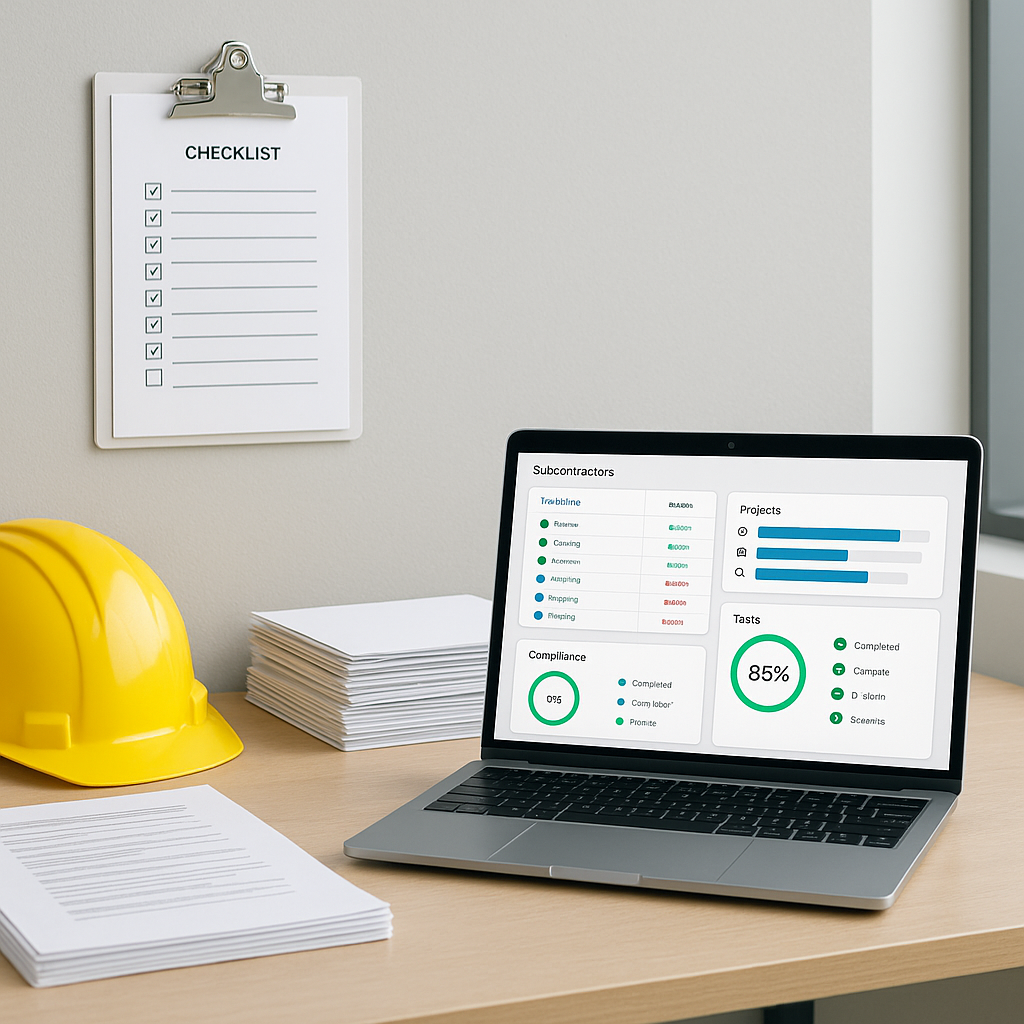
Subcontractor Onboarding Checklist: Reduce Errors & Improve Compliance
Subcontractor errors cost Indian contractors millions every year. Don’t believe me? A 2023 McKinsey report showed that up to 30% of construction project costs arise from rework, disputes, and compliance failures. A large chunk of this is tied directly to subcontractor mismanagement—starting with onboarding.
Why Onboarding Matters
Subcontractor onboarding isn’t just about collecting documents. It’s how contractors set the tone for accountability, compliance, and quality. Get it wrong, and you’ll face:
- Payment disputes: Incomplete scope definitions lead to arguments over invoices.
- Regulatory fines: Missing documentation like GST registration or safety certifications can attract penalties.
- Project delays: Unvetted subcontractors often cause delays due to poor capacity planning or lack of resources.
Real-World Implications of Poor Onboarding
Let’s look at an example. An infrastructure contractor in Delhi onboarded a subcontractor without verifying their safety certifications. Within three months, a site accident occurred due to inadequate worker training, resulting in a ₹25 lakh fine and a three-month project delay. Proper onboarding could have flagged these issues before they spiraled out of control.
So let’s fix that. Here’s a comprehensive onboarding checklist you can start using today.
The Subcontractor Onboarding Checklist
1. Verify Compliance Documents
Every subcontractor must provide proof of:
- GST registration (India) or VAT certificate (GCC countries).
- Labour compliance certificates: PF, ESI, or equivalent.
- Insurance coverage: Worker’s compensation, third-party liability.
- Safety certifications: Particularly for high-risk trades like scaffolding or welding.
How to Implement This Step:
- Centralize Document Storage: Use digital tools like JobNext’s subcontractor module to store documents in one place. This ensures you can quickly access them during audits.
- Automate Alerts: Set alerts for document expiration (e.g., insurance policies or certifications) to avoid lapses.
- Conduct Spot Checks: Randomly audit compliance documents to ensure authenticity.
👉 Pro Tip: Contractors who adopt digital document systems reduce audit preparation time by 50%.
2. Define Work Items Clearly
Before you even think about issuing a Work Order (WO), break down the job scope into Work Items. Each Work Item should have:
- A clear description (e.g., "Install 300m of HVAC ducting on Level 3").
- Expected quantities, dimensions, or output.
- Associated BOQ codes for cost tracking.
Why This Matters:
Vague scope descriptions lead to scope creep, which kills margins. For example, a contractor in Bengaluru issued a WO for "electrical work" without specific deliverables. The subcontractor claimed additional payments for tasks they considered outside the original scope, resulting in a ₹10 lakh dispute.
Actionable Steps:
- Use Standardized Templates: Create a template for Work Items that includes descriptions, quantities, and BOQ codes.
- Review with Stakeholders: Cross-check scope definitions with project managers to ensure clarity.
- Leverage Technology: Tools like JobNext enforce scope clarity by requiring detailed Work Order Items before approval.
3. Budget Approval First, Always
Never skip this step. Every Work Item should have an approved budget before you issue a Work Requisition (WR).
What Happens If You Don’t:
You’ll end up overspending, especially when subcontractors demand extra payments for “unplanned” work. For example, a contractor in Pune reported overspending by ₹50 lakh on a residential project because additional tasks weren’t pre-budgeted.
How to Ensure Compliance:
- Enforce Budget Reviews: Use tools like JobNext’s Subcontractor Budget Burn report to check if the WO value fits within your allocated budget.
- Monitor Budget vs. Actuals: Regularly compare approved budgets with actual expenses.
- Set Contingency Margins: Allocate 5-10% of the total budget for unforeseen expenses, but track usage rigorously.
4. Use Competitive Bidding
For major subcontractor engagements, always circulate a Request for Proposal (RFP) to at least three vendors. Include:
- Detailed scope documents (e.g., drawings, technical specifications).
- Expected start and end dates.
- Payment terms and milestones.
Why This Works:
Competitive bidding ensures you get the best value for money. For instance, a contractor in Hyderabad saved ₹20 lakh by comparing bids for a plumbing contract. The lowest bidder wasn’t chosen; instead, the contractor opted for a vendor with better payment terms and a proven track record.
Steps to Optimize Bidding:
- Standardize RFPs: Use a consistent format for all subcontractor bids.
- Include Performance Metrics: Ask vendors to provide data on past project timelines and cost adherence.
- Analyze Offers: Tools like JobNext let you compare vendor offers side by side, even when they use different pricing methods.
5. Track Work Progress with Measurement Sheets
This is where most onboarding processes fail. Contractors onboard subcontractors but don’t set up systems to track their actual work.
Why This Matters:
Without proper tracking, subcontractors may overbill or delay deliverables. A contractor in Chennai saved ₹50 lakh annually by reconciling subcontractor bills with measurement-based data.
Best Practices:
- Daily Updates: Require subcontractors to submit daily progress reports.
- Link Payments to Progress: Tie payment milestones to completed quantities.
- Use Digital Tools: JobNext automates this process by linking measurement sheets to invoices.
6. Set Payment Milestones
Never pay subcontractors without tying payments to measurable deliverables.
Example Milestones:
- Mobilization: 10% upon setting up site infrastructure.
- Progress Payments: Linked to 25%, 50%, and 75% completion stages.
- Retention: Hold back 5-10% until final inspection.
Pro Tips:
- Document Milestones Clearly: Include them in the initial Work Order.
- Automate Payments: Tools like JobNext link payments to approved Measurement Sheets, reducing manual errors.
Common Pitfalls (and How to Avoid Them)
1. Skipping Background Checks
Why it fails: You onboard a subcontractor only to discover they’ve been blacklisted by another contractor.
Fix it: Always check references and past project performance during onboarding.
2. Ignoring Material Reconciliation
Why it fails: Subcontractors overuse or mismanage materials, but you can’t prove it.
Fix it: Reconcile issued materials against work progress regularly. JobNext’s material reconciliation feature ensures you’re not bleeding cash.
3. Rushed Work Orders
Why it fails: You approve a WO without aligning it to the project timeline and budget.
Fix it: Use JobNext to enforce approval workflows. No WO goes live without project manager sign-off.
Comparison Table: Manual vs. Automated Onboarding
| Aspect | Manual Process | Automated (e.g., JobNext) |
|---|---|---|
| Document Tracking | Prone to errors, lost paperwork | Centralized, with automated alerts |
| Budget Management | Reactive, often over budget | Proactive, with budget burn reports |
| Work Order Accuracy | Vague scopes, frequent disputes | Detailed, with enforced templates |
| Payment Milestones | Manual, delays common | Linked to progress, automated |
| Vendor Comparison | Time-consuming, subjective | Fast, data-driven |
FAQ
1. What documents should I ask subcontractors for during onboarding?
At a minimum, request:
- GST registration or equivalent tax certificates.
- Labour compliance certificates (PF, ESI, etc.).
- Insurance policies (worker’s compensation, liability).
- Relevant safety certifications.
2. How can I avoid payment disputes with subcontractors?
- Define clear Work Items and milestones in the Work Order.
- Use Measurement Sheets to track progress and tie it to payments.
- Automate invoice approvals with digital tools like JobNext.
3. What’s the ROI of improving subcontractor onboarding?
McKinsey estimates that up to 30% of project costs arise from rework and disputes. Proper onboarding can reduce these costs by ensuring compliance, minimizing disputes, and avoiding delays.
4. How can I handle subcontractors who demand extra payments?
- Establish clear scope definitions from the start.
- Include contingency budgets for unforeseen work.
- Document all additional work with Change Orders.
5. What’s the best tool for subcontractor onboarding?
Platforms like JobNext simplify the process by digitizing document collection, automating approvals, and linking work progress to payments.
The ROI of Better Onboarding
Let’s be real. Contractors who wing subcontractor onboarding lose money. Period. A structured process reduces disputes, improves compliance, and protects your margins. Need proof? Just look at this JobNext case study on subcontractor management. Their tools helped contractors on a $10B project control costs effectively.
Call to Action
If subcontractor errors are bleeding your margins, it’s time to act. JobNext simplifies onboarding, budgeting, and compliance for construction teams. Get started free →
Learn more at JobNext.ai