WIP Reporting in Construction: Smarter Tracking to Save Margins
Imagine this: You’re halfway through a project, and your accountant flags an issue. The subcontractor costs have already eaten through the allocated budget, but the work isn’t even 60% done. Sound familiar? This is where Work-in-Progress (WIP) reporting can make or break your margins.
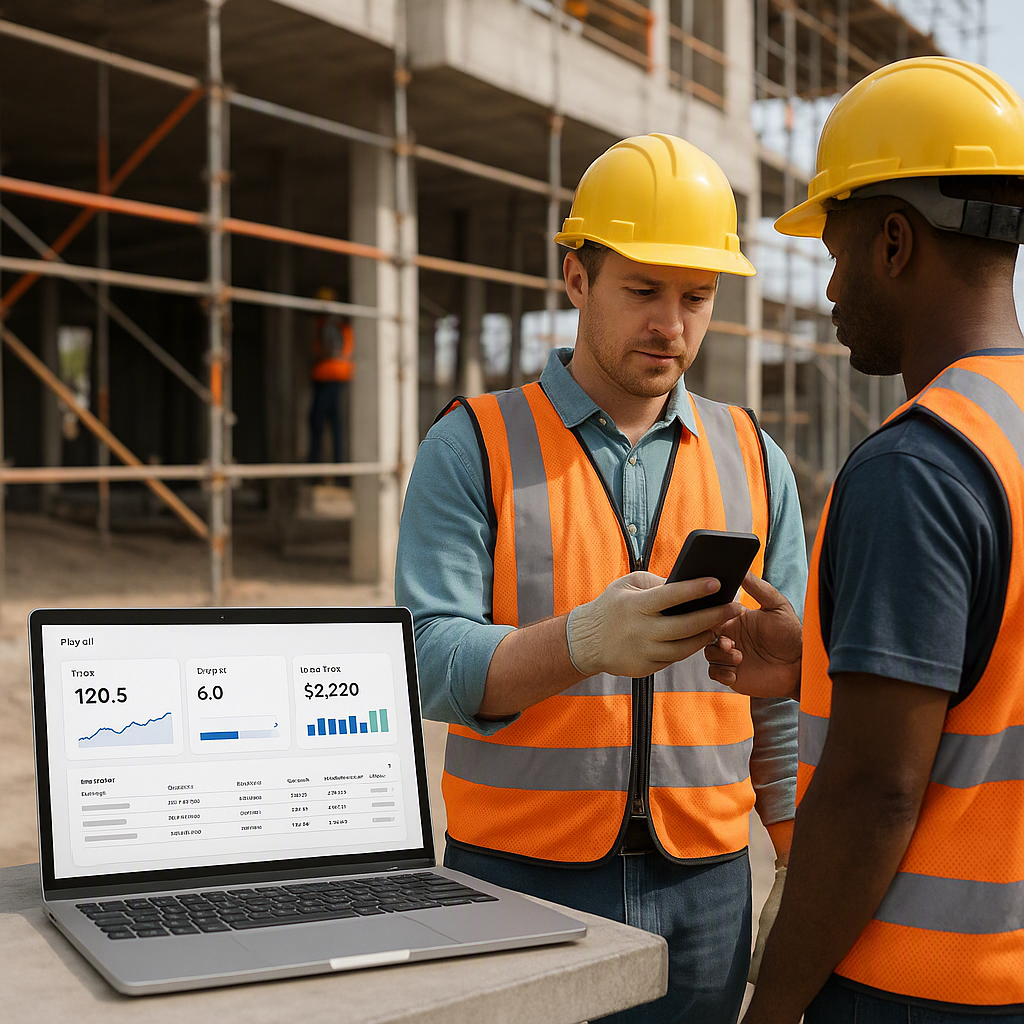
WIP reporting isn’t just a finance team’s headache. For contractors managing multiple projects, it’s the difference between predictable profits and nasty surprises no one saw coming. Let’s break this down and see how smarter tracking — especially measurement-based systems — can help.
Why WIP Reporting Matters
WIP reporting is about tracking the financial and physical progress of a project in real time. It ensures costs align with estimates and highlights deviations early. Without it, you’re operating blind.
Here’s a common scenario: A contractor issues work orders to subcontractors but doesn’t track progress against the BOQ (Bill of Quantities) regularly. Payments go out, but no one knows if the percentages billed match the actual work done. By the time the next review happens, the budget is blown.
Now multiply this by ten concurrent projects. You’re in serious trouble.
The Financial and Operational Impact of Poor WIP Reporting
Poor WIP reporting doesn’t just hurt your profits; it undermines your entire operation. Here’s why:
- Cash Flow Management: If subcontractors are overpaid early in the project, you may not have enough funds to finish the job.
- Client Billing Accuracy: Without accurate progress tracking, you risk underbilling or overbilling clients, both of which damage trust and cash flow.
- Missed Red Flags: Early deviations from the budget or schedule often go unnoticed until it’s too late to course-correct.
- Eroded Margins: Unchecked scope creep, delayed measurements, and rate variances directly eat into your bottom line.
WIP reporting, when done correctly, acts as an early warning system. It enables you to spot risks before they spiral into bigger issues.
Common Problems in WIP Reporting
Understanding where things go wrong is the first step toward fixing them. Here are the most common pitfalls:
-
Delayed Measurements: Measurements aren’t recorded promptly, leading to inaccurate progress tracking. Subcontractors may bill for work that hasn’t been completed or measured yet.
-
Scope Creep: Undefined work items and unclear scopes inflate costs unnoticed. Extra work gets added without formal approvals, throwing off budgets.
-
Budget Burn Mismanagement: Contractors don’t reconcile work orders against approved budgets until it’s too late. This often results in budget overruns.
-
Disconnected Systems: Manual Excel sheets or outdated software create data silos, making real-time tracking and integration nearly impossible.
-
Inconsistent Billing Cycles: Without standardized RA (Running Account) bills, contractors struggle to maintain predictable cash flow and subcontractor relationships.
These issues aren’t just operational hiccups — they’re profit killers. The good news? Each of these problems has a clear, actionable solution.
Smarter Tracking: A Practical Approach
The key to effective WIP reporting lies in real-time, measurement-based tracking tied directly to budgets and work orders. Here’s how to implement a smarter tracking system:
1. Record Measurements Promptly
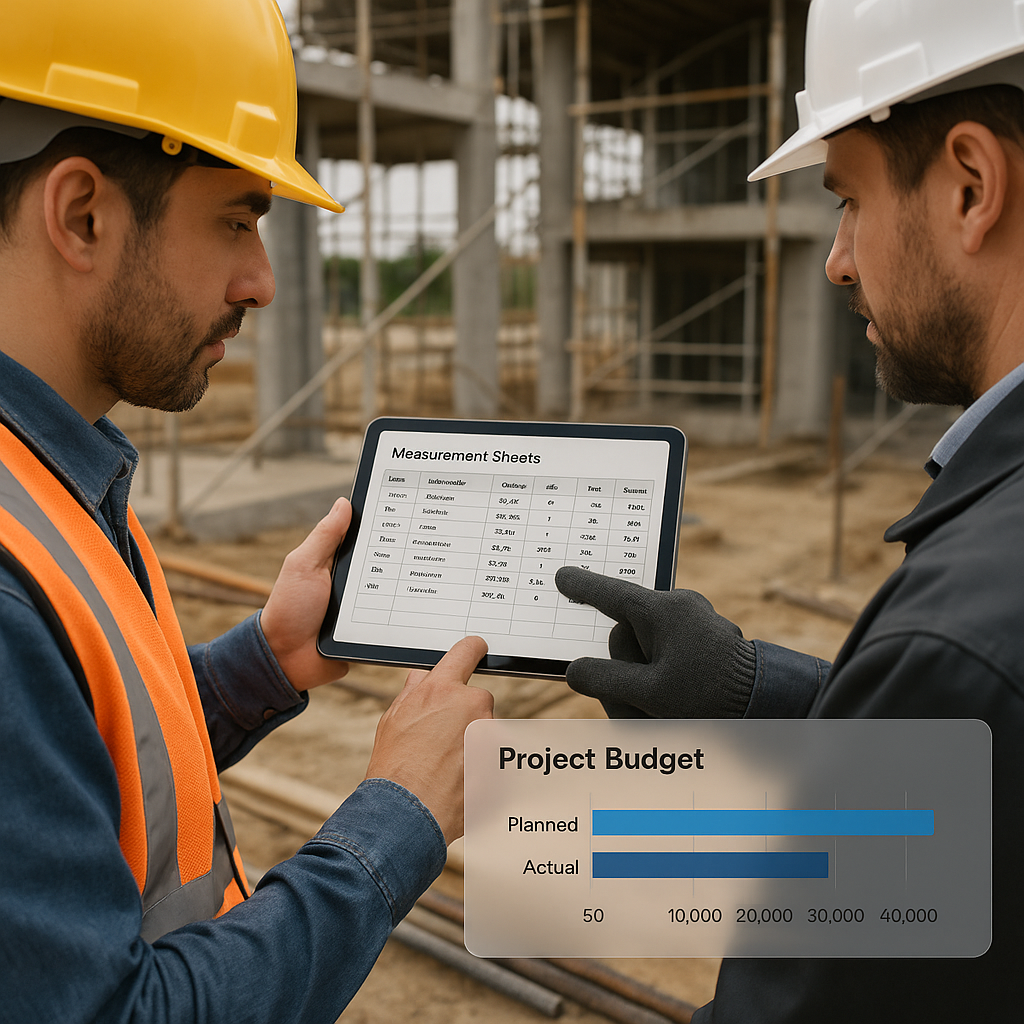
Approved measurement sheets are the backbone of WIP tracking. They provide an objective basis for tracking progress and ensure that payments are tied to actual work completed.
Actionable Steps:
- Schedule measurements weekly or bi-weekly to ensure timely updates.
- Use tools like JobNext’s subcontractor management module to record measurements immediately after work is completed.
- Cross-verify measurements with on-site supervisors to ensure accuracy.
When measurements are delayed, subcontractors may overbill, and you may not realize it until it’s too late. Prompt recording eliminates guesswork and ensures transparency.
2. Tie Work Orders to BOQs
Every work order should connect directly to the BOQ or scope of work. This allows you to track progress at the line-item level and ensures that work is completed within the agreed-upon scope.
Actionable Steps:
- Break down the BOQ into granular line items and assign unique job work item IDs.
- Ensure all work orders reference specific BOQ line items.
- Use digital tools like JobNext to automate this linkage and prevent errors.
By tying work orders to BOQs, subcontractors can only bill for work that has been measured and approved. This eliminates the risk of overpayment.
3. Track Budget Burn in Real Time
Budget overruns often happen because no one notices them early enough. Real-time budget burn tracking allows you to compare estimated, ordered, measured, billed, and paid amounts at any point during the project.
What to Watch For:
- Rate Variances: Are subcontractor rates aligned with your budgeted estimates?
- Scope Changes: Are additional work items creeping in without formal approval?
- Unbilled Costs: Are there pending measurements or work that hasn’t been billed yet?
Tools like JobNext’s Budget Burn Tracking provide a clear, real-time view of where your project stands financially.
4. Standardize Running Bills (RA Bills)
RA bills capture incremental work done since the last measurement while showing the cumulative position. Automating this process reduces errors, saves time, and ensures consistency.
Actionable Steps:
- Establish a fixed billing cycle (e.g., measurements by the 25th, bills by the 5th, payments by the 30th).
- Use software to generate RA bills directly from approved measurements.
- Include a breakdown of completed work, pending work, and cumulative progress in each RA bill.
Standardized billing keeps subcontractors satisfied and ensures that your cash flow remains predictable.
Comparison Table: Manual vs. Automated WIP Reporting
| Feature | Manual Tracking (Excel) | Automated Tracking (JobNext) |
|---|---|---|
| Real-Time Updates | No | Yes |
| Error Reduction | Prone to human error | Minimal errors through automation |
| Integration with BOQ | Manual linkage | Automatic linkage |
| Measurement Recording | Delayed | Instant |
| Budget Burn Visibility | Limited | Comprehensive |
| Scalability | Difficult for multiple projects | Seamless |
FAQ
Q: What’s the biggest mistake contractors make in WIP reporting?
A: Delayed or inaccurate measurement recording. If measurements aren’t updated in real time, your reports will always lag behind reality, leading to poor decision-making.
Q: How does WIP reporting impact cash flow?
A: Accurate WIP reports help you avoid overpaying subcontractors and ensure that you’re billing clients correctly. This keeps cash flow steady and predictable.
Q: Can I use Excel for WIP tracking?
A: While Excel can be used, it’s risky. Excel lacks real-time updates, integration capabilities, and audit trails. Purpose-built tools like JobNext are far more reliable and efficient.
Q: What’s the best way to prevent scope creep?
A: Clearly define the scope of work in the BOQ and ensure that any changes are approved formally. Tools like JobNext can help monitor changes and prevent unauthorized additions.
Q: How often should WIP reports be reviewed?
A: Ideally, WIP reports should be reviewed weekly or bi-weekly. This ensures that any deviations are caught early enough to take corrective action.
The Bottom Line
WIP reporting isn’t optional. It’s a survival tool for contractors managing complex, multi-site operations. Systems like JobNext’s subcontractor management module make it easier by automating measurement recording, budget tracking, and RA bill generation.
If you’re tired of margin erosion caused by poor tracking, it’s time to upgrade your approach. Get started free →
Learn more at JobNext.ai