How Do You Choose an ERP That Won’t Sink Your Margins?
Margins in construction are razor-thin—typically 5-10% for most contractors. But if your ERP can’t track costs and billing correctly, you’re bleeding money without realizing it. The wrong system can leave you juggling spreadsheets, missing RA bills, and losing profitability across multiple sites. So how do you avoid the trap?
We’ve narrowed it down to five critical questions to ask before you commit. Let’s break them down.
1. Does the ERP Track Project Profitability in Real Time?
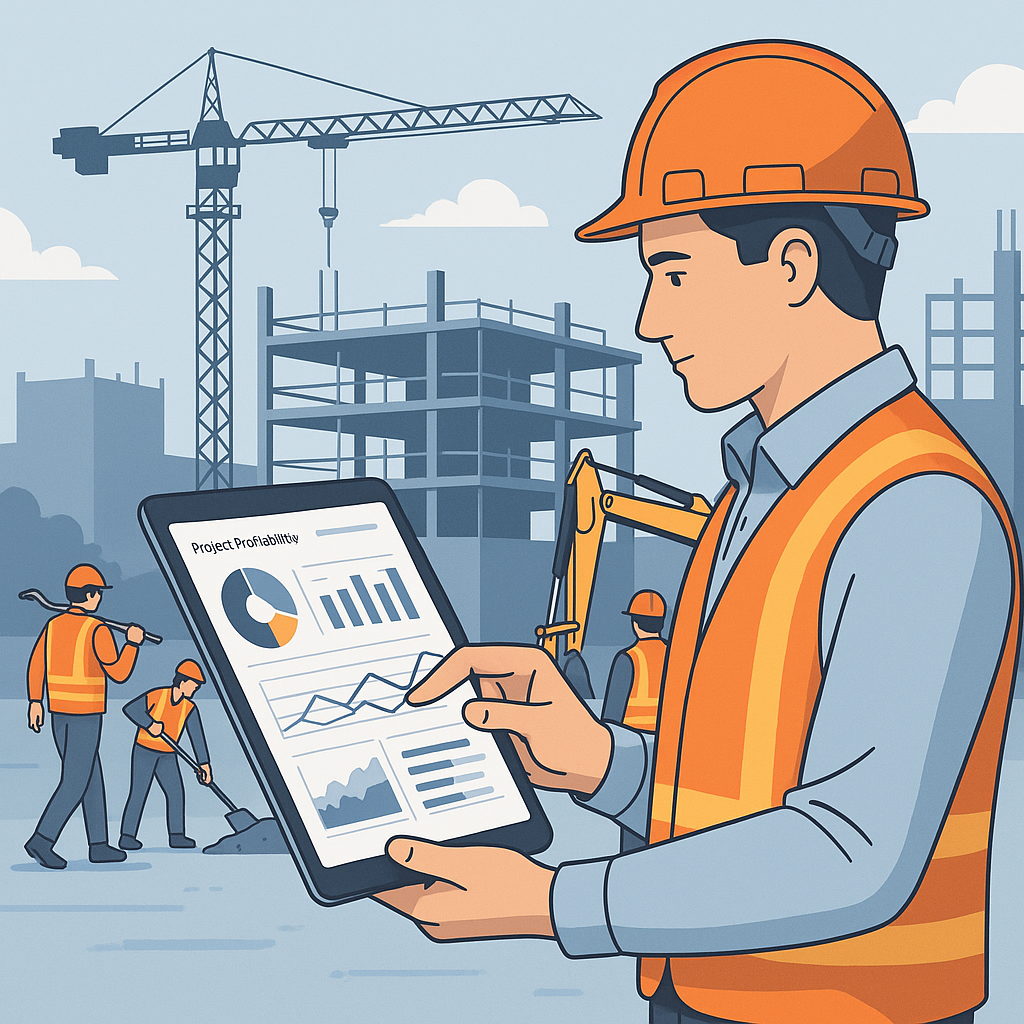
This is non-negotiable. You need to know, at any given moment, whether a project is profitable. That means tracking costs not just at the macro level but down to individual BOQ items and detailed scopes of work.
Take a typical scenario: You’re managing five active sites, each with dozens of BOQs and subcontractor scopes. If your system doesn’t consolidate material costs, labor hours, and subcontractor payouts, you’ll only realize you’ve overspent after it’s too late.
A real solution: JobNext ERP solves this with real-time project profitability dashboards that break down costs across BOQs, scopes, and estimates. Contractors using JobNext have reported saving up to 15% on cost overruns by catching problems early. Why Contractors Lose Margins Without a Cloud ERP (And How to Fix It).
2. Can It Handle Complex Billing Methods?
Billing isn’t one-size-fits-all in construction. RA bills, stage-wise invoicing, monthly contracts, BOQ supply—each project might require a different approach. If your ERP can’t automate these workflows, you’ll miss invoices or delay billing, putting cash flow at risk.
Look for: Support for multiple billing methods. JobNext, for example, covers six types of billing workflows, ensuring contractors don’t lose revenue due to missed or late invoices. 5 Ways Cloud ERP Solves Revenue Leakage for Construction Contractors.
3. Does It Fix Procurement Chaos?
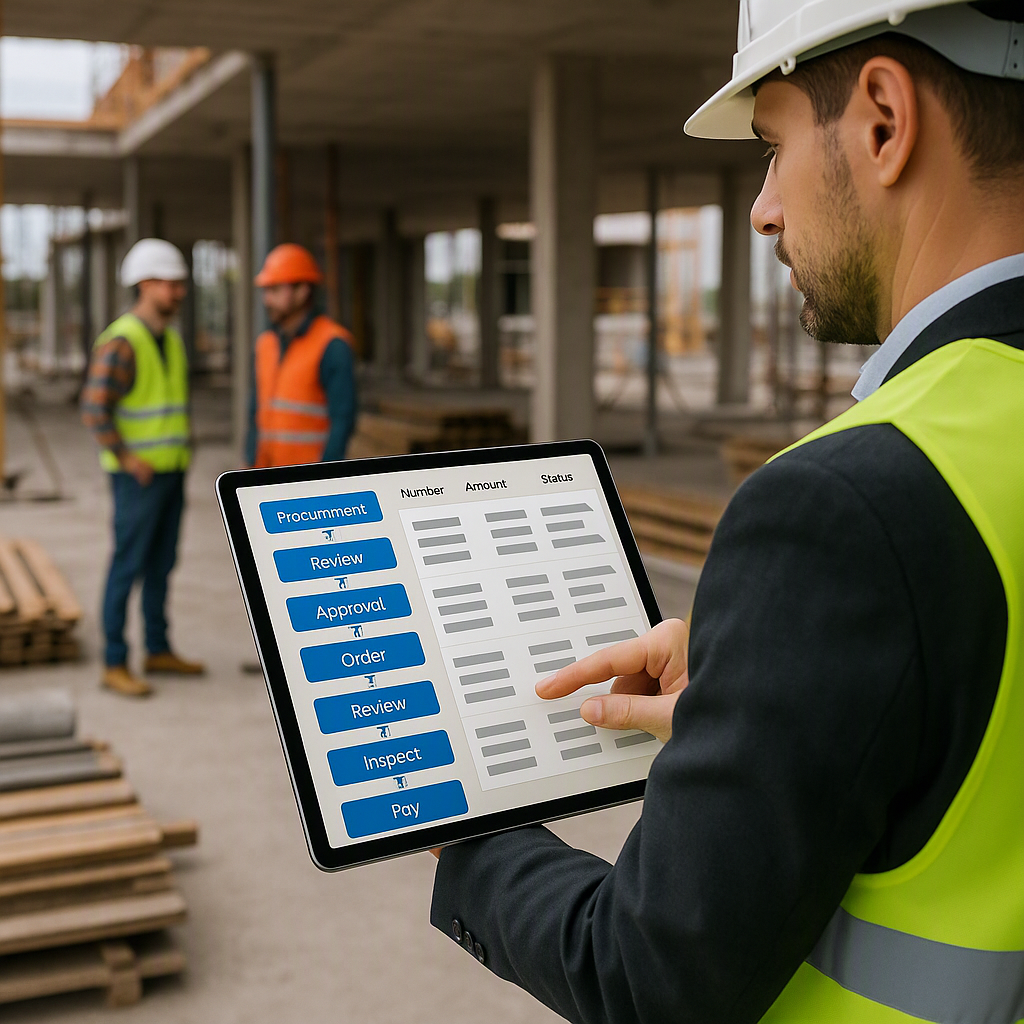
Manual procurement workflows are chaos. Missed RFQs, delayed POs, vendor confusion—the result is higher material costs and project delays. A good ERP will structure this process end-to-end, from material requests (MR) to vendor quotes (RFQ) to purchase orders (PO).
Here’s a quick example: A contractor in Pune streamlined their procurement process using JobNext’s MR→RFQ→PO workflow. They reduced material delays by 30% and negotiated better vendor rates because the system flagged price discrepancies early. Why Contractors Struggle Without Cloud ERP: A Real Procurement Problem Solved.
4. Does It Simplify Multi-Site Attendance and Payroll?
Managing field workers across multiple sites is messy. Attendance records get lost, leave approvals are delayed, and payroll errors pile up. If your ERP doesn’t automate these processes, you’re wasting time on manual corrections.
We’ve seen contractors lose up to 5% of monthly payroll budgets due to errors. That’s why systems like JobNext automate attendance tracking (even for GCC projects) and integrate it directly with payroll workflows, including statutory compliance for PF, ESI, and TDS. Why Contractors Need Cloud ERP to Stop Profit Leaks.
5. Is It Built for Construction?
General-purpose ERPs don’t work for contractors. They’re not designed for BOQ tracking, subcontractor management, or construction-specific compliance. You need a solution that understands your industry.
Pro tip: Look for features like subcontractor measurement tracking, equipment lifecycle management, and GST/TDS compliance. Systems like JobNext are built around these workflows, so you don’t have to force-fit a generic tool into your operations.
Final Thoughts
The best construction ERP isn’t just about features; it’s about solving real problems. Whether it’s margin erosion, missed billing, or disconnected systems, the right ERP keeps your projects profitable, your teams efficient, and your business growing.
Want to see how JobNext stacks up? Check out our deep dive into Why Contractors Lose Margins Without a Cloud ERP (And How to Fix It).
Call to Action
Ready to stop the margin leaks? Explore JobNext ERP at JobsNext.ai and see how it can transform your construction workflows.
Ready to see JobNext in action?
Multi-tenant SaaS ERP for construction, facilities management, and contracting — covering preconstruction, project execution, procurement, HR & payroll, equipment, finance, and 150+ analytics reports.
Get Started Free →Learn more at JobNext.ai