5 ERP Selection Traps That Cost Contractors Lakhs (And How to Avoid Them)
Picking the right ERP for your construction business isn't just a tech decision. It's a financial one. The wrong system can bleed your margins dry, waste hours on manual processes, and lead to compliance nightmares. We've seen it happen—more times than we'd like.
But here’s the good news: You can avoid costly mistakes. Let’s break down five traps contractors often fall into and how to sidestep them.
1. Ignoring Real-World Problems: Billing Chaos
Construction billing isn't like selling widgets. RA Bills, stage-wise billing, monthly fixed invoicing—your ERP needs to handle these complexities. Yet so many systems fail here. Contractors end up using spreadsheets—again—and errors creep in. Missed invoices. Delayed payments. Disputes with clients.
Concrete Example:
Take the case of a mid-sized contractor in Bangalore handling 10 projects simultaneously. Their ERP couldn’t handle RA bills properly, so they reverted to Excel. Within six months, they discovered over ₹10 lakh in unbilled work due to missed line items in their spreadsheets.
What Works:
An ERP with multiple billing methods baked in. For example, JobNext supports six billing models, including RA Bills and stage-wise billing. This ensures every rupee gets accounted for, no matter how the contract is structured. In fact, cloud ERP systems like this have helped contractors plug revenue leaks, as noted in this post.
Actionable Steps:
- Audit Your Current Billing Process: Create a flowchart of how invoices are generated today. Identify bottlenecks or error-prone areas.
- Demand Flexibility: During ERP demos, ask vendors to show how their system manages your specific billing model.
- Test Reporting Features: Ensure the ERP can generate detailed billing reports that highlight discrepancies before they become problems.
Trap to Avoid:
Don’t assume all ERPs handle billing the same way. Ask: Can it manage my billing structure without workarounds?
2. Overlooking Subcontractor Cost Controls
Subcontractor overruns are a silent killer of profits. You agree on rates, but without proper measurement tracking, payments spiral. Many ERPs don’t integrate subcontractor workflows with progress tracking. You’re left guessing.
Case Study:
A contractor in Hyderabad faced ₹1.5 crore in cost overruns in a single year because their ERP couldn’t reconcile subcontractor advances against actual progress. Payments were made based on estimates, not verified work.
What Works:
Systems that connect subcontractor management with real-time progress tracking. Tools like JobNext allow you to convert vendor offers into work orders, track measurements as work progresses, and reconcile payments. This isn’t just about convenience—it’s about avoiding ₹1.2 crore in overruns annually, as highlighted here.
Actionable Steps:
- Standardize Contracts: Ensure all subcontractor agreements include clear terms for progress tracking and payments.
- Use Measurement Books (MBs): Choose an ERP that lets you digitize MBs and tie them to payments.
- Set Alerts for Deviations: Use the system to flag payments exceeding agreed-upon thresholds.
Trap to Avoid:
Picking an ERP that treats subcontractor management as an afterthought.
3. Choosing Disconnected Systems
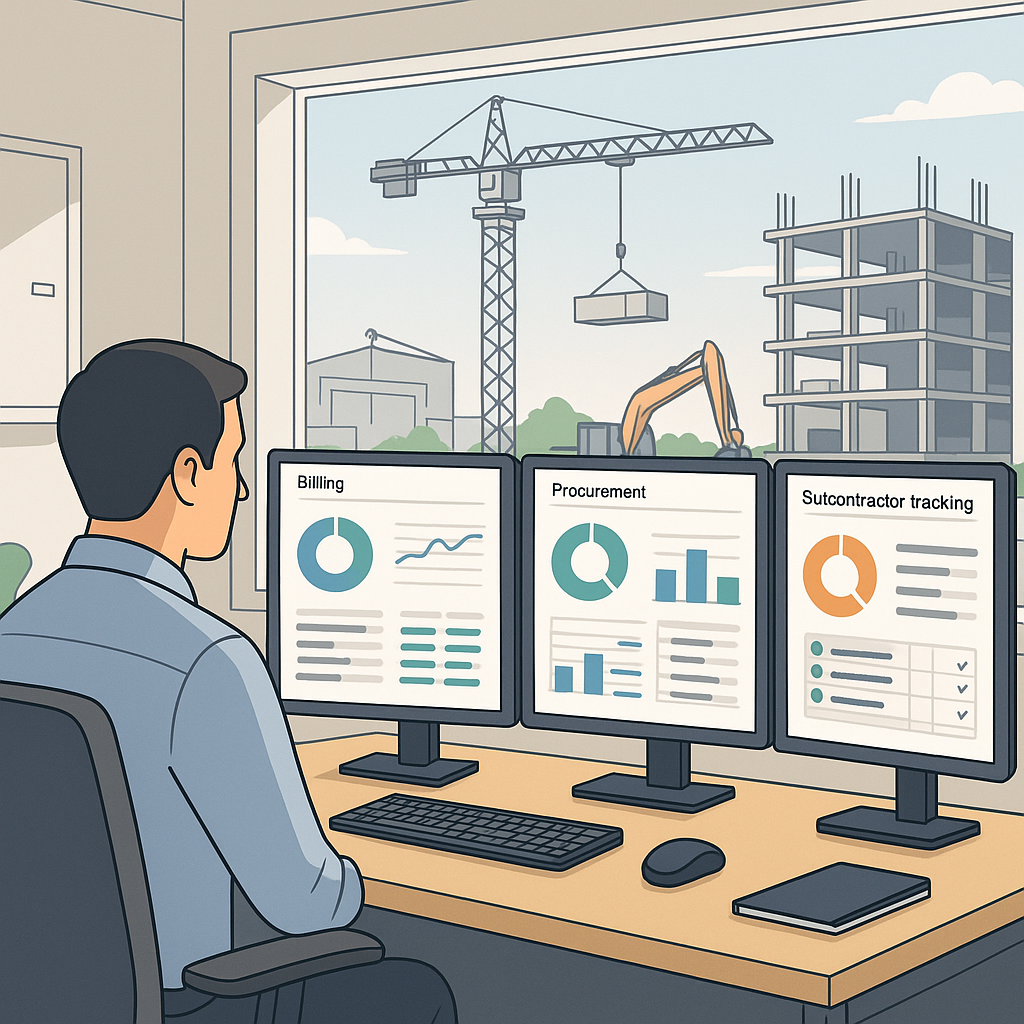
Many contractors rely on separate tools for procurement, HR, and billing. The result? Data silos, manual reconciliations, and zero real-time visibility into project profitability.
Real-World Impact:
Consider a contractor in Pune managing construction projects across three cities. Their procurement software couldn’t share data with their HR system, leading to delays in vendor payments and payroll errors. The result? Vendor disputes and unmotivated workers.
What Works:
A unified platform that ties everything together. For instance, JobNext covers procurement (MR → RFQ → PO), HR, invoicing, and even equipment management—all within one system. This eliminates double entry and lets you monitor profitability in real time.
Actionable Steps:
- Map Data Flows: Identify where data needs to move between departments. Ensure the ERP supports these integrations natively.
- Centralize Reporting: Use dashboards to get a unified view of project profitability, vendor performance, and workforce costs.
- Avoid Over-Customization: Look for systems that offer out-of-the-box integrations for common workflows.
Trap to Avoid:
Falling for a system that requires endless integrations to work.
4. Underestimating Procurement Chaos
Manual purchase orders. No comparative vendor quotes. Approvals via WhatsApp. Procurement is often the most chaotic part of construction operations. And chaos costs money—₹25 lakh annually, according to one case study here.
Example from the Field:
A contractor in Chennai realized they were paying 15% more for cement compared to market rates. Why? Their purchase orders were manually approved without vendor comparison, leading to inflated costs.
What Works:
Structured workflows. A good ERP ensures every material request turns into an RFQ, vendor offers are compared, and only approved POs move forward. This isn’t just about efficiency—it’s about stopping untracked spend.
Actionable Steps:
- Digitize RFQs: Use an ERP to automate vendor comparison and approval processes.
- Implement Approval Hierarchies: Ensure only authorized personnel can approve high-value purchases.
- Monitor Vendor Performance: Track delivery timelines and quality to identify reliable suppliers.
Trap to Avoid:
Assuming procurement chaos will fix itself.
5. Skipping Training (or Picking a System That’s Too Hard to Learn)
You might have the best ERP in the market, but if your team can’t use it, it’s worthless. Many contractors fail ERP rollouts because they underestimate the importance of training.
Case Study:
A contractor in Mumbai invested ₹50 lakh in a high-end ERP system. But minimal training led to low adoption rates. Tasks that should’ve taken minutes were taking hours, and the system was abandoned within a year.
What Works:
Systems designed for construction workflows, not generic ERP templates. JobNext, for example, is purpose-built for contractors, making it easier for teams to adopt. Pair this with hands-on training focused on workflows, not just button-pushing. As explained here, training should be about solving real problems, not memorizing menus.
Actionable Steps:
- Train on Scenarios: Focus training sessions on real-world use cases.
- Designate Power Users: Identify team members who can act as internal champions for the ERP system.
- Schedule Refresher Training: Plan follow-up sessions to reinforce learning and address questions.
Trap to Avoid:
Thinking training is optional.
How to Avoid These Traps
- Map Your Critical Workflows: Before choosing an ERP, understand your own processes. Billing, procurement, HR—what’s costing you the most time and money right now?
- Ask for Specific Features: Don’t settle for vague promises like “customizable workflows.” Demand specifics like RA Bills, RFQ workflows, or subcontractor measurement tracking.
- Test Usability: Get a demo. Run through real scenarios. Can you generate a work order? Track costs by BOQ? If it feels clunky, your team won’t use it.
- Check References: Ask other contractors. Did the ERP actually solve their problems, or just create new ones?
- Plan for Training: Budget time and resources for onboarding. A good ERP vendor will include this as part of their offering.
FAQ
1. How much should I budget for an ERP system?
It depends on your business size and needs. For small contractors, cloud-based ERPs can start at ₹2-5 lakhs annually. Larger enterprises may spend upwards of ₹50 lakhs for more customized solutions.
2. How long does it take to implement an ERP system?
Implementation timelines vary. Small systems can be set up in 1-3 months, while enterprise-level solutions may take 6-12 months. The key is to allocate time for proper training and testing.
3. Can I customize an ERP to fit my unique workflows?
Yes, but be cautious. Over-customization can lead to higher costs and maintenance issues. Look for systems that support your workflows out of the box.
4. What if my team struggles to adapt to the new system?
Invest in training and designate internal champions. Also, choose an ERP with an intuitive interface designed for your industry.
5. How do I measure ERP ROI?
Track metrics like reduced overhead costs, fewer billing errors, on-time project completion rates, and improved profit margins.
Comparison Table: Key ERP Features for Contractors
| Feature | Why It Matters | What to Look For |
|---|---|---|
| Billing Flexibility | Handles RA Bills, stage-wise billing, etc. | Support for multiple billing models |
| Subcontractor Management | Tracks costs and progress in real time | Integrated measurement tracking |
| Unified Platform | Eliminates data silos | Procurement, HR, and billing in one place |
| Procurement Automation | Reduces manual errors and untracked spend | RFQs, vendor comparison, PO workflows |
| Ease of Use + Training | Ensures team adoption and reduces errors | Industry-specific design, robust training |
Conclusion: The Right ERP Saves Money, Not Just Time
We’ve seen contractors bleed margins because of the wrong software. Don’t let it happen to you. Start by identifying your biggest pain points, then choose a system that solves them—not one that creates workarounds.
If subcontractor overruns, billing chaos, or disconnected tools sound familiar, JobNext can help. Get started free →
Learn more at JobNext.ai