Why the Right ERP Choice Matters
The construction industry isn’t exactly forgiving when it comes to margins. A 2-7% margin doesn’t leave much room for error, does it? And yet, many contractors operate with outdated systems or worse, disconnected spreadsheets. This makes real-time cost tracking nearly impossible. Failing to choose the right ERP could mean revenue leakage, compliance failures, or subcontractor chaos. So, how do you make the right call?
7 Questions to Ask Before Buying
1. Does it Handle Multi-Site Payroll and Compliance?
If you’re running projects across sites (and countries), payroll isn’t just about cutting checks. It’s about managing attendance, statutory deductions (like PF and ESI in India), and ensuring compliance with local tax laws. We’ve seen contractors spend weeks reconciling payroll manually — a nightmare when you’re short on time.
Solution Example: JobNext automates payroll across multi-site operations, integrating attendance and payroll with GCC compliance. No more manual headaches.
2. Can It Prevent Subcontractor Cost Overruns?
Subcontractor management often creates blind spots. What happens if progress isn’t measured correctly? Overpayments. With contractor margins already thin, this is a risk you can’t afford. Look for an ERP that ties payments directly to measurable progress.
Real-World Insight: As we detailed in “The Contractor's First ERP: What Nobody Tells You About Going Digital”, implementing measurement-based controls is critical to avoid overruns.
3. Does It Replace Disconnected Tools?
You can’t manage tenders in one software, procurement in another, and finance in a third. Data silos kill efficiency. A unified platform is non-negotiable.
Stat to Know: According to McKinsey, the construction industry loses $1.6 trillion annually to inefficiencies. A unified ERP eliminates silos and brings everything — tendering, billing, HR, and finance — under one roof.
4. How Flexible Is the Billing System?
Billing is rarely one-size-fits-all in construction. With RA bills, stage-wise, monthly invoicing, and more, your ERP must adapt to your contracts. If it doesn’t, you’ll lose revenue.
Example: JobNext supports six billing methods, ensuring nothing falls through. Why does this matter? Because missing one bill can wipe out weeks of profit.
5. Does It Offer Real-Time Cost Tracking?
Margin erosion often starts with poor cost visibility. If your ERP doesn’t let you track project profitability in real-time, you’re flying blind. Look for one that connects estimates, BOQs, and actuals seamlessly.
Case Study Highlight: In “How a 6,000-Employee Facilities Management Company Transformed Operations in 12 Months”, Al Nab’a Services gained real-time profitability insights, eliminating delays in decision-making.
6. Can It Handle Complex Procurement Workflows?
Procurement chaos can derail projects faster than bad weather. A good ERP structures the process end-to-end: Material Request → RFQ → Vendor Offers → Purchase Order. Missing this structure? Expect delays and cost blowouts.
Pro Tip: Always ask for approval workflows in procurement. JobNext’s multi-level approvals prevent rogue spending.
7. Does It Provide Actionable Analytics?
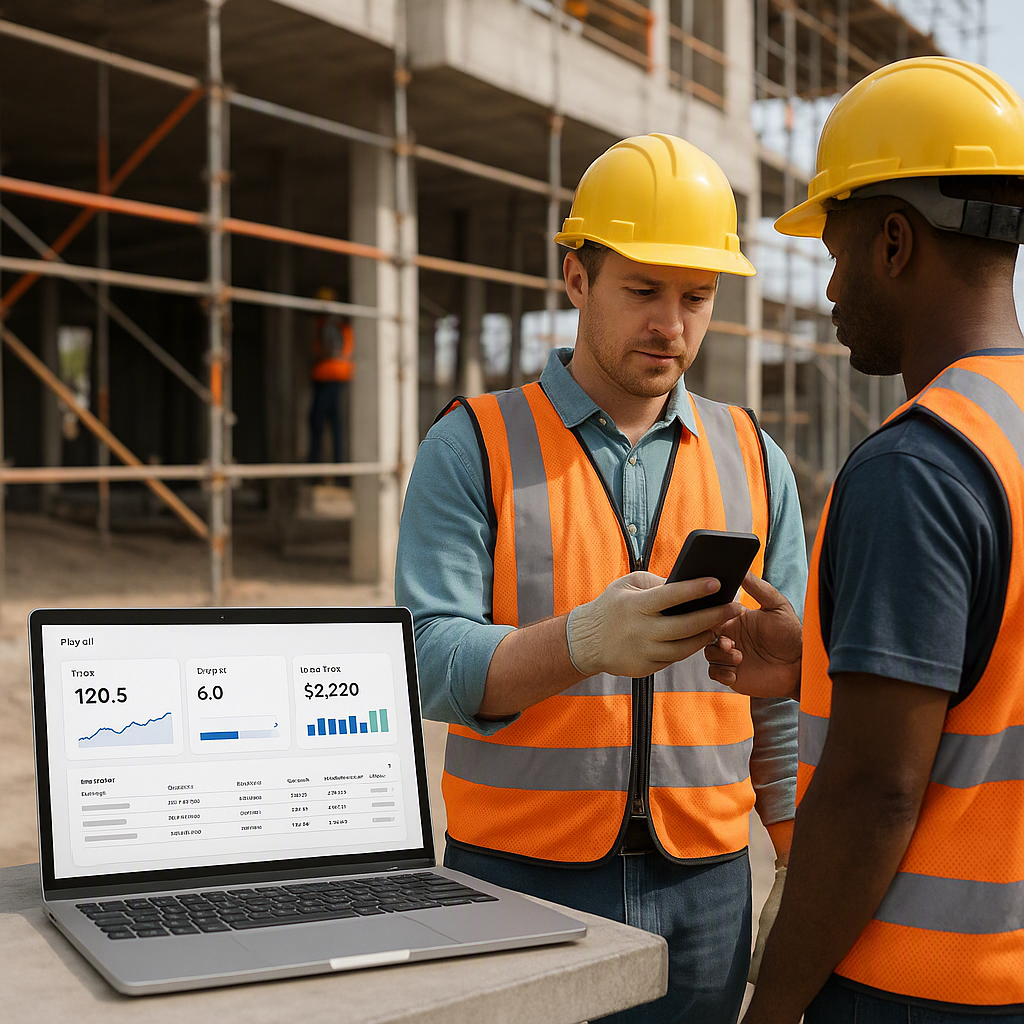
Data is useless without context. Your ERP should come with pre-built reports and dashboards that let you monitor projects, HR, finance, and equipment in real-time. But don’t stop there — dig into whether the dashboards are customizable for your specific needs.
Why It Matters: As shared in “The Hidden Cost of Tool Fragmentation”, jumping between tools is a productivity killer. Actionable analytics solve this.
Final Thoughts
Buying an ERP isn’t just a tech decision. It’s a bet on your company’s future. The wrong system can bury you in inefficiencies; the right one can transform your operations. The key? Ask the hard questions upfront. And don’t settle for a system that doesn’t address your specific needs as a contractor.
Looking for an example of an ERP built for contractors? Check out JobNext.
Ready to see JobNext in action?
Multi-tenant SaaS ERP for construction, facilities management, and contracting — covering preconstruction, project execution, procurement, HR & payroll, equipment, finance, and 150+ analytics reports.
Get Started Free →Learn more at JobNext.ai