Why Choosing the Right Construction ERP is Critical
Margins in construction are razor-thin. A single missed RA bill or delayed PO approval can throw your cash flow into chaos. Yet, many contractors still rely on spreadsheets or disconnected tools that can’t keep up with the complexity of multi-site operations. You deserve better. A proper construction ERP doesn’t just manage your data; it protects your margins.
But how do you pick the right one? Not all systems are built for contractors—many are generic, trying to cover too much. Worse, the wrong choice can leave you stuck with clunky workflows or hidden costs.
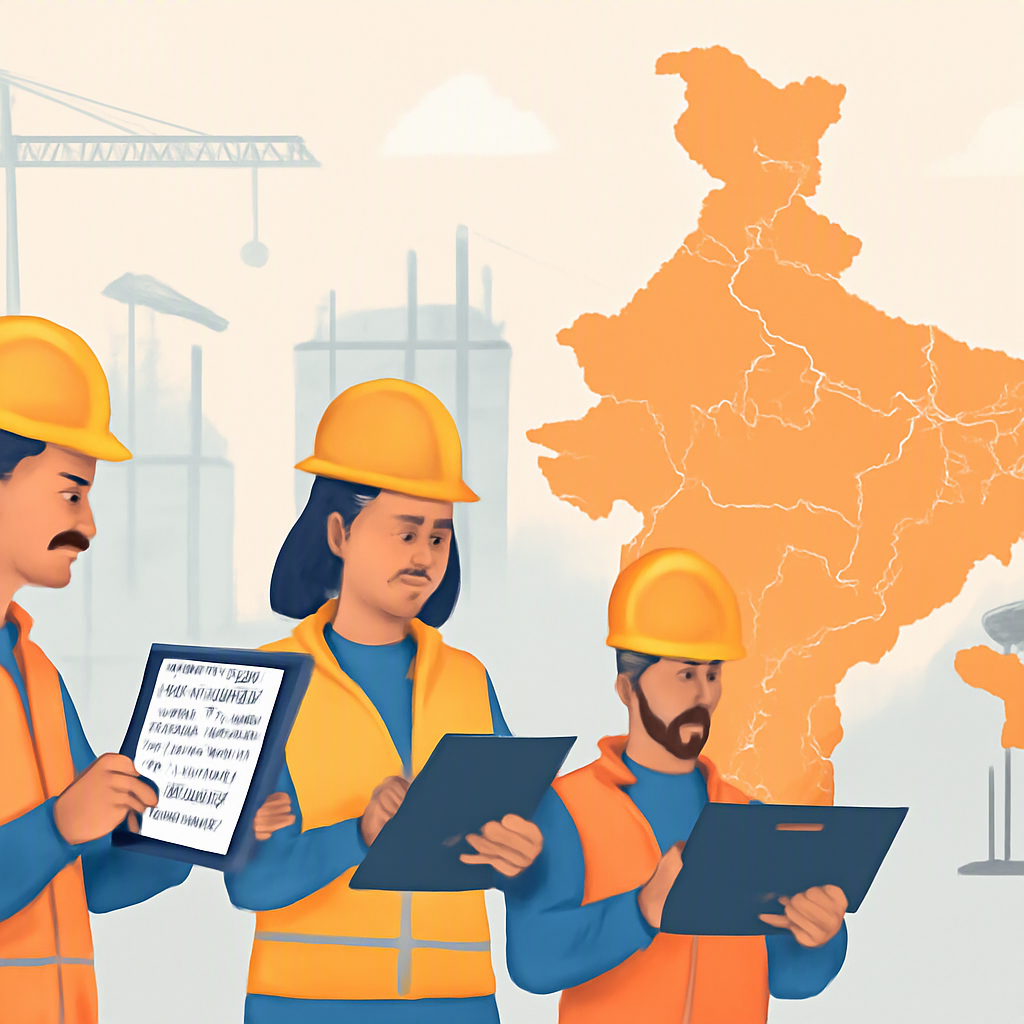
We’ve worked with contractors managing 50 to 2,000 employees across India and the GCC. Through that experience, we’ve seen what works—and what doesn’t. Here are 7 questions to help you avoid costly mistakes.
1. Does It Track Costs in Real Time?
Let’s get straight to it. If your ERP doesn’t give you real-time visibility into project costs down to the last BOQ line item, it’s not worth your money.
Here’s why this matters: A contractor we worked with in Oman was shocked to learn they were losing 12% of their margins because they couldn’t track material costs against estimates. Their old system only showed costs at the end of the month. By then, it was too late to adjust.
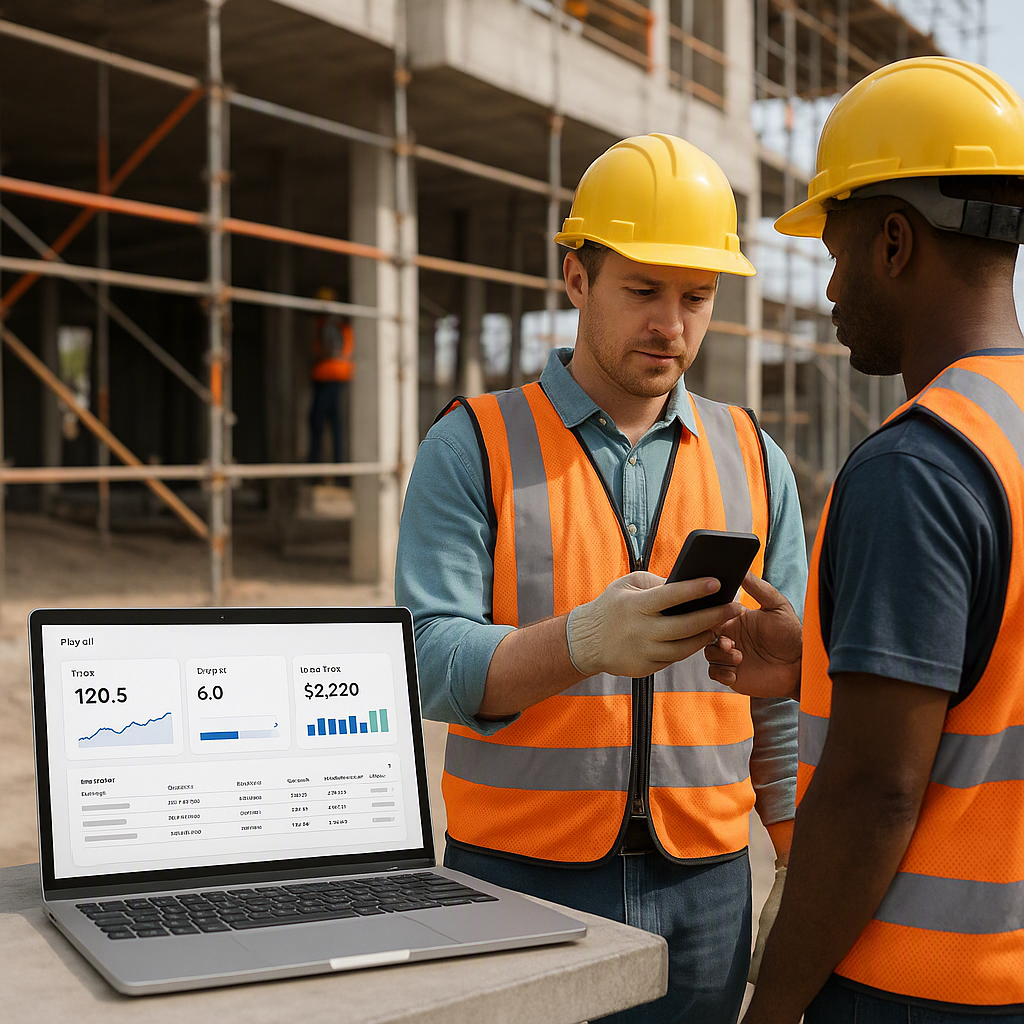
With a cloud ERP like JobNext, you can see exactly where your money is going—live. Every material receipt, every subcontractor bill, every variance from your BOQ. No surprises at month-end.
2. Is It Built for Construction-Specific Workflows?
Generic ERPs don’t understand construction. They might have some HR or finance modules, but they can’t handle your actual workflows. For example:
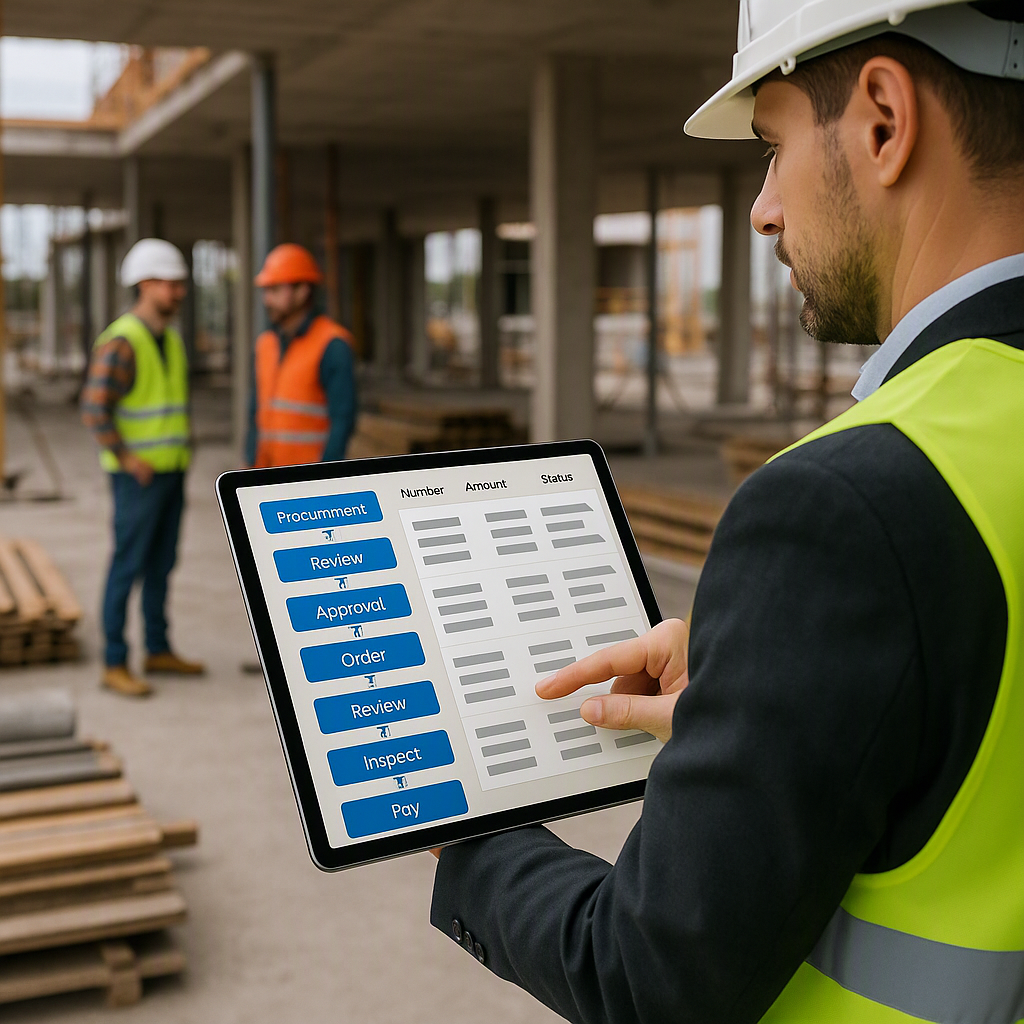
- Procurement: Can it handle MR → RFQ → Vendor Offers → PO?
- Subcontractor Billing: Does it support RA bills, stage-wise billing, and progress-based payments?
- Compliance: Will it calculate GST/TDS and integrate with Tally for statutory reporting?
If the answer to any of these is no, keep looking. One contractor in Mumbai told us they wasted ₹20 lakhs on an ERP that couldn’t even manage RA bills properly. Don’t make that mistake.
3. How Does It Handle Multi-Site Attendance and Payroll?
Managing site-wise attendance is a nightmare without the right system. Workers move between projects, leave records get lost, and payroll errors pile up.
We’ve seen contractors save hundreds of hours by switching to a system that integrates biometric attendance directly with payroll. JobNext’s HR module lets you allocate staff across sites, track attendance in real-time, and run payroll without exporting data to another tool.
Multi-site operations demand this level of automation. If your ERP can’t deliver, it’s not the best construction ERP for your business.
4. Can It Handle Complex Billing Scenarios?
Revenue leakage is a silent killer in construction. Miss one billing milestone, and you’re essentially funding your client’s project out of your own pocket.
A strong ERP should support multiple billing methods: RA bills, stage-wise, supply BOQ, combined, and more. Without this flexibility, you’re leaving money on the table. This article explains how contractors lose margins due to poor billing practices—and how cloud ERP solves it.
5. Is the Reporting Actually Useful?
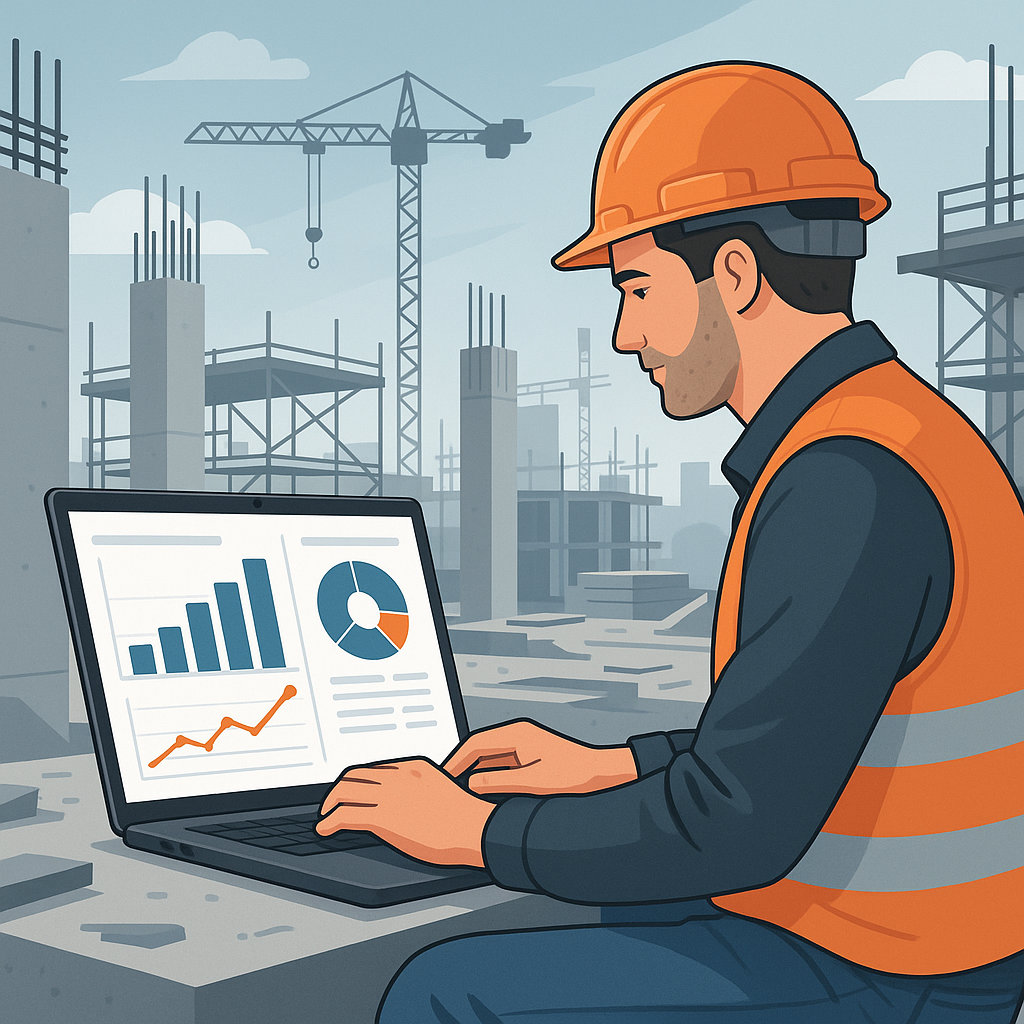
Dashboards look nice in demos. But are they actionable? Can you drill down into costs, profitability, and resource utilization without exporting data to Excel?
One contractor we spoke to in Dubai said their previous ERP had all the data but no way to analyze it. They switched to a system with 150+ pre-built reports, covering everything from project profitability to vendor performance. That’s the level of detail you need to make real decisions.
6. What’s the Implementation Timeline?
ERP implementation can be a horror story. Some systems take 6+ months to go live, and even then, they don’t work as promised. Ask the hard questions upfront:
- How long will it take to set up?
- Who handles the data migration?
- What’s the training process like?
Quick tip: Look for cloud-based systems. They’re faster to deploy, easier to update, and don’t require on-premise servers.
7. How Transparent Are the Costs?
Some systems look cheap upfront but hit you with hidden fees later—extra charges for users, modules, or even basic support. Ask for a detailed cost breakdown before you commit.
For example, JobNext’s pricing is transparent. What you pay covers everything: core modules, updates, and support. No surprises.
Final Thoughts
Choosing the best construction ERP software isn’t about finding the cheapest or the flashiest. It’s about finding a tool that fits your workflows, protects your margins, and grows with your business.
If you’re still unsure, start by asking: What’s the cost of doing nothing? For most contractors, the answer is too high to ignore.
Ready to see JobNext in action?
Multi-tenant SaaS ERP for construction, facilities management, and contracting — covering preconstruction, project execution, procurement, HR & payroll, equipment, finance, and 150+ analytics reports.
Get Started Free →Learn more at JobNext.ai