Facilities Management Software Examples: Practical Insights for Contractors
Managing facilities in construction isn’t just about keeping things running—it’s about ensuring that every piece of equipment, every asset, and every workflow is driving project profitability. For contractors juggling multiple sites, scattered teams, and tight budgets, facilities management software is no longer optional—it’s essential.
But how do you pick the right one? Here’s a practical look at how contractors can use facilities management software effectively, with insights into features, actionable steps, and selection criteria. Tools like JobNext set the benchmark, but not all solutions will fit all contractors. Let’s break it all down.
The Problem: Equipment Chaos Across Sites
If you’re running multiple projects, you’ve probably faced this scenario: a critical piece of machinery is sitting idle at one site while another site rents the same equipment. Or worse, equipment gets transferred between sites without proper tracking, leading to disputes over costs and accountability.
This is a common issue for contractors who rely on manual tracking methods like spreadsheets or paper logs. These systems are prone to errors, missing data, and delays in communication. Without a centralized system, inefficiencies build up quickly.
And the costs are significant. A 2022 McKinsey report found that poor asset utilization can eat up to 15% of a contractor’s margins. Asset mismanagement also contributes to unplanned downtime, higher maintenance costs, and potential project delays.
Why Does This Happen?
- Lack of Visibility: Contractors often don’t have a clear view of where equipment is or how it’s being used.
- Poor Coordination: Equipment transfers are often unstructured, leading to confusion and disputes.
- Reactive Maintenance: Without a preventive maintenance system, contractors are forced to deal with unexpected breakdowns, which can derail project timelines.
The Solution: Asset Lifecycle Management
Facilities management software like JobNext tackles these challenges head-on by offering robust asset lifecycle management tools. These tools cover every stage of an asset’s life—from procurement to disposal—ensuring that contractors maximize utilization and minimize downtime.
Here’s a deeper dive into key features and how they work:
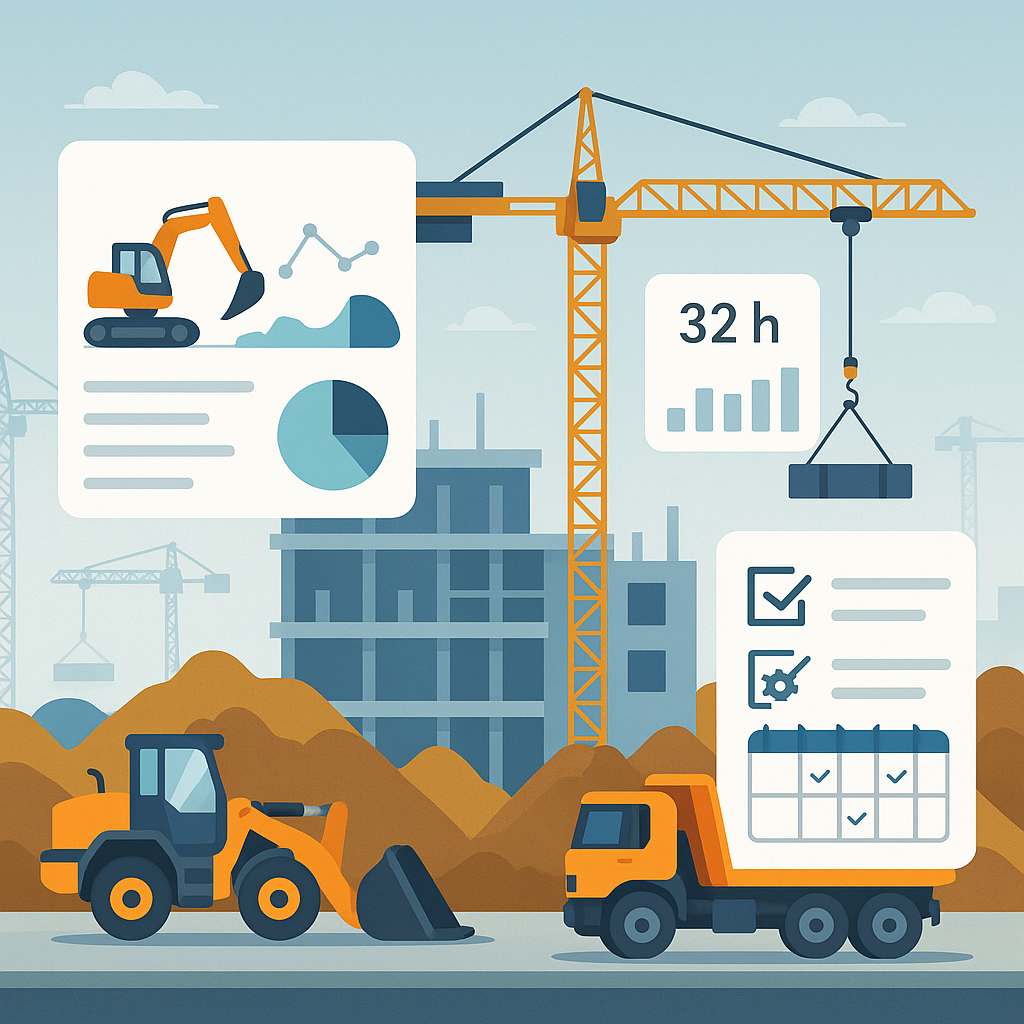
Utilization Tracking
Every piece of equipment is logged with a unique ID and tracked by metrics such as:
- Hours Used: Automatically records how long equipment is in operation.
- Project Allocation: Tracks which projects are using the equipment and for how long.
- Fuel Consumption: Monitors fuel usage to identify inefficiencies or potential misuse.
Actionable Step: Use this data to identify underutilized equipment. For example, if a generator is only being used 20% of the time on a project, you can reallocate it to another site or reduce rental costs.
Preventive Maintenance Scheduling
Reactive maintenance is expensive, both in terms of repair costs and project delays. Facilities management software uses usage data to schedule maintenance proactively, ensuring that assets are serviced before they break down.
Actionable Step: Set up alerts for upcoming maintenance tasks. For instance, if a backhoe loader has been used for 250 hours, the system can notify your team that it’s due for an oil change.
Cost Allocation
One of the standout features of tools like JobNext is their ability to automatically allocate equipment costs across projects based on usage. Here’s how it works:
- If a crane is used 60% on Project A and 40% on Project B, costs are split accordingly.
- This ensures accurate project costing and prevents disputes among site teams.
Actionable Step: Review cost allocation reports monthly to ensure that project budgets are accurate. This will help you identify projects that might be overspending on equipment.
Real-World Benefits
As highlighted in this JobNext blog post, preventive maintenance alone can save contractors thousands of dollars by reducing downtime and extending equipment lifespans. Utilization tracking and cost allocation further enhance profitability by minimizing waste and improving accountability.
Practical Example: A Better Way to Manage Transfers
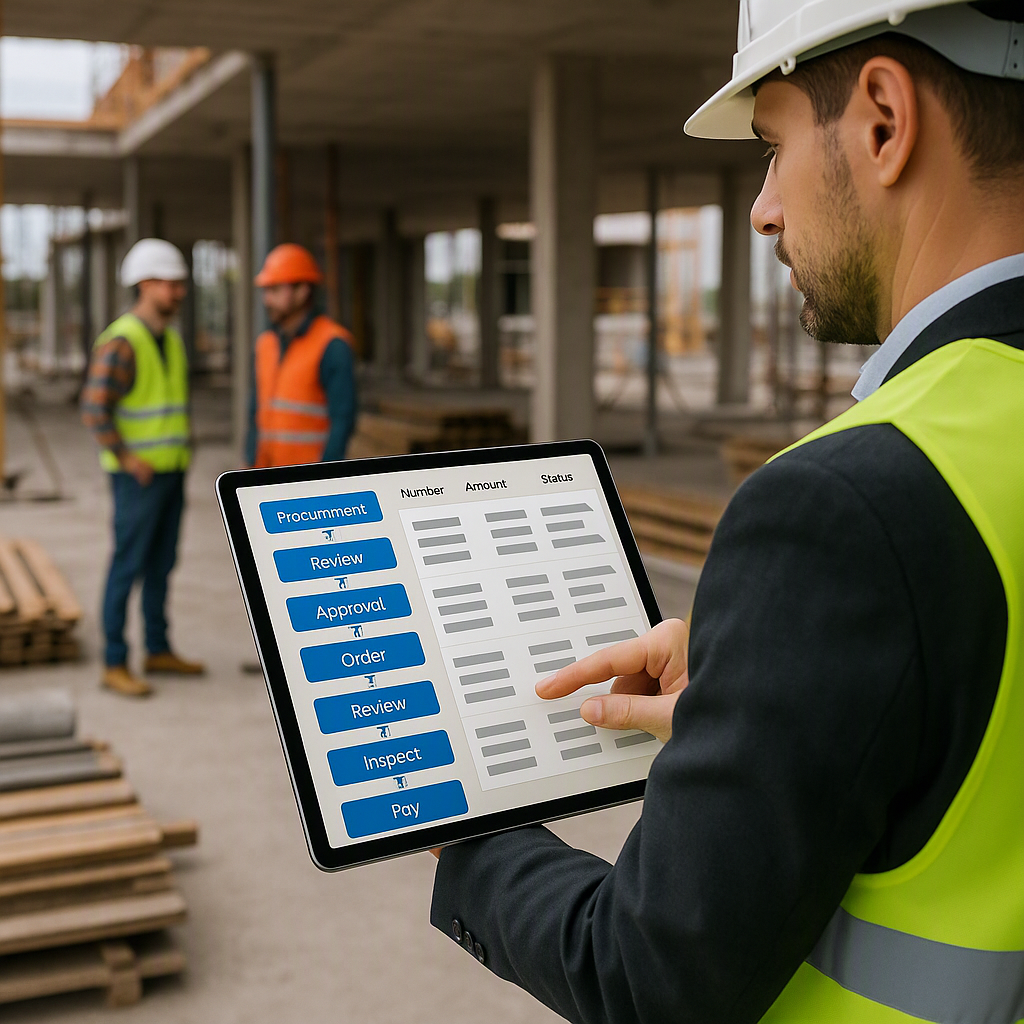
One of the biggest headaches for contractors is moving equipment between sites. Without structured workflows, assets can go “missing,” or worse, costs get misallocated. Facilities management software eliminates these issues with structured transfer processes.
JobNext’s 7-Step Transfer Process
- Request Raised: The originating site raises a transfer request in the system.
- Approval Workflow: Site managers approve the transfer, ensuring accountability.
- Transfer Log Generated: A digital log tracks the asset’s movement.
- Custody Assignment: The receiving team acknowledges receipt, creating a clear chain of custody.
- Utilization Update: The asset’s usage is updated in real time.
- Cost Reallocation: Expenses are reallocated to the new project.
- Audit Trail: Every step is logged for compliance and dispute resolution.
Actionable Step: Train your site managers on using the system for transfers. This ensures that every team member follows the same process, reducing errors and disputes.
For high-value equipment like tower cranes or batching plants, this structured approach is a game-changer. It provides peace of mind and ensures that nothing falls through the cracks.
What to Look for in Facilities Management Software
Not all facilities management tools are built for contractors. Some are too generic, while others are overly complicated. Here’s a breakdown of features to prioritize:
| Feature | Why It Matters |
|---|---|
| Multi-Site Tracking | Essential for contractors managing dispersed teams and assets. |
| Preventive Maintenance | Reduces downtime and extends asset lifespans. |
| Cost Allocation | Ensures accurate project profitability tracking. |
| Integration | Look for tools that integrate with finance and procurement modules. |
| Mobile Access | Field teams need real-time updates on asset status and maintenance schedules. |
Actionable Step: Before investing, create a checklist of must-have features based on your specific needs. This will help you narrow down your options and avoid overpaying for unnecessary features.
Common Mistakes to Avoid
- Ignoring Maintenance: Reactive repairs cost more than preventive maintenance. Don’t wait for something to break—address issues proactively.
- Manual Tracking: Spreadsheets are error-prone and don’t scale. Invest in automation.
- No Accountability: Without clear custody tracking, disputes over equipment usage are inevitable.
- Overcomplicated Tools: Fancy dashboards are useless if your team can’t use them. Prioritize usability.
- Underestimating Training: Even the best software won’t help if your team doesn’t know how to use it. Allocate time for proper training.
FAQ
Q: How does facilities management software improve ROI?
A: By reducing downtime, improving asset utilization, and ensuring accurate cost tracking. For example, tools like JobNext allocate equipment costs to specific projects, preventing margin erosion.
Q: Can it handle compliance requirements?
A: Yes. Many tools, including JobNext, include modules for statutory compliance like GST, TDS, and payroll deductions, ensuring that contractors remain compliant with local regulations.
Q: Is it worth the investment for small contractors?
A: Absolutely. Even small contractors benefit from better visibility and fewer disputes over assets. The upfront cost is often offset by savings in maintenance, downtime, and improved project profitability.
Q: How difficult is it to implement?
A: Implementation times vary depending on the tool and your team’s readiness. Most modern systems offer intuitive interfaces, and training sessions can ensure faster adoption.
Q: What if I already have a system in place?
A: Many facilities management tools integrate with existing systems like accounting or procurement software. Look for compatibility to avoid starting from scratch.
Conclusion
Facilities management software isn’t just a tool—it’s a strategy. For contractors dealing with equipment chaos, poor visibility, and mounting costs, it’s the difference between running a profitable operation and losing control.
If you’re ready to take control of your facilities and assets, JobNext can help. Get started free →
Learn more at JobNext.ai