Why Choosing the Right ERP Can Make or Break Your Business
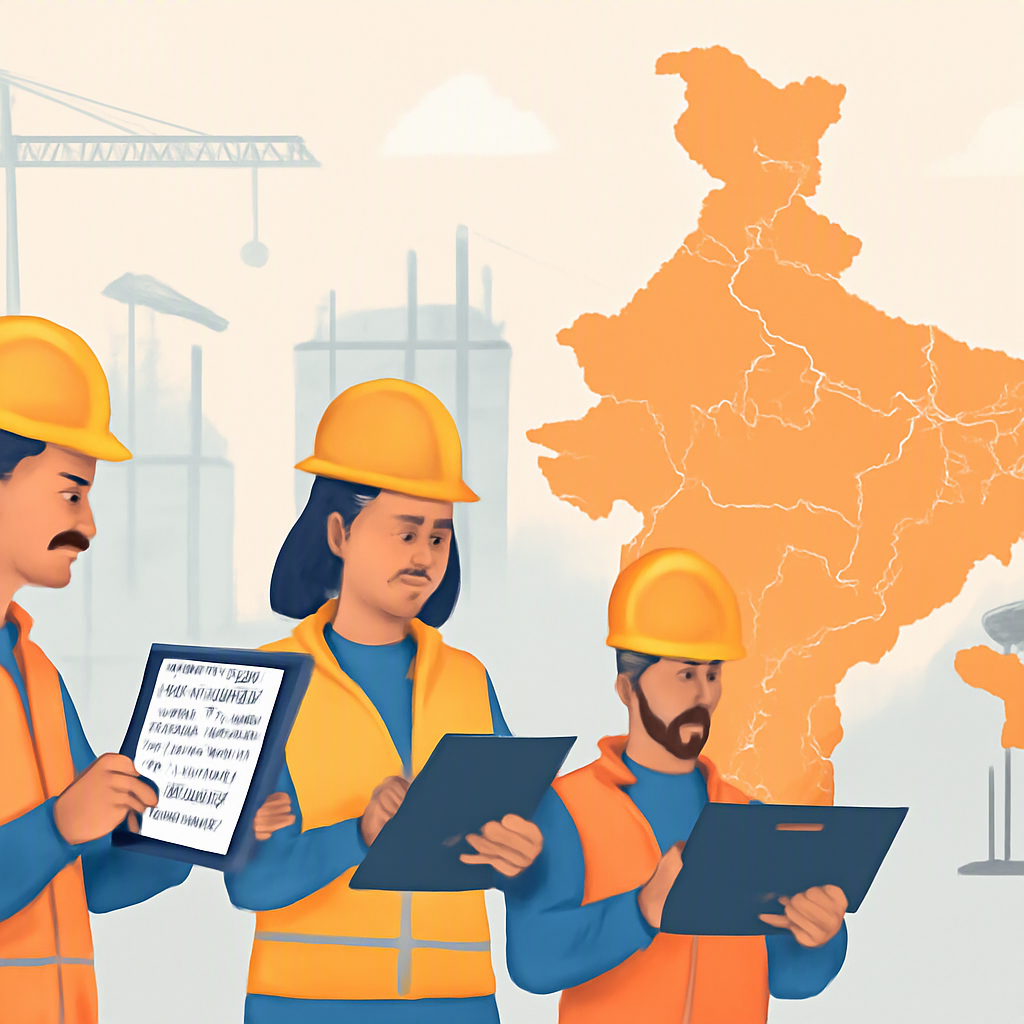
Contractors operate on razor-thin margins. For most, profits hover between 2-7%. That’s not much room for error. So when bad procurement workflows or disconnected systems lead to cost overruns, revenue leakage, or compliance fines, the impact is brutal.
The right ERP can fix these problems. But here’s the catch: not all ERPs are built for contractors, and certainly not for those working in India or the GCC. Choose poorly, and you’ll end up with a bloated system that solves nothing — except how to burn through your IT budget.
So how do you choose the best construction ERP software for your business? Let’s talk specifics.
Common Pitfalls When Choosing a Construction ERP
Most contractors make the same mistakes when evaluating ERP software:
- Overprioritizing Features: People get dazzled by feature lists. But a long list of features doesn’t mean the system actually works for your business.
- Ignoring Industry Fit: Construction isn’t retail or manufacturing. If your ERP doesn’t support things like BOQs, RA bills, or subcontractor workflows, it’s useless.
- Underestimating Implementation Complexity: ERP implementation isn’t plug-and-play. If your vendor promises it’ll be “easy,” run the other way. (We explain this in The Contractor's First ERP: What Nobody Tells You About Going Digital.)
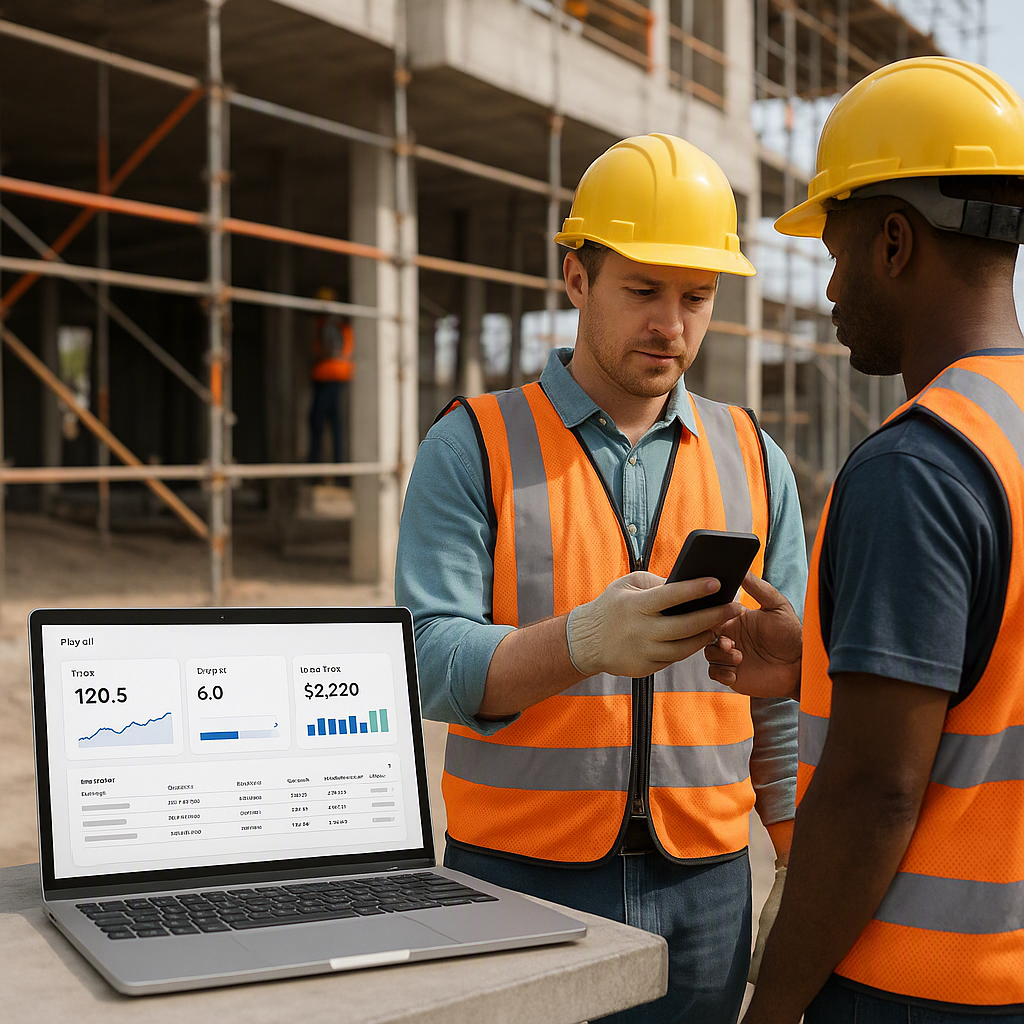
- Forgetting Real-Time Visibility: If your ERP doesn’t provide live dashboards for project costs, material tracking, and HR, you’re flying blind.
What to Look For in a Construction ERP
To avoid those mistakes, focus on these essentials:
1. Unified Workflows Across Departments
Disconnected tools are a profit killer. If your estimating team uses one tool, procurement uses another, and finance is stuck in spreadsheets, you’re going to lose money. Guaranteed.
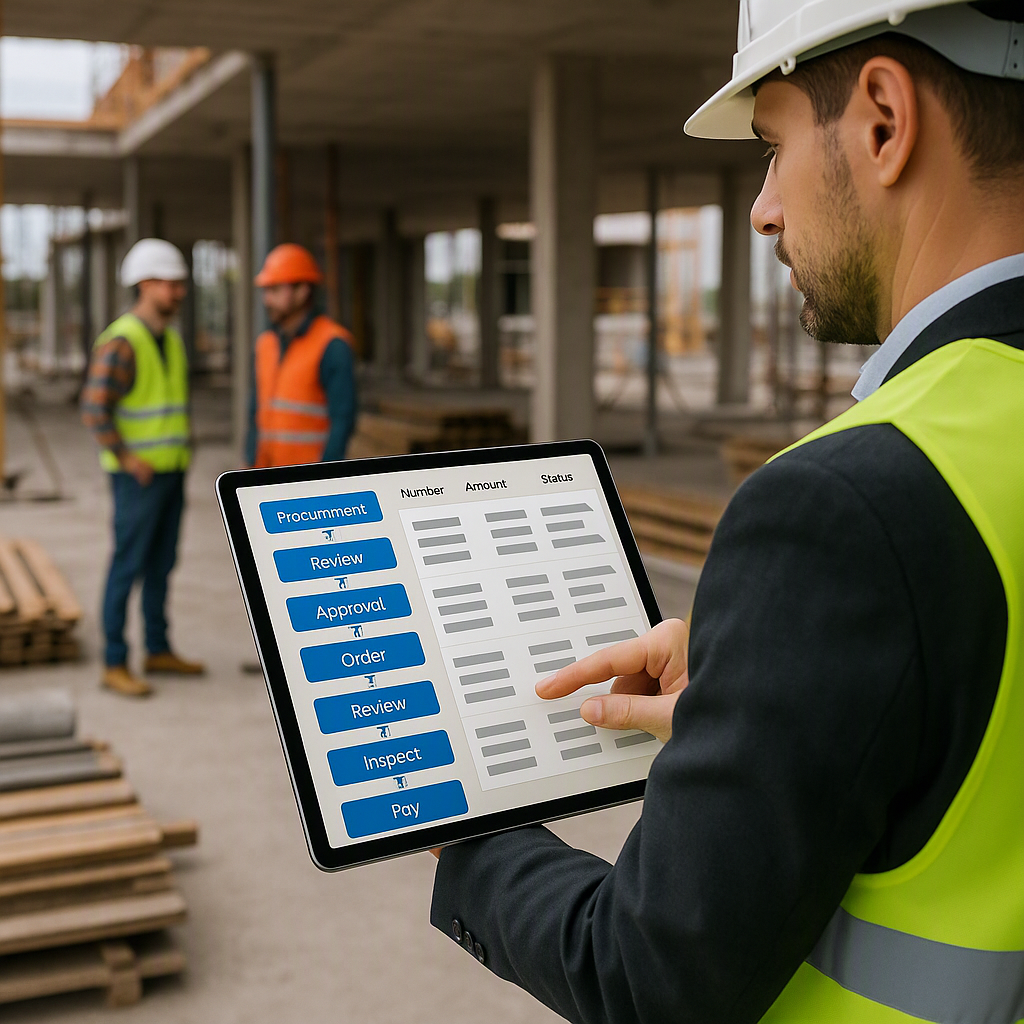
A good ERP unifies these workflows. For example, JobNext provides a structured procurement workflow: Material Request → RFQ → Vendor Offers → Purchase Order. No more manual chaos or approvals lost in email.
2. Support for Construction-Specific Billing
Not all ERP systems support the billing methods contractors use. Can your ERP handle RA bills, stage-wise billing, or monthly billing for supply BOQs? If not, you’re leaving revenue on the table.
This is one of the most overlooked areas. According to Field-to-Office in Real Time: How Mobile Construction Apps Are Eliminating Project Blind Spots, 54% of contractors report delays because of poor communication between sites and finance teams. Real-time billing visibility can close that gap.
3. Real-Time Profitability Tracking
Here’s a blunt truth: most contractors don’t know if a project is profitable until it’s over. By then, it’s too late.
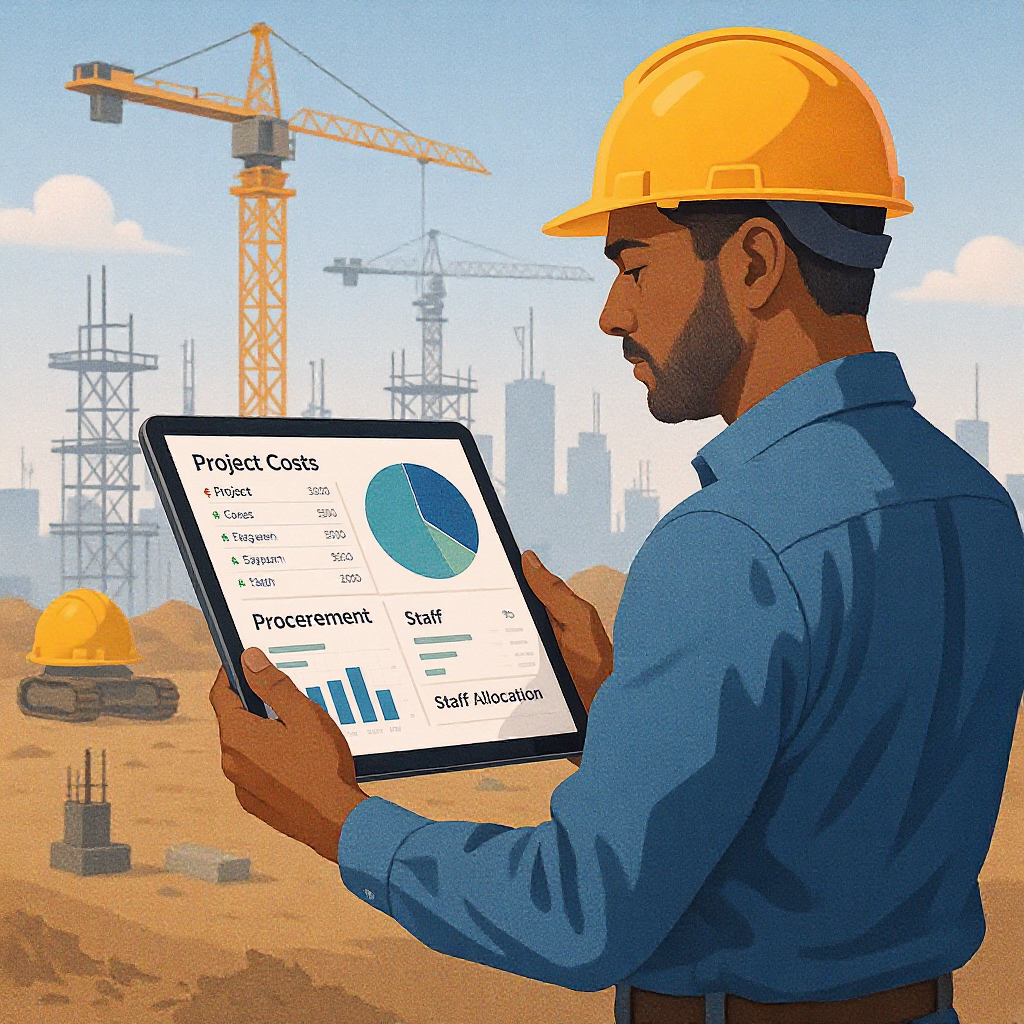
Look for an ERP with real-time project profitability monitoring. The best systems let you track costs against BOQs, scopes, and estimates as they happen. For example, JobNext provides dashboards that break down costs by material, labor, and subcontractor payments — so you can spot overruns before they spiral.
4. Regulatory Compliance and Localization
If you’re working in the GCC, you need VAT compliance. In India, it’s GST and TDS. And don’t get me started on statutory deductions like PF and ESI for payroll. If your ERP doesn’t handle these out of the box, you’re in for a compliance nightmare.
Pro tip: Look for systems that integrate with local accounting tools like Tally. It’s a lifesaver for Indian contractors.
5. Scalability for Multi-Site Operations
Running projects across multiple sites isn’t just about logistics. It’s about managing resources, staff, and equipment effectively.
Your ERP should handle multi-site HR and payroll seamlessly. This includes attendance tracking, leave management, and staff allocation across projects. Without this, you’ll be stuck in spreadsheets forever.
Case in Point: Why Al Nab’a Services Went Digital
Al Nab’a Services, a 6,000-employee facilities management company in Oman, is a great example of what a well-chosen ERP can do. Before implementing their system, payroll cycles took 21 days, and contract management required a 5-person team. After switching to an integrated ERP, they automated these processes in under 12 months. You can read the full story in How a 6,000-Employee Facilities Management Company Transformed Operations in 12 Months.
Their key takeaway? Don’t just choose an ERP. Choose one that fits your business.
Final Thoughts: How to Avoid Expensive Mistakes
ERP software is a big investment. But the cost of not having the right system is even bigger. Margin erosion, compliance fines, and operational inefficiency add up fast.
Start by identifying the biggest pain points in your business. Then, evaluate ERPs based on how well they solve those problems. Remember, it’s not about the longest feature list. It’s about the functionality that will actually make your business more profitable.
And don’t forget to ask the tough questions. How long will implementation take? How quickly can your team get trained? Will the system grow with your business?
The best construction ERP software isn’t a magic bullet. But it can be a game plan — one that keeps your business profitable, compliant, and competitive.
For more insights on how contractors are using technology to stay ahead, check out Construction Digital Transformation: A No-Nonsense Roadmap for Mid-Size Contractors.
Ready to see JobNext in action?
Multi-tenant SaaS ERP for construction, facilities management, and contracting — covering preconstruction, project execution, procurement, HR & payroll, equipment, finance, and 150+ analytics reports.
Get Started Free →Learn more at JobNext.ai