Why Choosing a Construction ERP is Harder Than It Looks
If you’re in construction, you already know this: running projects across multiple sites without losing your mind (or your margins) is practically impossible without the right tools. Your teams are spread out, vendors are unpredictable, and payroll isn’t just one spreadsheet — it’s 50. Add compliance headaches, and you’ve got a perfect storm.
An ERP system promises to fix it all. But which one? There’s no shortage of options, and every vendor claims their software does “everything.” Spoiler: it doesn’t.
Let’s talk about how to choose the best construction ERP for your business. Specifically, if you’re tired of multi-site chaos and want something that actually works.
1. Does It Solve Your Biggest Pain Point?
Every ERP vendor will bombard you with features. But let’s get real — you don’t need everything. Start with your top problem.
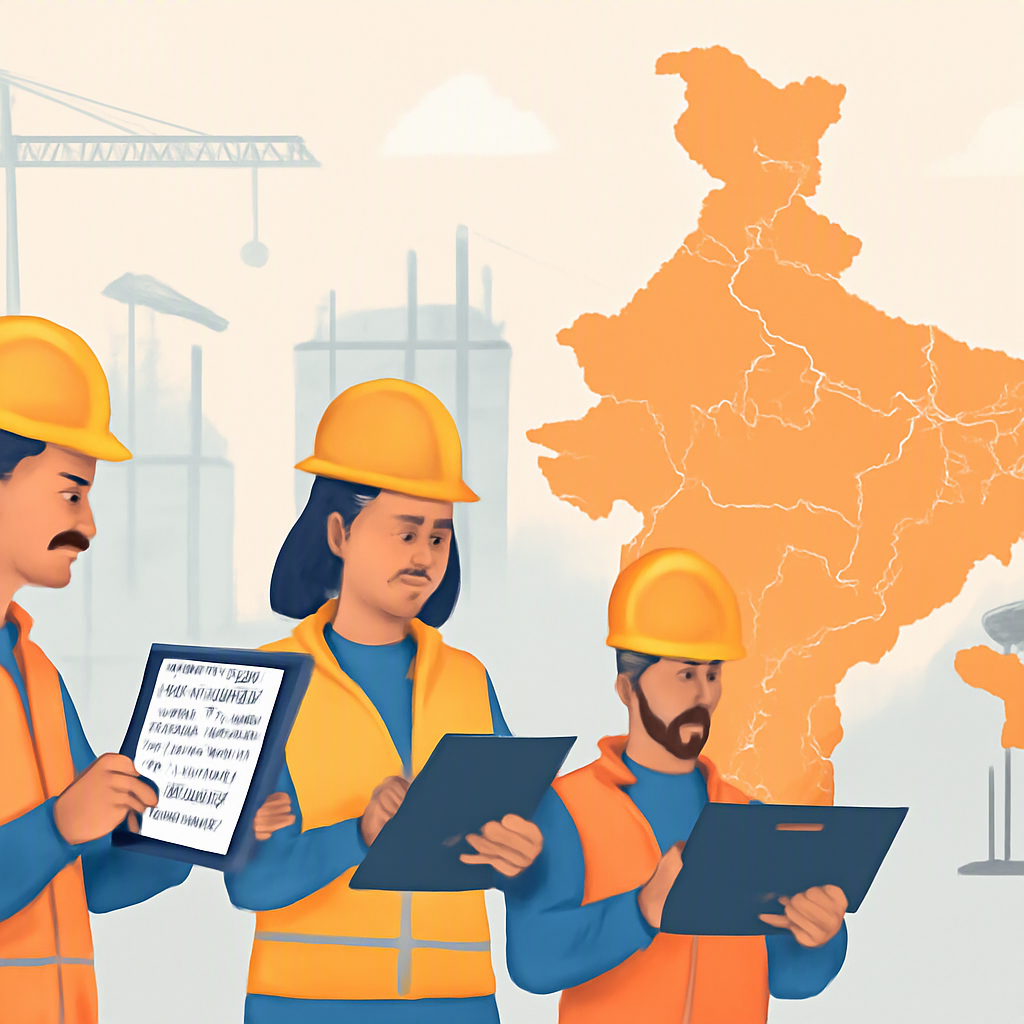
For many contractors, it’s workforce management. Running payroll for multi-site teams can feel like juggling knives. Attendance tracking alone is a nightmare. Who’s at Site A? Who’s on leave at Site B? And how do you pay them correctly when compliance laws differ across states (or countries)?
A good ERP system should handle this with ease. For instance, JobNext automates attendance, payroll, and compliance for multi-site operations. It integrates biometric attendance with payroll processing, accounting for region-specific statutory deductions like PF and ESI in India or GCC labor laws. No manual calculations, no missed deadlines.
If your ERP can’t solve your biggest headache, keep looking.
2. Can It Handle Multi-Site Operations Without Breaking?
Most ERPs are designed for single-location businesses. But construction rarely works that way. If you’re managing 10+ sites, you need centralized visibility and site-level control.
For example, let’s say Site A is running behind schedule, and Site B has excess labor. Can your ERP reallocate resources in real time? Or will you need 17 phone calls and a WhatsApp group to figure it out?
Look for features like:
- Site-level attendance tracking
- Automated staff allocation
- Leave management across sites
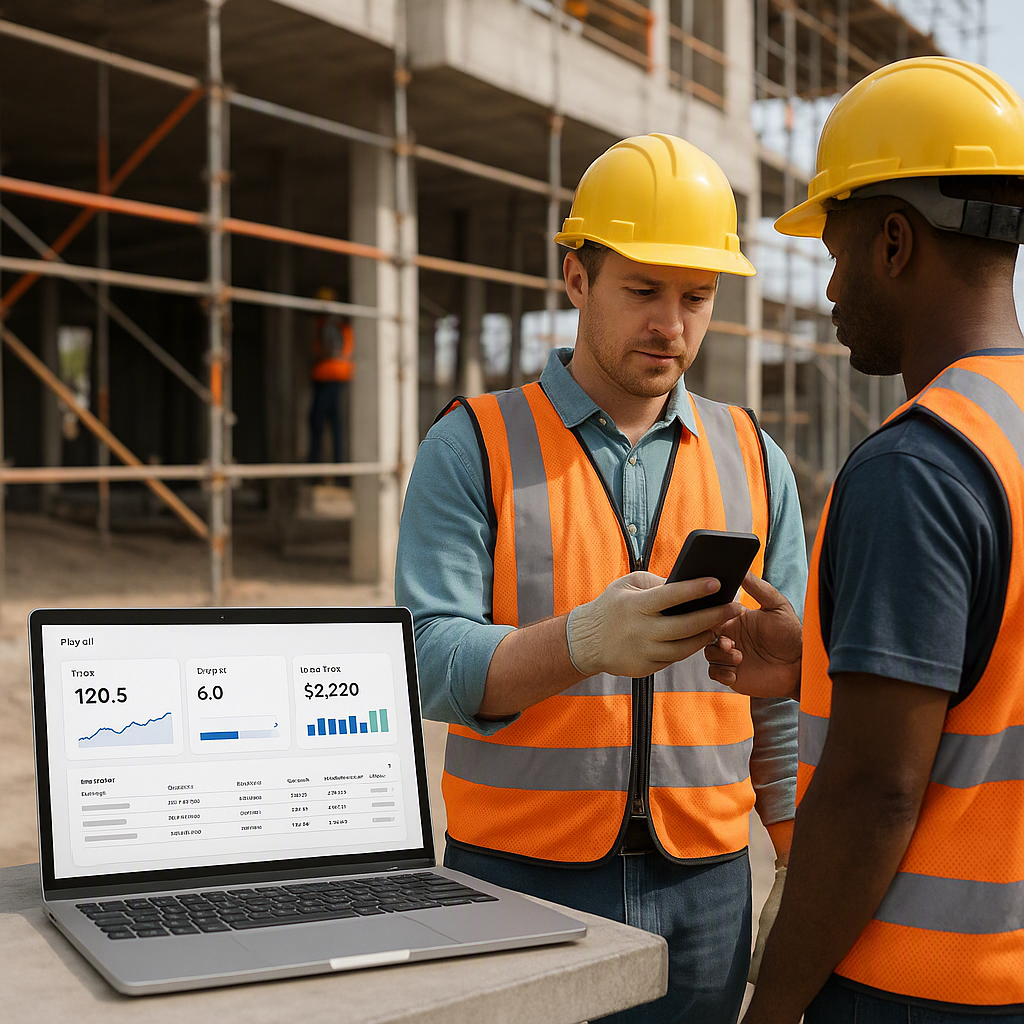
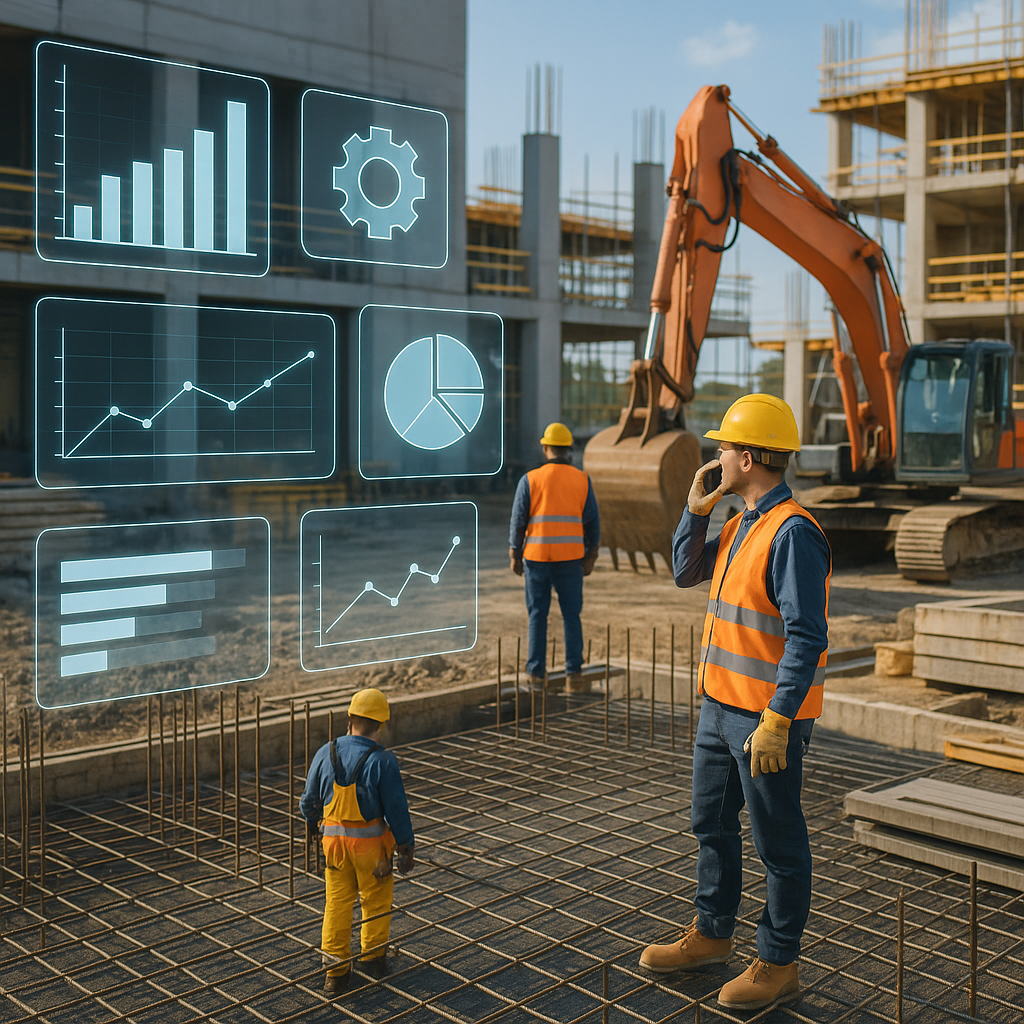
- Real-time dashboards for labor costs
Without these, you’ll spend more time managing data than your projects.
3. Does It Plug Revenue Leaks in Billing?
Billing is where contractors bleed margins. Small errors add up. Missing one line item in an RA bill might cost you ₹50,000. Do that across 20 sites, and you’re in trouble.
Top ERP systems solve this by enforcing structured workflows. JobNext, for example, supports six billing methods — RA bills, stage-wise, monthly, supply BOQ, combined, and one-time. No scope gets missed, and no bill goes unraised.
If your ERP doesn’t help you bill accurately, it’s not helping you at all.
4. Will It Grow With You?
Let’s say you’re running 10 projects today. What happens when you scale to 50? Will your ERP keep up?
Here’s the test: ask vendors how their system handles growth. Specifically, can it:
- Add new sites and projects without extra licenses?
- Generate real-time profitability reports across all sites?
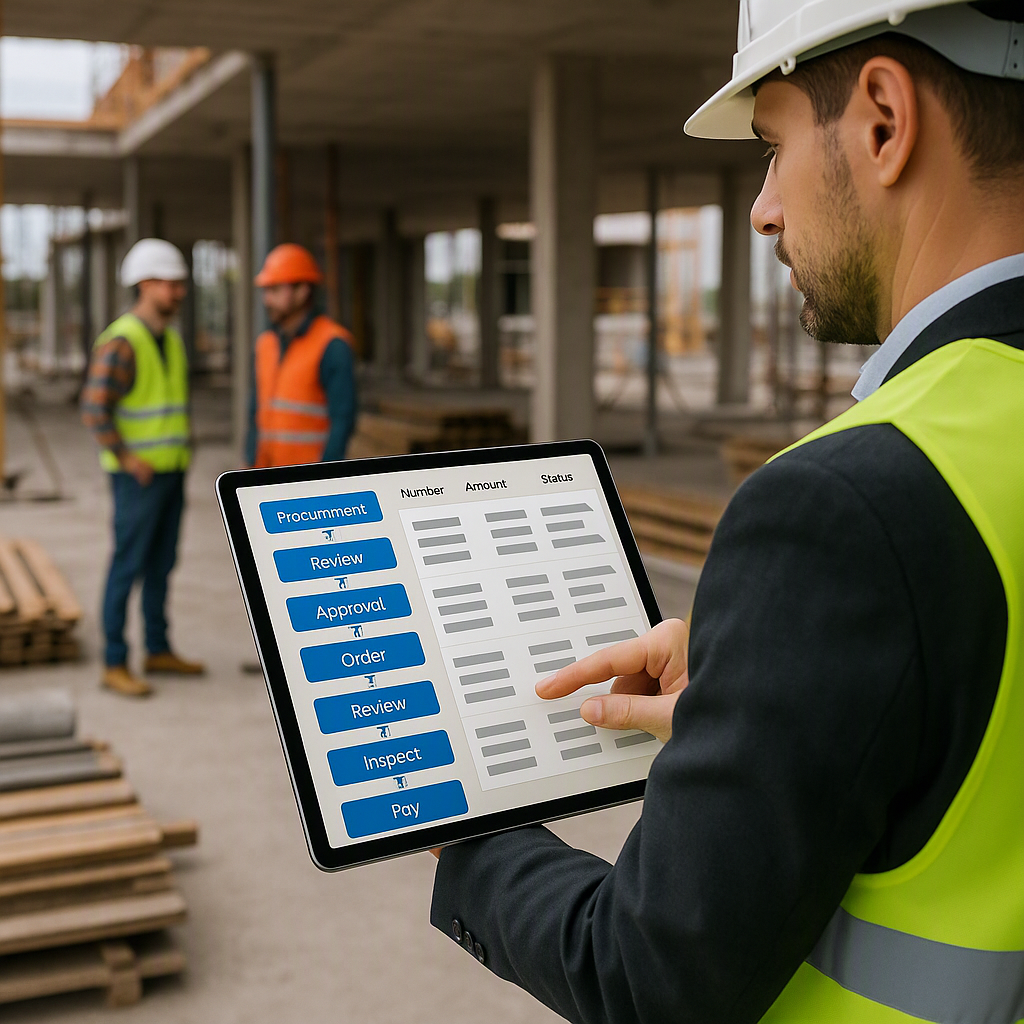
- Scale workflows like procurement (e.g., MR → RFQ → PO) without collapsing?
If their answer is vague, walk away. Growth isn’t hypothetical; it’s inevitable if you’re doing things right.
5. Does It Replace the Disconnected Tools You’re Already Using?
Most contractors cobble together systems — Excel for cost tracking, Tally for accounting, WhatsApp for communication. It seems fine until you realize none of these tools talk to each other.
A good construction ERP consolidates everything: tendering, procurement, billing, HR, finance, and even equipment tracking. You should be able to manage your entire business from one platform.
For example, JobNext replaces separate HR, procurement, and finance tools with a unified system. No duplicate data, no manual syncing.
If your ERP isn’t a one-stop shop, it’s just another tool to manage.
Conclusion: Don’t Settle for Mediocre
The right ERP isn’t a luxury; it’s survival. Margins are shrinking, projects are getting more complex, and manual systems just can’t keep up. But don’t rush into a decision. Take your time, ask hard questions, and test the system before committing.
If multi-site chaos is your biggest headache, start there. Tools like JobNext are built for contractors like you, solving real problems like payroll, billing, and cost tracking. Want to learn more? Check out this guide for more insights on how cloud ERP fixes margin erosion.
Key Takeaways:
- Focus on your biggest pain point first.
- Ensure the ERP can handle multi-site complexity.
- Look for tools that plug revenue leaks in billing.
- Choose a system that scales with your business.
- Replace disconnected tools with one unified platform.
Ready to see JobNext in action?
Multi-tenant SaaS ERP for construction, facilities management, and contracting — covering preconstruction, project execution, procurement, HR & payroll, equipment, finance, and 150+ analytics reports.
Get Started Free →Learn more at JobNext.ai